Skip to content
  • Events
  • Routes
ZwiftHacks
  • Home
  • Desktop ToolsExpand
    • Automate and save mouse clicksExpand
      • zwift-login
      • zwift-hotkeys
    • Other toolsExpand
      • TR-Z-move
  • Online ToolsExpand
    • Events on Zwift
    • Routes
  • Other thingsExpand
    • Top Tips & Tricks
    • Posts
    • Historic…Expand
      • Settings and route selectionExpand
        • zwift-preferences (for Windows)
        • ZwiftPref for macOS & Windows – Change world and other settings
      • Maps and Onscreen DisplaysExpand
        • ZwiftMap (macOS and Windows)
      • parse-zwift-logs
      • ZwUp – make Zwift topmost and transparent
      • The Whoa! Stopper
      • What is my Zwift ID?
      • MAP and FTP Calculator
      • Online workout editorExpand
        • Simple ZWO Creator
      • Updates
  • About…
  • Contact…
ZwiftHacks
  • Update your ZwiftMap with chat overlay and custom colours
    macOS | Update | Windows | ZwiftMap

    Update your ZwiftMap with chat overlay and custom colours

    ByJesper [ZwiftHacks] 2017-02-082017-10-30

    Version 1.0.0 is a major update with more features: There is a new main window for configuration and activating/deactivating windows. There is a new chat log window (a transparent overlay). You can choose if you want to see the map and/or the chat log. This configuration can be changed via the configuration window, and can…

    Read More Update your ZwiftMap with chat overlay and custom coloursContinue

  • ZwiftPref for macOS & Windows – Change world and other settings
    macOS | Windows | zwift-preferences | ZwiftPref

    ZwiftPref for macOS & Windows – Change world and other settings

    ByJesper [ZwiftHacks] 2017-01-262018-08-02

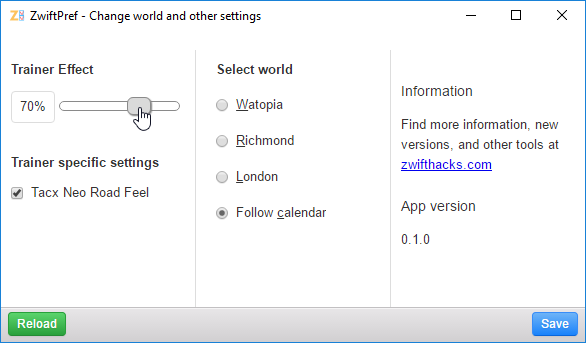
    UPDATE: This was the original announcement of ZwiftPref. The most recent information can be found over at the main page for the app. You want to make use the hidden setting with which YOU get to decide where you will be zwifting today? You want easy access to set trainer effect (also called resistance level)…

    Read More ZwiftPref for macOS & Windows – Change world and other settingsContinue

  • ZwUp – make Zwift topmost and transparent
    Windows | ZwUp

    ZwUp – make Zwift topmost and transparent

    ByJesper [ZwiftHacks] 2017-01-252024-02-23

    This tool is not actively developed anymore. It doesn’t do much, but maybe just what you need. When you run ZwUp it will make the Zwift window topmost. If the Zwift windows does not exist yet it will wait for it and then…. make it topmost. The download is the .exe-program. No installation is required….

    Read More ZwUp – make Zwift topmost and transparentContinue

  • Version 6 of ZwiftMap Classic for Windows
    Update | Windows | ZwiftMap

    Version 6 of ZwiftMap Classic for Windows

    ByJesper [ZwiftHacks] 2017-01-232017-01-23

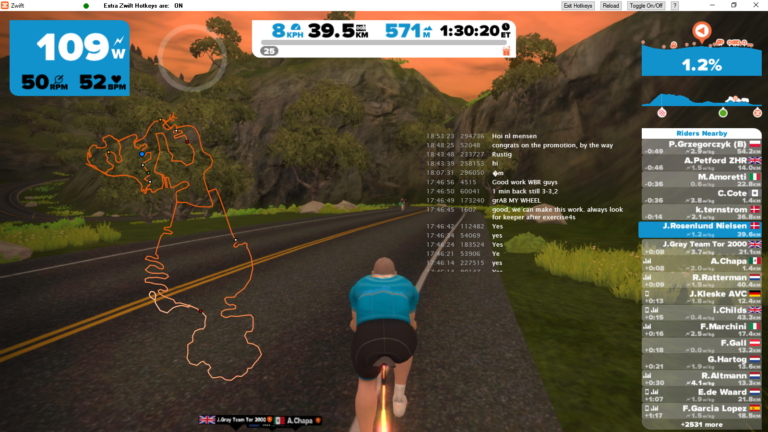
    The classic ZwiftMap for Windows has just been updated: Version 6 (2017/01/23 11:51:10) Volcano routes Version 5 (not released) Some bug fixes. A command line option which is usefull if you only want the chat log: /hidemap Improved drawing of map (closed gap in looped segments) Improved drawing of map (draw all segments orange first…

    Read More Version 6 of ZwiftMap Classic for WindowsContinue

  • zwift-preferences now has Volcano route selection
    Update | Windows | zwift-preferences

    zwift-preferences now has Volcano route selection

    ByJesper [ZwiftHacks] 2017-01-23

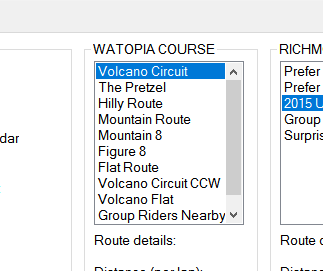
    In support of the new routes in Zwift the addon zwift-preferences now has Volcano route selection. The downloads are already live in the usual place…

    Read More zwift-preferences now has Volcano route selectionContinue

  • Volcano!
    macOS | Update | Web | Windows | ZwiftMap

    Volcano!

    ByJesper [ZwiftHacks] 2017-01-232017-01-23

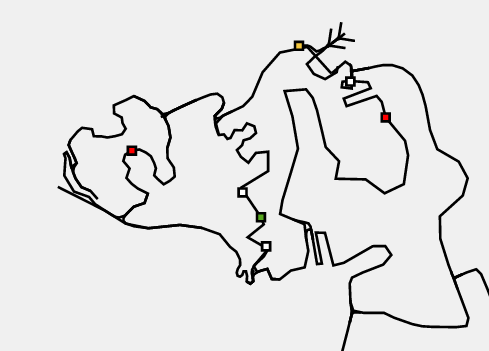
    The ZwiftMap for macOS, Windows*, and in your browser has the new Volcano routes. Check it out: Online maps of all three Zwift courses You don’t have to download anything new – just run the ZwiftMap that you have on your Mac/PC already. *) The old ZwiftMap Classic (for Windows only) will be updated with…

    Read More Volcano!Continue

  • Small changes in ZwiftMap (macOS and Windows)
    macOS | Update | Windows | ZwiftMap

    Small changes in ZwiftMap (macOS and Windows)

    ByJesper [ZwiftHacks] 2017-01-192017-09-06

    ZwiftMap just got a few changes and is now at version 0.2.0. Mac only: There is a new menu item which does the same as the magic key combo. It toggles whether the map window responds to mouse events or not. Besides that I changed the method to find the Zwift log file. This hopefully makes the…

    Read More Small changes in ZwiftMap (macOS and Windows)Continue

  • Status indicator in ZwiftMap (macOS and Windows)
    macOS | Update | Windows | ZwiftMap

    Status indicator in ZwiftMap (macOS and Windows)

    ByJesper [ZwiftHacks] 2017-01-162017-09-06

    There is a minor update to ZwiftMap: When the map can be dragged it has a dotted frame. This makes it much easier for you to see if the magic key combo works. Otherwise nothing has changed. Download links are in the original announcement post.

    Read More Status indicator in ZwiftMap (macOS and Windows)Continue

  • ZwiftMap for macOS is here
    macOS | Windows | ZwiftMap

    ZwiftMap for macOS is here

    ByJesper [ZwiftHacks] 2017-01-152017-09-06

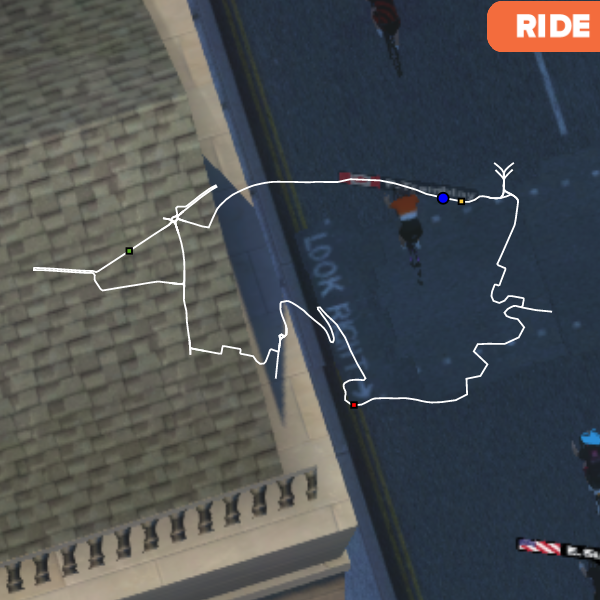
    Update 2017-03-31: Version 1.1.0 is out Update 2017-02-08: Version 1.0.0 is out   Finally, ZwiftMap for macOS is here! (… and Windows users can try it, too) More details and instructions will be added to the ZwiftMap page later, but I thought you should have the app while its fresh!   The download links are further…

    Read More ZwiftMap for macOS is hereContinue

Page navigation

Previous PagePrevious 1 … 11 12 13

Tools from ZwiftHacks

  • zwift-login
  • TR-Z-move
  • zwift-hotkeys

Who runs ZwiftHacks?

This site is run by Jesper Rosenlund Nielsen, a Zwift rider since 2015, and is not affiliated with the Zwift company in any way.

You can find Zwift (the company) at zwift.com

ZwiftHacks is also at various social media:

  • Facebook
  • Twitter
  • Mastodon

Meta

  • Log in
  • Entries feed
  • Comments feed
  • WordPress.org
  • About…
  • Friends of the House
  • Contact…

© Jesper Rosenlund Nielsen © 2016-2026 - WordPress Theme by Kadence WP

Scroll to top
  • Home
  • Desktop Tools
    • Automate and save mouse clicks
      • zwift-login
      • zwift-hotkeys
    • Other tools
      • TR-Z-move
  • Online Tools
    • Events on Zwift
    • Routes
  • Other things
    • Top Tips & Tricks
    • Posts
    • Historic…
      • Settings and route selection
        • zwift-preferences (for Windows)
        • ZwiftPref for macOS & Windows – Change world and other settings
      • Maps and Onscreen Displays
        • ZwiftMap (macOS and Windows)
      • parse-zwift-logs
      • ZwUp – make Zwift topmost and transparent
      • The Whoa! Stopper
      • What is my Zwift ID?
      • MAP and FTP Calculator
      • Online workout editor
        • Simple ZWO Creator
      • Updates
  • About…
  • Contact…
Search