FEATURED
-
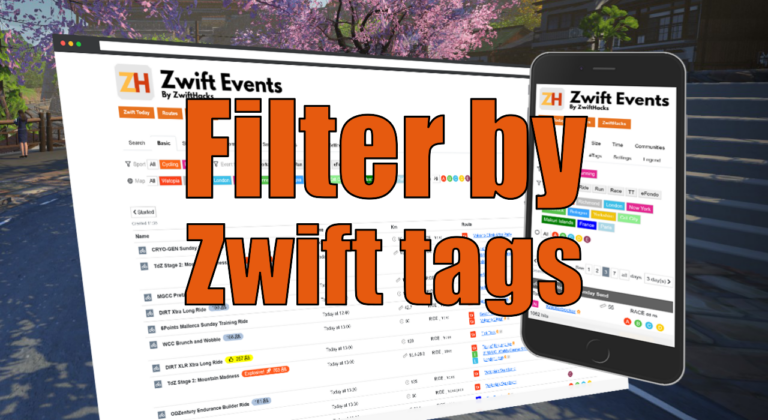
Filter by Zwift event tags
Zwift HQ add hidden tags to all events. Now you can use these tags for filters and as another more way to create custom pages from our event list.
-
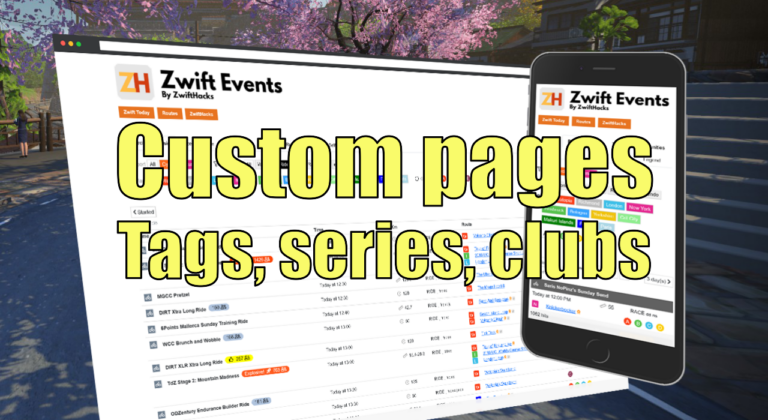
Custom pages for tags, series, and clubs
Here are three more ways to create custom event pages. You can get custom pages for series, events, and clubs.
ALL NEWS FROM ZWIFTHACKS
-
Pedal Games – Unstructured training
Pedal Games – an addon for Zwift and other virtual cycling platforms – is opening for new users. To get started, head over to https://pedalgames.online, create a user, download the app, and try it out. How to sign up and get started is explained in the Pedal Games help pages: https://pedalgames.online/content/m/help What is it? Pedal Games is a collaboration with Jonathon from Zwift Hype, aimed at bringing a collection of mini games and info panels to users of all kinds of virtual cycling platforms. Prequisites: Pedal Games is a Windows…
-
zwift-hotkeys v28
zwift-hotkeys v26 brings a few bug fixes and starts adding hotkeys for the new home screen (but this is still work in progress)
-
zwift-login v47
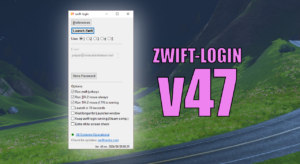
There is a new version (v47) with a few extra checks before trying to click the ‘Let’s go’ button. This is an attempt to handle situations where the final click on ‘Let’s go’ doesn’t happen. Tip: You can also try setting the ‘Wait longer for Launcher window’ option (or use the /extrawait command line switch) to make zwift-login wait a bit longer for changes in the launcher window. Download the update Get the latest version at the zwift-login page.
-
zwift-login v46
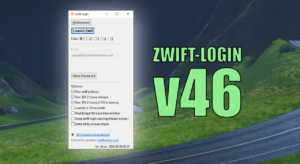
This version implements new Keep-alive feature for better Steam compatibility as suggested and first implemented by Frank Quinn: [..] there’s an extra bit to leave AHK open while ZwiftApp is running so that steam doesn’t refocus back to its own launcher then you need a keyboard to work it. With this script, I can launch zwift-login from SteamLink remotely with an Apple TV remote (since the native Apple TV app only supports 2 users and we have 3 in my house) or even a Google TV / Chromecast remote without…
-
Update to ZwiftMap for Windows
ZwiftMap for Windows has been updated. Now, the preview version for Windows is at version 2.4.0 and brings the following fixes and improvements: Besides that the installer is now signed with a digital signature. You may still see the Windows SmartScreen warning upon download, though. Important points: Feedback Leave your feedback as comments here and not via the Contact form. Download Download at the ZwiftMap Preview for Windows page.
-
zwift-preferences hotfix
It suddenly became necessary to fix zwift-preferences because of changed security settings at the server from where it pulls the route information. There are no new features. Download Get the new version at the zwift-preferences page.
-
zwift-hotkeys v26
zwift-hotkeys v26 brings a few bug fixes and starts adding hotkeys for the new home screen (but this is still work in progress)
-
zwift-login v44
Unfortunately the Zwift Launcher still frequently show a white screen, even in the most recent version 1.1.4 of this. This version of zwift-login has improved checking for white launcher windows and automatically reloading it. Besides this the installer has been revised (no functional changes or bug fixes, but it will make it clear that AutoHotkey 1.1 and not 2.0 is required). Download the update Get the latest version at the zwift-login page.
-
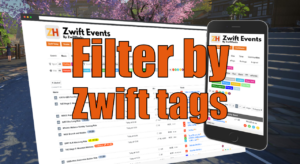
Filter by Zwift event tags
Zwift HQ add hidden tags to all events. Now you can use these tags for filters and as another more way to create custom pages from our event list.
-
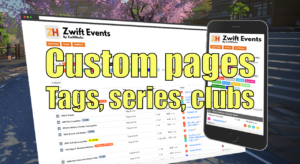
Custom pages for tags, series, and clubs
Here are three more ways to create custom event pages. You can get custom pages for series, events, and clubs.
-
Custom event pages
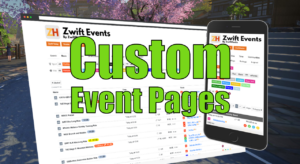
You could already share filters and selections from the event page. Now you can make custom event pages and control which events the page contains before applying the filters. Create a custom event page with only your event series? You can link to a page with only your event in the list. Want to make the event page load faster, skipping events you never want to ride anyway? Right now more than 5.000 events are loaded into the public event calendar. You can link to a custom event page, where…
-
Trying to bring back ride data in ZwiftMap
Many have noticed that ZwiftMap have stopped showing ride data and chat. That was caused by a change in Zwift earlier this year. Zwift started encrypting the network traffic between the game and the servers, which broke many community tools, e.g. ZwiftMap. If you want to read more about that, find more information in the Zwift Forums or at GitHub where it was announced. Now, there finally is a preview version (ZwiftMap version 2.3.0) with an new way of getting ride data from Zwift. Update 2022-12-16: Now at version 2.3.2…
-
Route selection woes in zwift-preferences / ZwiftPref
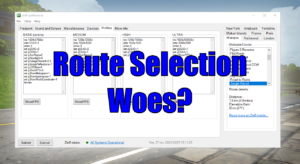
Important note re. the new home screen in Zwift: Since Zwift doesn’t show your last selected route in the new home screen you cannot activate a ride on your last selected route anymore. That also means that you cannot activate a ride on a route pre-selected with zwift-preferences / ZwiftPref. There is no way to circumvent this but let’s hope that Zwift bring back the functionality to see your last selected route. How can I access Event Only routes? Well, you can create a club and organise rides on Event…
-
Events – tags and series
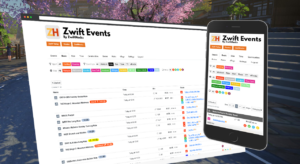
In a recent update the event list from ZwiftHacks introduces additional support for event series and for tags in event descriptions.
-
Handling Administrator Mode in the Zwift Launcher with zwift-login
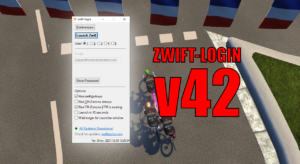
When Zwift updates it leaves its launcher in Administrator Mode (elevated) after the update. Now zwift-login handles that situation properly. Besides that the new version 42 contains other bug fixes and improvements. Bug fix: Detect if ZwiftLauncher is elevated/running as administrator and if necessary make closing it the only option (disabling ‘Launch Zwift’ and showing the ‘Close Launcher’ button instead). Improvement: There are now extra controls that username and password fields have been updated before proceeding through the flow (to better handle the situations where it takes some time for…
-
Events – Easier Access to All Filters
The top section of the events page has been improved with a tabbed menu as one of the changes. Some of the filter options were hard to find before. With these changes they should be easier to access. You may notice different layout and styling changes, too. They should only be minor, however. If you find any problems with the page you can use the comment section below to report them.
-
January Update of the Routes List
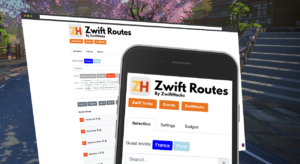
During the past week the Zwift Routes page have had several small updates.