Tools updated for new Zwift folder location
The following tools have been updated to work with the new location for prefs.xml and log files under the %localappdata% folder:

The following tools have been updated to work with the new location for prefs.xml and log files under the %localappdata% folder:
zwift-hotkeys v26 brings a few bug fixes and starts adding hotkeys for the new home screen (but this is still work in progress)
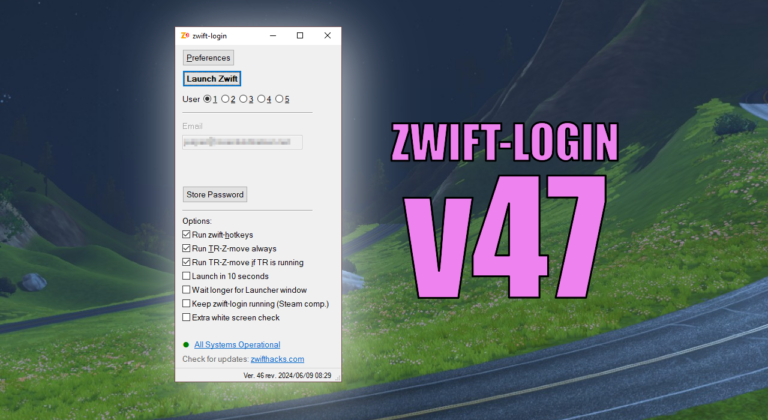
There is a new version (v47) with a few extra checks before trying to click the ‘Let’s go’ button. This is an attempt to handle situations where the final click on ‘Let’s go’ doesn’t happen. Tip: You can also try setting the ‘Wait longer for Launcher window’ option (or use the /extrawait command line switch)…
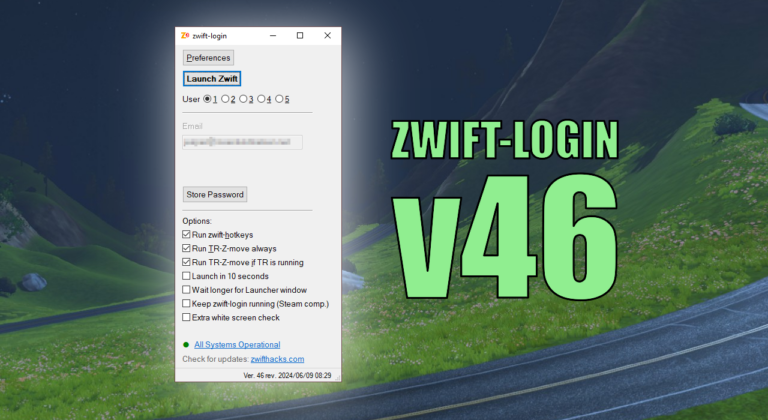
This version implements new Keep-alive feature for better Steam compatibility as suggested and first implemented by Frank Quinn: [..] there’s an extra bit to leave AHK open while ZwiftApp is running so that steam doesn’t refocus back to its own launcher then you need a keyboard to work it. With this script, I can launch…

It suddenly became necessary to fix zwift-preferences because of changed security settings at the server from where it pulls the route information. There are no new features. Download Get the new version at the zwift-preferences page.
zwift-hotkeys v26 brings a few bug fixes and starts adding hotkeys for the new home screen (but this is still work in progress)
Unfortunately the Zwift Launcher still frequently show a white screen, even in the most recent version 1.1.4 of this. This version of zwift-login has improved checking for white launcher windows and automatically reloading it. Besides this the installer has been revised (no functional changes or bug fixes, but it will make it clear that AutoHotkey…
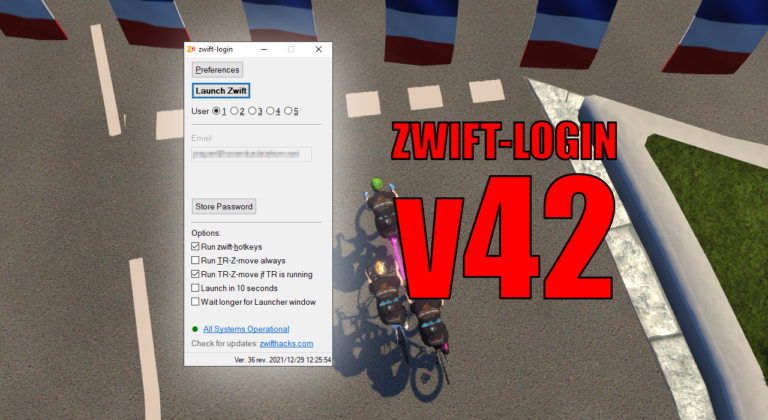
When Zwift updates it leaves its launcher in Administrator Mode (elevated) after the update. Now zwift-login handles that situation properly. Besides that the new version 42 contains other bug fixes and improvements. Bug fix: Detect if ZwiftLauncher is elevated/running as administrator and if necessary make closing it the only option (disabling ‘Launch Zwift’ and showing…
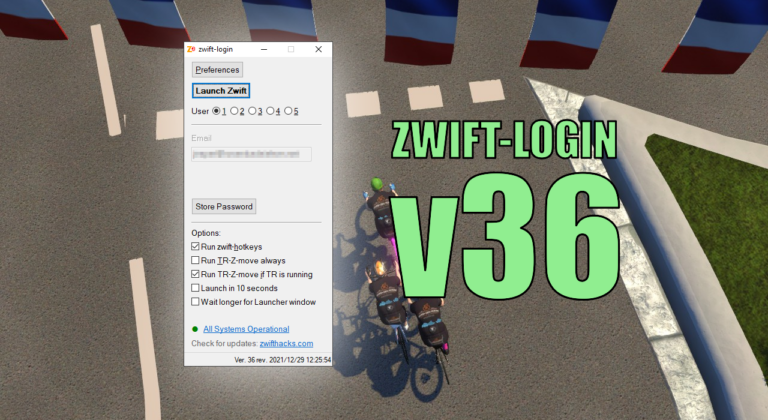
While zwift-login already does handle the new Zwift launcher based on the modern Edge Webview2, this new version (v36) improves how the login dialogue is automated. Instead of sending keystrokes it now uses the UI Automation technology. Besides that the zwift-login window itself has a few improvements: The current username is visible. Options and buttons…
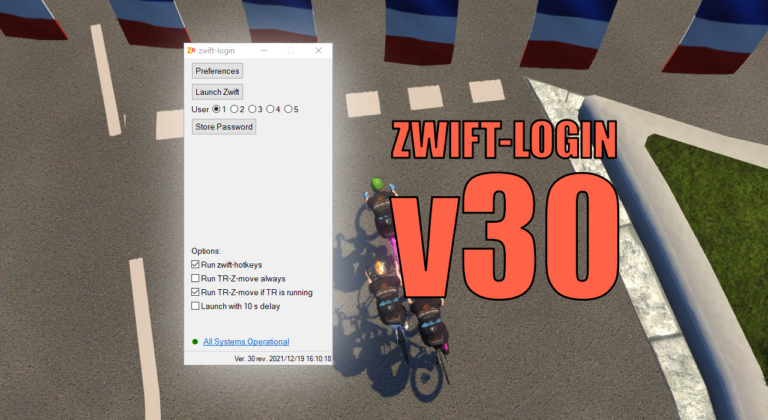
With this update the version number jumps to 30. Version 28 and 29 were never formally released but now it is time to catch up 🙂 The changes since v27 are: Option to conditionally launch TR-Z-move (only launch it when TrainerRoad is running) Support for special Zwift installations added: You can set ZWIFTPROG and ZWIFTDOC…