Skip to content
  • Events
  • Routes
ZwiftHacks
  • Home
  • Desktop ToolsExpand
    • Automate and save mouse clicksExpand
      • zwift-login
      • zwift-hotkeys
    • Other toolsExpand
      • TR-Z-move
  • Online ToolsExpand
    • Events on Zwift
    • Routes
  • Other thingsExpand
    • Top Tips & Tricks
    • Posts
    • Historic…Expand
      • Settings and route selectionExpand
        • zwift-preferences (for Windows)
        • ZwiftPref for macOS & Windows – Change world and other settings
      • Maps and Onscreen DisplaysExpand
        • ZwiftMap (macOS and Windows)
      • parse-zwift-logs
      • ZwUp – make Zwift topmost and transparent
      • The Whoa! Stopper
      • What is my Zwift ID?
      • MAP and FTP Calculator
      • Online workout editorExpand
        • Simple ZWO Creator
      • Updates
  • About…
  • Contact…
ZwiftHacks
  • The Whoa! Stopper is here
    AutoHotkey | whoa-stopper | Windows

    The Whoa! Stopper is here

    ByJesper [ZwiftHacks] 2018-07-042018-07-04

      Whoa! Zwift cannot connect to the internet. Please check your internet connection and try again. This is a recurring message when I wake up my PC from a power save mode because the network connection is just a bit slower to be back up than the Zwift Launcher can handle nicely. The Whoa! Stopper…
    Read More The Whoa! Stopper is hereContinue

  • Bug fixing zwift-login (version 15)
    AutoHotkey | Update | Windows | zwift-login

    Bug fixing zwift-login (version 15)

    ByJesper [ZwiftHacks] 2018-06-03

    zwift-login got a few fixes to make it more robust when the Zwift status page cannot be reached, and to make sure that it closes when it has launched Zwift. Not the most exciting changes, I admit… Download the update Get the new version 15 at the zwift-login page.

    Read More Bug fixing zwift-login (version 15)Continue

  • Changed Zwift Launcher – updated zwift-login
    AutoHotkey | Update | Windows | zwift-login

    Changed Zwift Launcher – updated zwift-login

    ByJesper [ZwiftHacks] 2018-04-26

    zwift-login has been updated to support the Zwift Launcher which was changed in the update from Zwift 2018-04-26. Download the update Get the new version 14 at the zwift-login page.

    Read More Changed Zwift Launcher – updated zwift-loginContinue

  • A Win7 bug fix for zwift-login
    AutoHotkey | Update | Windows | zwift-login

    A Win7 bug fix for zwift-login

    ByJesper [ZwiftHacks] 2018-04-25

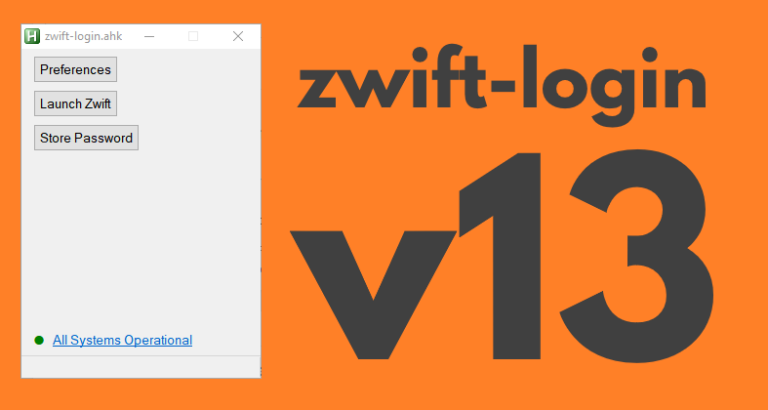
    zwift-login has been updated to fix a problem which was seen on some Windows 7 PC’s. Download the update Get the new version 13 at the zwift-login page.

    Read More A Win7 bug fix for zwift-loginContinue

  • Improvements to the handlebar-mounted Zwift game-controller
    AutoHotkey | Scripts | Update | Windows

    Improvements to the handlebar-mounted Zwift game-controller

    ByJarl Petter Kvalsvik 2018-03-172018-03-17

    I have made some improvements to the script for using the Bluetooth Media Button. Find the new version and description in the updated article How to use a $10 Bluetooth Media Button as a handlebar-mounted Zwift game-controller.   The changes in the new version are: Adds volume control Fixes RideOn for wide screens Moved switching of…

    Read More Improvements to the handlebar-mounted Zwift game-controllerContinue

  • How to use a $10 Bluetooth Media Button as a handlebar-mounted Zwift game-controller
    AutoHotkey | Scripts | Windows

    How to use a $10 Bluetooth Media Button as a handlebar-mounted Zwift game-controller

    ByJarl Petter Kvalsvik 2018-03-012018-03-26

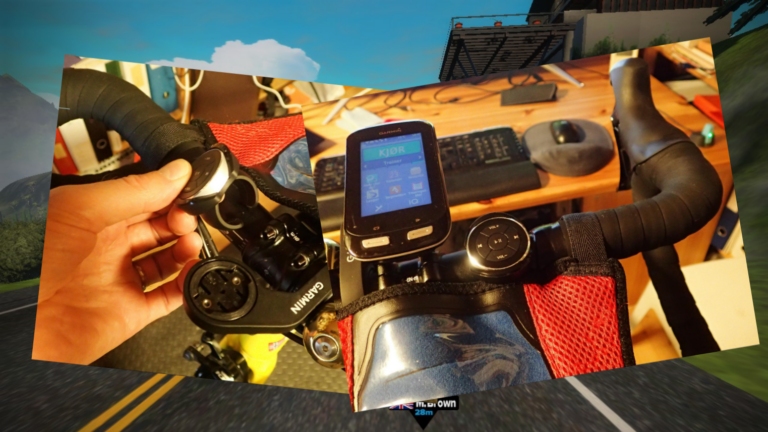
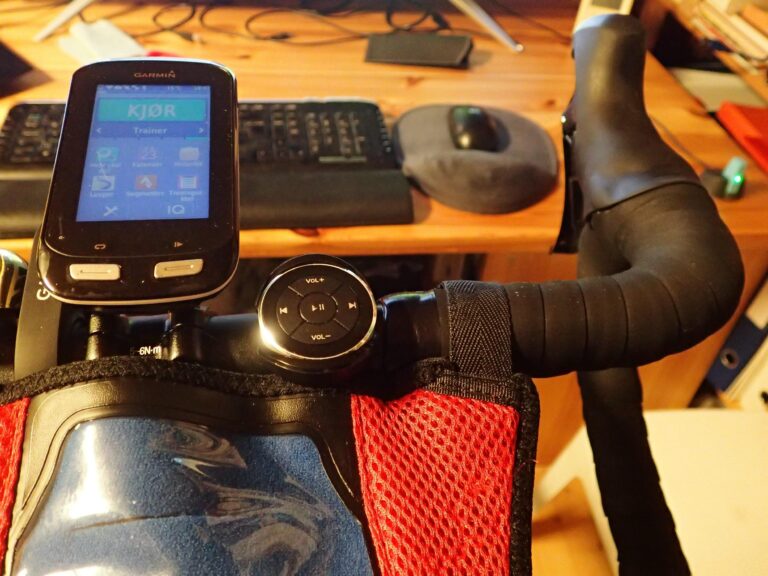
    (Editor’s note: This post and the downloads were updated on 2018-03-17 to version 1.0.3) This recipe shows you how to use a $10 gadget as a handlebar mounted Zwift game controller. When mounted on the handlebar of your bike it will give you easy access to 5 keys that can be used to control Zwift…

    Read More How to use a $10 Bluetooth Media Button as a handlebar-mounted Zwift game-controllerContinue

  • Chat with preconfigured messages
    AutoHotkey | Scripts | Windows

    Chat with preconfigured messages

    ByGerrie Delport 2018-02-242018-02-24

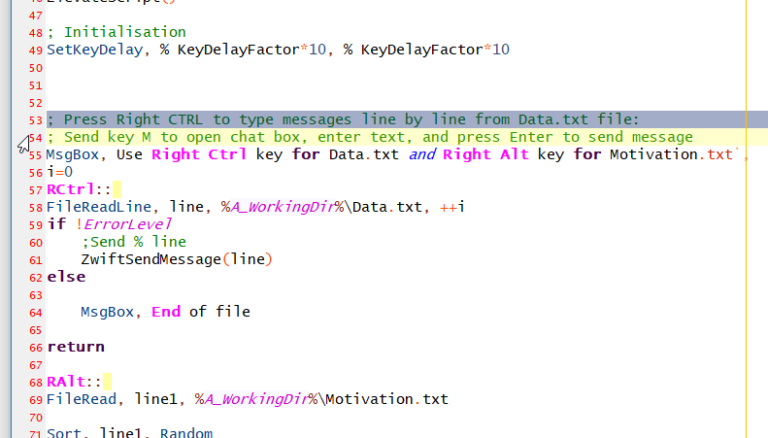
    (Editor’s note: This is an excellent example of how to use AutoHotkey to automate things while zwifting) With the help from Jesper’s script, I created a hotkey script that type pre-configured messages in Zwift. I thought this will be handy when leading group rides since there are a basic pattern of messages that I use….

    Read More Chat with preconfigured messagesContinue

  • Send keystrokes to Zwift with AutoHotkey
    AutoHotkey | Scripts | Windows

    Send keystrokes to Zwift with AutoHotkey

    ByJesper [ZwiftHacks] 2018-02-242018-02-24

    There is a trick to make AutoHotkey send keystrokes to Zwift. The Administrator trick It is important that the script is run as administrator or with UI access (an option in the AutoHotkey Setup) because that is the only way it can send keystrokes to Zwift. This script shows how to do this. You can…

    Read More Send keystrokes to Zwift with AutoHotkeyContinue

Page navigation

Previous PagePrevious 1 2 3 4

Tools from ZwiftHacks

  • zwift-login
  • TR-Z-move
  • zwift-hotkeys

Who runs ZwiftHacks?

This site is run by Jesper Rosenlund Nielsen, a Zwift rider since 2015, and is not affiliated with the Zwift company in any way.

You can find Zwift (the company) at zwift.com

ZwiftHacks is also at various social media:

  • Facebook
  • Twitter
  • Mastodon

Meta

  • Log in
  • Entries feed
  • Comments feed
  • WordPress.org
  • About…
  • Friends of the House
  • Contact…

© Jesper Rosenlund Nielsen © 2016-2026 - WordPress Theme by Kadence WP

Scroll to top
  • Home
  • Desktop Tools
    • Automate and save mouse clicks
      • zwift-login
      • zwift-hotkeys
    • Other tools
      • TR-Z-move
  • Online Tools
    • Events on Zwift
    • Routes
  • Other things
    • Top Tips & Tricks
    • Posts
    • Historic…
      • Settings and route selection
        • zwift-preferences (for Windows)
        • ZwiftPref for macOS & Windows – Change world and other settings
      • Maps and Onscreen Displays
        • ZwiftMap (macOS and Windows)
      • parse-zwift-logs
      • ZwUp – make Zwift topmost and transparent
      • The Whoa! Stopper
      • What is my Zwift ID?
      • MAP and FTP Calculator
      • Online workout editor
        • Simple ZWO Creator
      • Updates
  • About…
  • Contact…
Search