Skip to content
  • Events
  • Routes
ZwiftHacks
  • Home
  • Desktop ToolsExpand
    • Automate and save mouse clicksExpand
      • zwift-login
      • zwift-hotkeys
    • Other toolsExpand
      • TR-Z-move
  • Online ToolsExpand
    • Events on Zwift
    • Routes
  • Other thingsExpand
    • Top Tips & Tricks
    • Posts
    • Historic…Expand
      • Settings and route selectionExpand
        • zwift-preferences (for Windows)
        • ZwiftPref for macOS & Windows – Change world and other settings
      • Maps and Onscreen DisplaysExpand
        • ZwiftMap (macOS and Windows)
      • parse-zwift-logs
      • ZwUp – make Zwift topmost and transparent
      • The Whoa! Stopper
      • What is my Zwift ID?
      • MAP and FTP Calculator
      • Online workout editorExpand
        • Simple ZWO Creator
      • Updates
  • About…
  • Contact…
ZwiftHacks
  • zwift-login v32 – A New Zwift Launcher
    AutoHotkey | Update | Windows | zwift-login

    zwift-login v32 – A New Zwift Launcher

    ByJesper [ZwiftHacks] 2021-12-262026-03-17

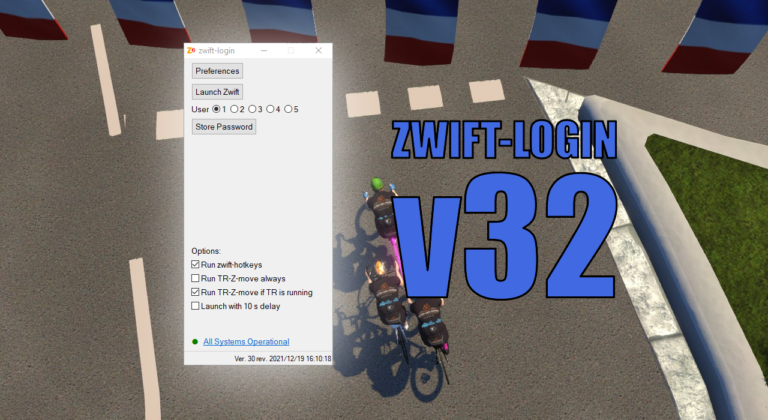
    Zwift have a new launcher (version 1.1.0) which changes the technology used in the Zwift Launcher. It is no longer an Internet Explorer component but based on the modern Edge Webview2 control. zwift-login now handles this. There are some caveats: It is more difficult to automate the new launcher so for now it works by…
    Read More zwift-login v32 – A New Zwift LauncherContinue

  • zwift-login v30 – Catching Up
    AutoHotkey | Update | Windows | zwift-login

    zwift-login v30 – Catching Up

    ByJesper [ZwiftHacks] 2021-12-192026-03-17

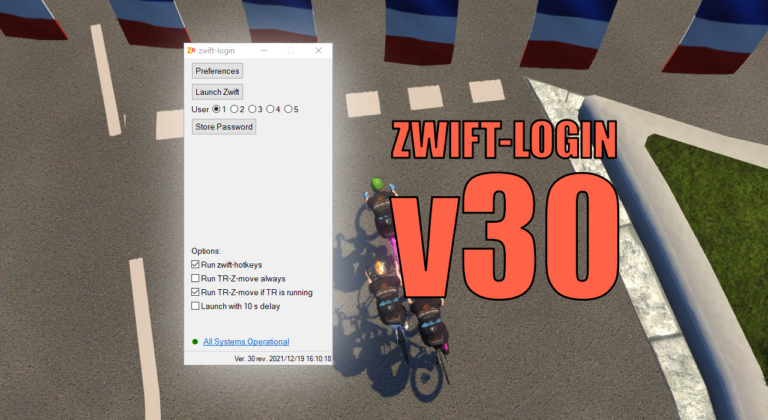
    With this update the version number jumps to 30. Version 28 and 29 were never formally released but now it is time to catch up 🙂 The changes since v27 are: Option to conditionally launch TR-Z-move (only launch it when TrainerRoad is running) Support for special Zwift installations added: You can set ZWIFTPROG and ZWIFTDOC…

    Read More zwift-login v30 – Catching UpContinue

  • zwift-preferences Christmas 2021 Edition
    AutoHotkey | Update | Windows | zwift-preferences

    zwift-preferences Christmas 2021 Edition

    ByJesper [ZwiftHacks] 2021-12-182026-03-17

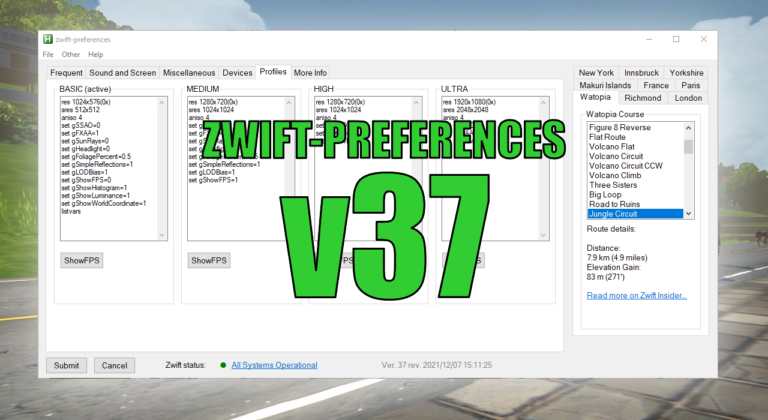
    No, there is nothing really Christmassy about it, but it has some new features. Consider it an early Christmas present for you. The new features are: Swap the title music between the old, original one and the standard. See which graphics profile is active and see current content of the four graphics profile configuration files….

    Read More zwift-preferences Christmas 2021 EditionContinue

  • Bug Fix for zwift-hotkeys – Keyboard shortcut for Exit
    AutoHotkey | Update | Windows | zwift-hotkeys

    Bug Fix for zwift-hotkeys – Keyboard shortcut for Exit

    ByJesper [ZwiftHacks] 2021-04-012026-03-17

    v21 is a bug fix for the Exit button shortcut – update if you already installed v20

    Read More Bug Fix for zwift-hotkeys – Keyboard shortcut for ExitContinue

  • zwift-hotkeys v20 – Keyboard shortcut for Exit
    AutoHotkey | Update | Windows | zwift-hotkeys

    zwift-hotkeys v20 – Keyboard shortcut for Exit

    ByJesper [ZwiftHacks] 2021-04-012021-04-01

    zwift-hotkeys v20 gives you a new keyboard shortcut for the Exit button and some other improvements

    Read More zwift-hotkeys v20 – Keyboard shortcut for ExitContinue

  • Arrange The Sufferfest and Zwift windows
    AutoHotkey | SUF-Z-move | Windows

    Arrange The Sufferfest and Zwift windows

    ByJesper [ZwiftHacks] 2021-03-142026-03-17

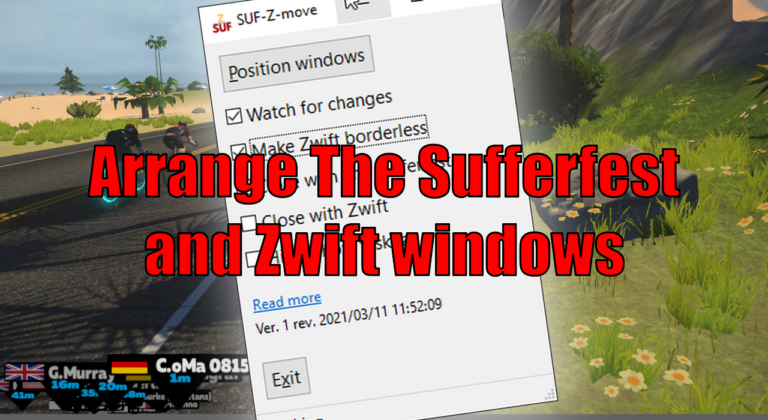
    SUF-Z-move lets you arrange the Zwift window to fill the rest of the screen above a The Sufferfest window. SUF-Z-move resizes and moves both windows – The Sufferfest and Zwift – to do so. If you already know TR-Z-move, this is the same – just for The Sufferfest. Download and instructions Go to the SUF-Z-move…

    Read More Arrange The Sufferfest and Zwift windowsContinue

  • zwift-login v27 – Keyboard shortcuts
    AutoHotkey | Update | Windows | zwift-login

    zwift-login v27 – Keyboard shortcuts

    ByJesper [ZwiftHacks] 2021-02-072026-03-17

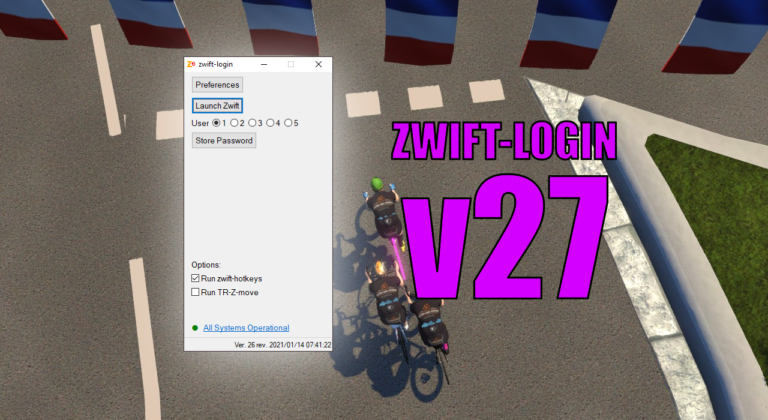
    It is only a small update but it does make it easier to toggle options with new Alt+<key> shortcuts for some of the GUI elements. The possible shortcut keys are underlined when you press the Alt key. Download the update Get the new version 27 at the zwift-login page.

    Read More zwift-login v27 – Keyboard shortcutsContinue

  • Updates to TR-Z-move: Better multi-monitor support
    AutoHotkey | TR-Z-move | Update | Windows

    Updates to TR-Z-move: Better multi-monitor support

    ByJesper [ZwiftHacks] 2021-02-072026-03-17

    TR-Z-move is updated to version 12 with improved multi-monitor support: Fix move to next monitor for vertically stacked monitors.

    Read More Updates to TR-Z-move: Better multi-monitor supportContinue

  • Updates to TR-Z-move: Hide taskbar
    AutoHotkey | TR-Z-move | Update | Windows

    Updates to TR-Z-move: Hide taskbar

    ByJesper [ZwiftHacks] 2021-01-242026-03-17

    TR-Z-move is updated to version 11 with taskbar related features: Hide and show the taskbar.

    Read More Updates to TR-Z-move: Hide taskbarContinue

  • Updates to TR-Z-move: Hotkey and borderless
    AutoHotkey | TR-Z-move | Update | Windows

    Updates to TR-Z-move: Hotkey and borderless

    ByJesper [ZwiftHacks] 2021-01-222021-01-24

    TR-Z-move is updated to version 10. Change of hotkey and a better borderless mode

    Read More Updates to TR-Z-move: Hotkey and borderlessContinue

Page navigation

Previous PagePrevious 1 2 3 4 Next PageNext

Tools from ZwiftHacks

  • zwift-login
  • TR-Z-move
  • zwift-hotkeys

Who runs ZwiftHacks?

This site is run by Jesper Rosenlund Nielsen, a Zwift rider since 2015, and is not affiliated with the Zwift company in any way.

You can find Zwift (the company) at zwift.com

ZwiftHacks is also at various social media:

  • Facebook
  • Twitter
  • Mastodon

Meta

  • Log in
  • Entries feed
  • Comments feed
  • WordPress.org
  • About…
  • Friends of the House
  • Contact…

© Jesper Rosenlund Nielsen © 2016-2026 - WordPress Theme by Kadence WP

Scroll to top
  • Home
  • Desktop Tools
    • Automate and save mouse clicks
      • zwift-login
      • zwift-hotkeys
    • Other tools
      • TR-Z-move
  • Online Tools
    • Events on Zwift
    • Routes
  • Other things
    • Top Tips & Tricks
    • Posts
    • Historic…
      • Settings and route selection
        • zwift-preferences (for Windows)
        • ZwiftPref for macOS & Windows – Change world and other settings
      • Maps and Onscreen Displays
        • ZwiftMap (macOS and Windows)
      • parse-zwift-logs
      • ZwUp – make Zwift topmost and transparent
      • The Whoa! Stopper
      • What is my Zwift ID?
      • MAP and FTP Calculator
      • Online workout editor
        • Simple ZWO Creator
      • Updates
  • About…
  • Contact…
Search