Similar Posts
Updates in the Event List
This week the event list was improved in a couple of ways: Faster load times with paging. See number of slots in TT events
Fix TrainerRoad minimal mode and arrange the Zwift window above it
TR-Z-move solves two problems: There is a bug in the current version of TrainerRoad when running on a secondary screen in minimal mode. The workout instructions will still be displayed on your primary screen and not on the same screen as the workout window itself. TR-Z-move fixes this. I want to arrange the Zwift window…
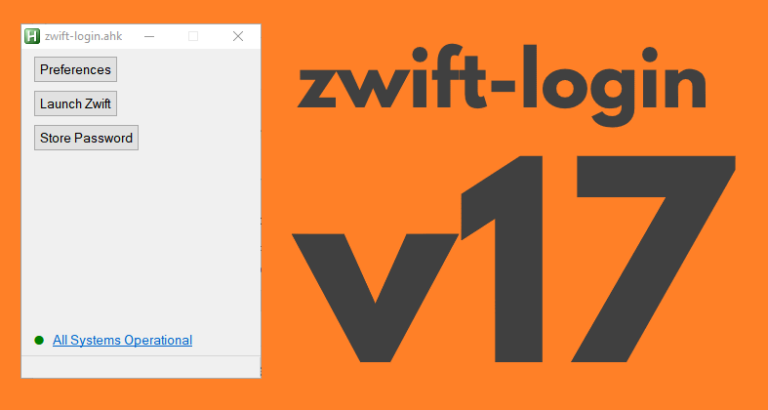
AutoHotkey | Update | Windows | zwift-loginzwift-login version 17
zwift-login now shows warning icons if a specific world is set or minimal_ui is enabled in prefs.xml The new version also checks if ZwiftLauncher is running elevated at launch, when launching Zwift, and when pressing “Close launcher”. This helps in making zwift-login more robust after Zwift itself has been updated. The button “Restart launcher” is renamed…
ZwiftPref hotfix
ZwiftPref 0.6.1 is a bug fix update, necessary to get the full list of worlds and routes after some security updates server-side at ZwiftHacks.
Version 6 of ZwiftMap Classic for Windows
The classic ZwiftMap for Windows has just been updated: Version 6 (2017/01/23 11:51:10) Volcano routes Version 5 (not released) Some bug fixes. A command line option which is usefull if you only want the chat log: /hidemap Improved drawing of map (closed gap in looped segments) Improved drawing of map (draw all segments orange first…
TR-Z-move works with the new TrainerRoad desktop app
TR-Z-move has been updated to version 4. The big news is that it now supports the new TrainerRoad desktop app (both the beta and the official version). Other than that it works just like before. In previous versions of TrainerRoad the workout instructions could still show on your primary screen and not on the same…


Great little app, along with zwift-preferences and zwift-hotkeys. Still can’t get zwift-hotkeys to do anything, even though they load and show on the screen in the taskbar. Finally gave up and stopped loading it, but would appreciate any help. Windows 10, Lenovo Thinkpad W510. Everything else works *great*.
bonjour,
j’ai ce message d’erreur quand je lance le script:
https://www.gstatic.com/recaptcha/releases/_7Co1fh8iT2hcjvquYJ_3zSP/recaptcha__fr.js
cordialement.
It’s a Zwift problem and not caused by zwift-login. In a forum post at forums.zwift.com I have described a workaround – search the forum for ‘gstatic’.