AutoHotkey | Update | Windows | zwift-login
A Win7 bug fix for zwift-login
zwift-login has been updated to fix a problem which was seen on some Windows 7 PC’s.
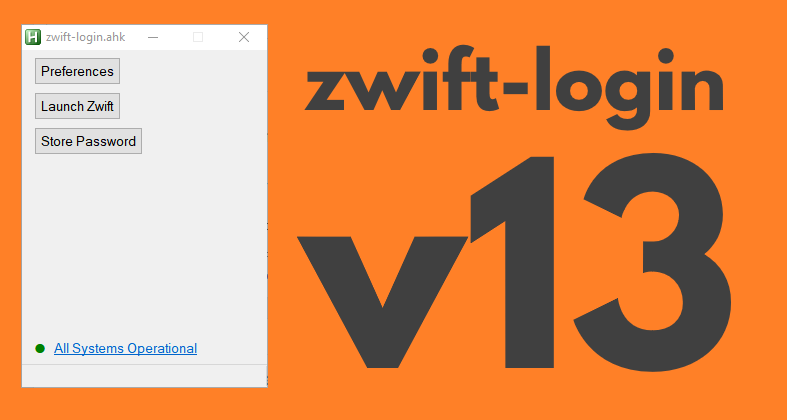

zwift-login has been updated to fix a problem which was seen on some Windows 7 PC’s.
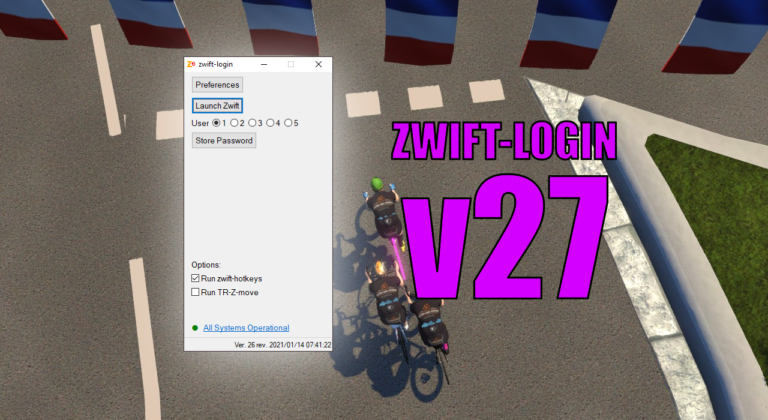
It is only a small update but it does make it easier to toggle options with new Alt+<key> shortcuts for some of the GUI elements. The possible shortcut keys are underlined when you press the Alt key. Download the update Get the new version 27 at the zwift-login page.
A cleaner looking tabbed version of zwift-preferences is now ready. Btw it supports the new Neo Road Feel setting, too. I now also offer a compiled version so you do not have to install AutoHotkey to make the script work on your pc.

TR-Z-move has been updated to version 3. The only change is a bug fix – the interval summary window was occasionally moved away from its position right above the minimal workout window. How to use If you use the ‘Watch for changes’ option it doesn’t matter in which sequence you launch TrainerRoad, Zwift, and TR-Z-Move….
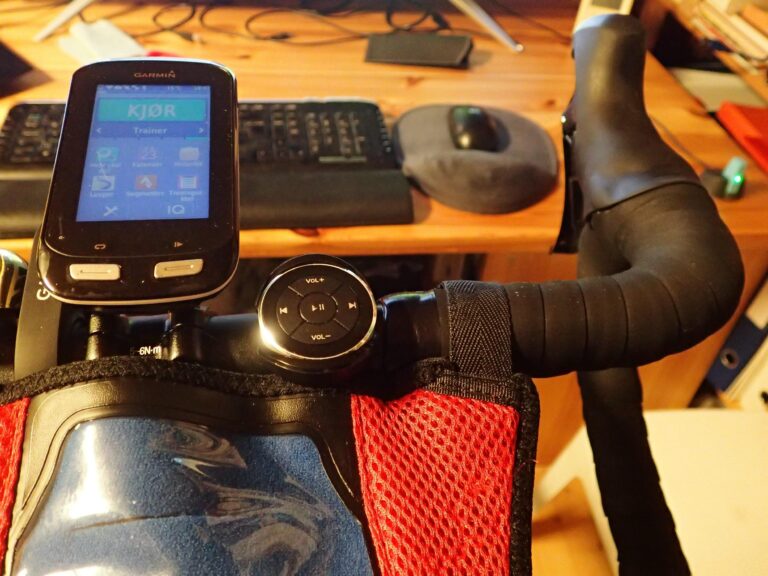
(Editor’s note: This post and the downloads were updated on 2018-03-17 to version 1.0.3) This recipe shows you how to use a $10 gadget as a handlebar mounted Zwift game controller. When mounted on the handlebar of your bike it will give you easy access to 5 keys that can be used to control Zwift…
zwift-hotkeys v16 fixes the Backspace key. Now it will also click the blue Back button (in the Paused screen) when in ultrawide mode.
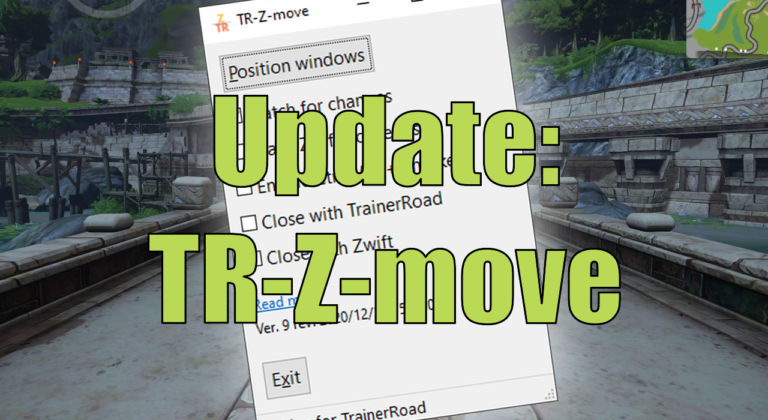
TR-Z-move is updated to version 10. Change of hotkey and a better borderless mode