FEATURED
-
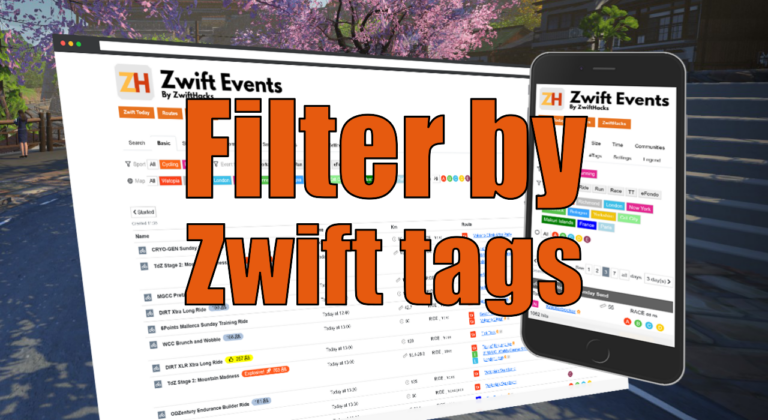
Filter by Zwift event tags
Zwift HQ add hidden tags to all events. Now you can use these tags for filters and as another more way to create custom pages from our event list.
-
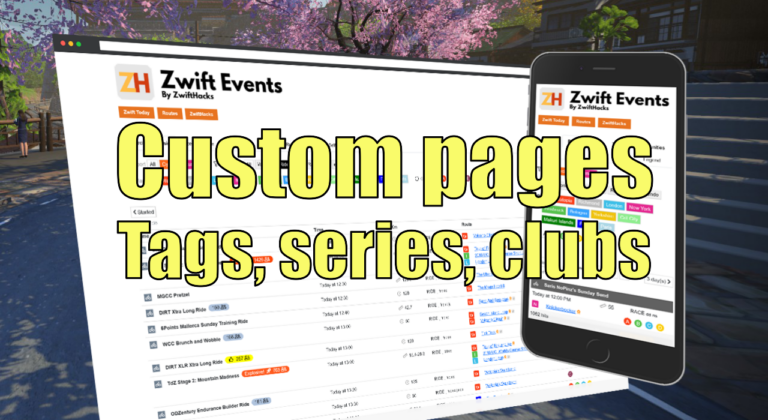
Custom pages for tags, series, and clubs
Here are three more ways to create custom event pages. You can get custom pages for series, events, and clubs.
ALL NEWS FROM ZWIFTHACKS
-
Updates to TR-Z-move: Better multi-monitor support
TR-Z-move is updated to version 12 with improved multi-monitor support: Fix move to next monitor for vertically stacked monitors.
-
Updates to TR-Z-move: Hide taskbar
TR-Z-move is updated to version 11 with taskbar related features: Hide and show the taskbar.
-
Updates to TR-Z-move: Hotkey and borderless
TR-Z-move is updated to version 10. Change of hotkey and a better borderless mode
-
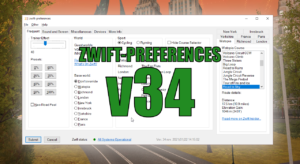
zwift-preferences v34
There is a very small bugfix release of zwift-preferences, just fixing a bug in the remember monitor and remember controllable trainer functionalities.
-
Fix for missing chat messages in ZwiftMap
ZwiftMap 2.1.9 fixes a problem with missing chat messages. Hopefully all messages should now be shown when you run ZwiftMap with the network capture features activated. For macOS it should also improve the ride metrics display (that was fixed for Windows in the last version 2.1.8 but not for macOS). Where can I get it? Find the downloads and more information at the ZwiftMap page.
-
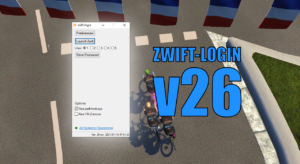
zwift-login v26 – Multi-user support and uncheck Remember me in Zwift Launcher
This is an important update to zwift-login if you have more users sharing the same Zwift installation.
-
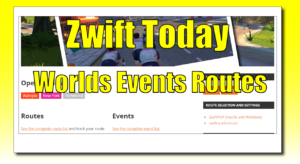
Zwift Today – Worlds, Events, Routes
Which worlds are open today? Which events can I join today? What are the routes available in the open worlds? These questions can be answered from the new Zwift Today page with the easy to remember URL zwifthacks.com/today
-
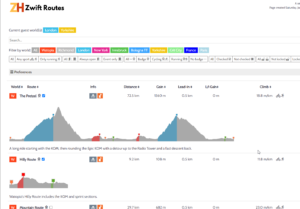
Route profiles and descriptions
In the ZwiftHacks routes list you can see the route profile and a description of each route, directly in the list.
-
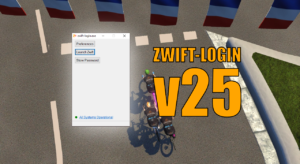
More configuration of zwift-login
In the new version of zwift-login it is now user configurable if it will launch zwift-hotkeys and/or TR-Z-move together with Zwift
-
zwift-hotkeys v18 – A bunch of improvements
zwift-hotkeys v18 has a bunch of fixes and improvements
-
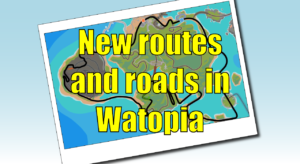
New routes and roads in Watopia
A game update (1.0.60239) was released a few hours ago, and one of the things in it is four new routes: Beach Island Loop Ocean Lava Cliffside Loop Serpentine 8 Two Bridges Loop All four have route badges. Get the route details and see the route maps here: http://staging1792839621.zwifthacks.com/app/routes/?filter=new And what about the new roads? Well, they are really just shortcuts added to the Watopia map. See if you can spot the difference in the maps linked above 😉 Update: Here are the release notes: https://forums.zwift.com/t/game-update-december-17th-2020/520594
-
What was new this week?
Here is a summary for week 48 of news from ZwiftHacks which didn’t get its own post during the week: Show all routes for an event; No more support for legacy Edge (and IE)
-
What was new this week?
Here is a summary for week 48 of news from ZwiftHacks which didn’t get its own post during the week: Filter route badges by cycling/running.
-
zwift-hotkeys v16 – A Fix for the Back button
zwift-hotkeys v16 fixes the Backspace key. Now it will also click the blue Back button (in the Paused screen) when in ultrawide mode.
-
What was new this week?
Here is a summary for week 47 of news from ZwiftHacks which didn’t get its own post during the week
-
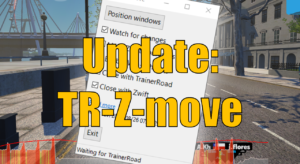
Updates to TR-Z-move
TR-Z-move is updated to version 8 with a couple of new features.
-
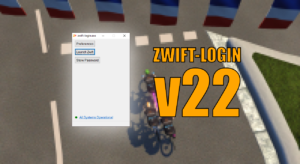
Ignore the script error in Zwift’s launcher with zwift-login
The new version version of zwift-login will automatically skip the annoying script error message which just recently started to appear in Zwift’s launcher.
-
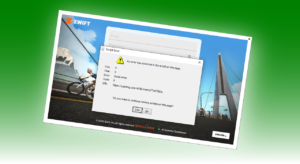
What is this script error in Zwift’s launcher?
Recently an annoying script error has started to pop up in the Zwift launcher, at least in the Windows version. As some have found out the error is in a script coming from Pinterest, but how can that be, and can it cause Zwift to run poorly?
-
How to be notified when Zwift updates
Get the news on Mastodon Just follow https://mstdn.social/@zwifthacks to get the news. Whenever there is a new version of Zwift or Zwift Companion App ready for download, it will automatically be posted within a few minutes. You can always find the current version numbers here: Zwift Versions. They are updated automatically, too. Be notified by Zwift Forums The Zwift ‘What’s new’ forum category is where you find the official release notes from Zwift. Here you can set up notifications for new topics. This way you will be alerted when Zwift…