FEATURED
-
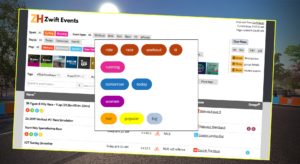
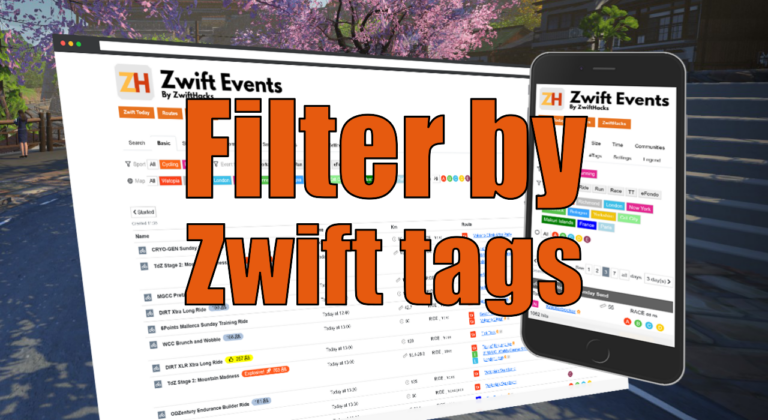
Filter by Zwift event tags
Zwift HQ add hidden tags to all events. Now you can use these tags for filters and as another more way to create custom pages from our event list.
-
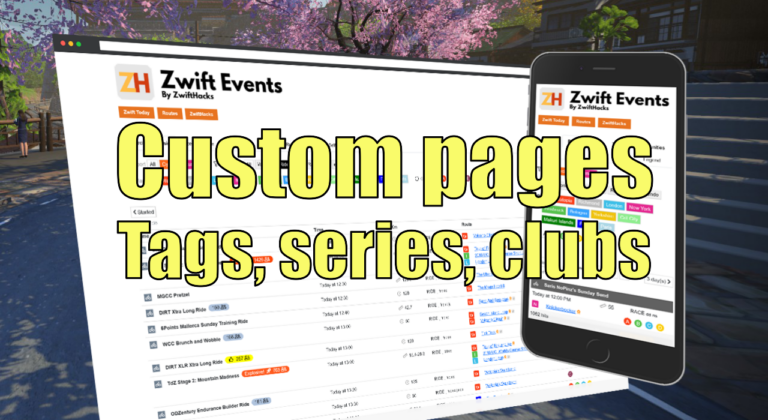
Custom pages for tags, series, and clubs
Here are three more ways to create custom event pages. You can get custom pages for series, events, and clubs.
ALL NEWS FROM ZWIFTHACKS
-
High performance power plans
This is not about the power you put into the pedals ;). Instead, this article shows how to optimise the power settings of your Windows computer.
-
A simple way to fight FPS dropping and rubber banding
You may have plenty of available CPU and GPU power in your Windows computer and still experience problems with dropping FPS, stuttering, and rubber banding because of the way Zwift is written. What can be done about that? Read on to find out more (some of the nerdier stuff is in the footnotes). The problems Zwift is very vulnerable to other programs running, often with a very visible drop in frames per second (FPS) if you launch another program. Rubber banding can occur when the CPU is processing stuff for…
-
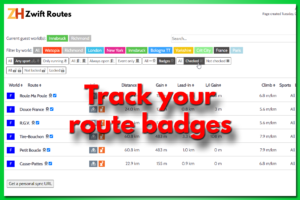
A new way to track your route badges
There is a new way to track your route badges. It doesn’t require you to create any user account but simply stores the info in your browser. It also gives you a dedicated URL / web page address you can bookmark. Use that and you can access your data from anywhere. The Zwift Routes page here at ZwiftHacks is the place for it. Go to the routes page and check / uncheck whether you have the badges. Unless you decide otherwiser, the information is only stored locally, in local storage…
-
Making the event list easier to navigate
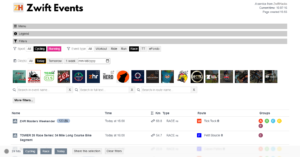
The event list has been updated. The purpose is to make it easier to navigate, but also to make the desktop and mobile versions more similar in their layout. It’s also an advantage that it should be a bit easier to maintain the page now. At the top of the page you find three collapsible sections: Menus and filters Menu – here you can trigger a reload, select your display preferences, and toggle the display of already started events Legend – here you find an explanation of the codes used…
-
Races with/without steering – Canned event searches
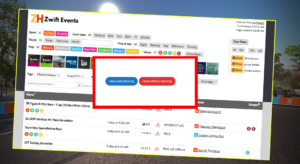
The ‘Steering allowed’ and the new ‘Steering not allowed’ filters in the Event list should be fully functional now, so these canned event searches for races with and without steering work as intended, too.
-
Steering, Fence, Doubledraft, Jersey unlock?
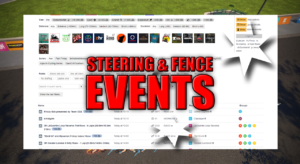
If you want to know if an event has steering disabled you can see it in the ZwiftHacks Event list. Look for the ‘Steering not allowed’1 or ‘Steering allowed’ tag. Besides that you can easily check for events with doubledraft, jersey unlock, and fence. The layout has been adjusted slightly with new codes in the ride type column. If you are in doubt the codes are explained in the legend. UPDATE 2020-08-10: You can also find the events where steering is allowed: A ‘Steering Allowed’ tag is added to all…
-
World hack into France and Paris
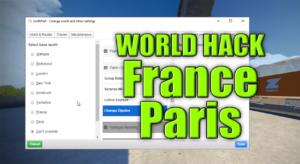
The latest update of Zwift brings France and Paris into the regular guest world rotation. Even better, you can world hack into both France and Paris with zwift-preferences / ZwiftPref. You don’t even have to update anything – it just works because zwift-preferences and ZwiftPref automatically pull configuration data from the ZwiftHacks server.
-
All worlds are supported by ZwiftGPS – and in ZwiftMap
ZwiftGPS now supports all worlds, also Bologna, Crit City, France, and Paris. That means you can see these worlds in both the classic map and the ZwiftGPS map in ZwiftMap 🙂 ZwiftMap 2.1.7 is just a small bug fix release because it displayed New York instead of Crit City in the ZwiftGPS window. Oops! Where can I get it? Find the downloads and more information at the ZwiftMap page.
-
France and Paris are added to the classic map
The biggest change is that France and Paris maps are now included in the classic map window (6 August: And also in the ZwiftGPS window 🙂 ) Besides that there are important bug fixes regarding the network capture functionality. Bug fixes The network capture functionality didn’t work in macOS in the previous version 2.1.5 which was uploaded end of June but not announced. This should be fixed now. The fixes in 2.1.5 were primarily around network capture, ensuring that all chat log messages are captured. Where can I get it?…
-
Le Tour Discovery Rides and L’Etape du Tour Rides – Canned searches
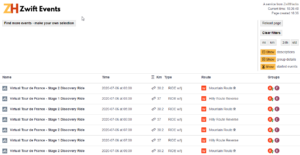
The first of many Tour de France Discovery Rides and the L’Etape du Tour rides have been published by Zwift. You can find them in the event list with these canned searches: zwifthacks.com/app/events/?key=letour2020 zwifthacks.com/app/events/?key=letape2020 The first rides are all in Watopia. We’ll have to wait some more for events in the new France and Paris worlds.
-
Zwift Versions
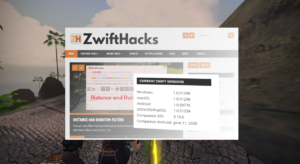
These are the current Zwift and Zwift Companion App versions: This page updates automatically when a new version is released by Zwift. The information is also always available at the front page of ZwiftHacks. Google Play Store links If you do not see this version/release date when you visit the app page in Google Play Store it is most likely because the latest version is not supported for the version of Android on your device. Zwift: https://play.google.com/store/apps/details?id=com.zwift.zwiftgame&hl=en Companion App: https://play.google.com/store/apps/details?id=com.zwift.android.prod&hl=en iTunes links Zwift: https://apps.apple.com/us/app/zwift-ride-and-run/id1134655040 Companion App: https://apps.apple.com/us/app/zwift-companion/id934083691
-

Distance and Duration Filters
You can now filter the event list based on duration and distance of the events. You just have to click ‘More filters and search…’ to access the new filters.
-
Always enabled chat log, ride on counts, and hopefully a fix for blinking in ZwiftGPS
A couple of things are changed. Chat and ride ons The biggest new feature is that the chat window is now always enabled (but you decide whether to show it or not). ZwiftMap monitors the Zwift log file (log.txt) and displays the chat messages and ride ons you are given in the chat window. Ride ons are tallied as well while ZwiftMap is running and the tally is shown in the ride/run data window. Beware that unless you have activated network capture it’s the only data updated in that window.…
-
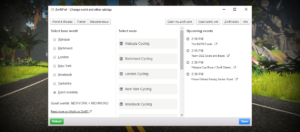
ZwiftPref shows both guest worlds
Since Zwift has recently introduced a second guest world on the calendar it would be nice to know what is on the calendar before you world hack with ZwiftPref. In the latest version 0.5.0 you can see information about both guest worlds. The world hack is the same as before: The normal base world is Watopia but the world hack lets you choose any world – other than the event only worlds (Bologna and Crit City) – as your base world so you can access it in Zwift. Download the update…
-
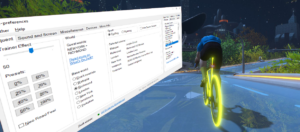
See both guest worlds in zwift-preferences
Zwift has two guest worlds and a base world: Watopia. The world hack works lets you choose any world other than the event only worlds (Bologna and Crit City) as your base world. It’s nice to know what is on the calendar for the day before you world hack so now zwift-preferences can display both courses/worlds currently on the calendar. Download the update Get the latest version from the zwift-preferences page.
-
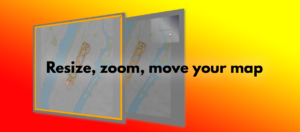
Resize, zoom, and move your map
There are a couple of tricks you have to know to resize, zoom, and move your map around in ZwiftMap. This animation demonstrates it quickly, and below it the details are explained: You can resize the windows in ZwiftMap after pressing Win+Alt+Z in Windows or Cmd+Alt+Z in macOS. Drag the borders or double click inside the window to maximise it. To zoom in and out you have to switch mode with Win+Alt+S / Cmd+Alt+S. It also enables the ZwiftGPS menu and lets ZwiftGPS react to mouse and keyboard input. Now…
-
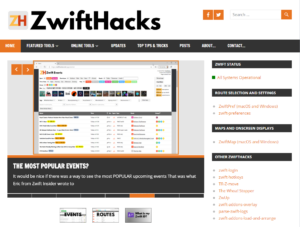
A new look
Do you like it? I’m talking about the new look of the ZwiftHacks website. Newer, fresher, and hopefully also easier to navigate. Anyway, it’s live now and I hope you do like it.