FEATURED
-
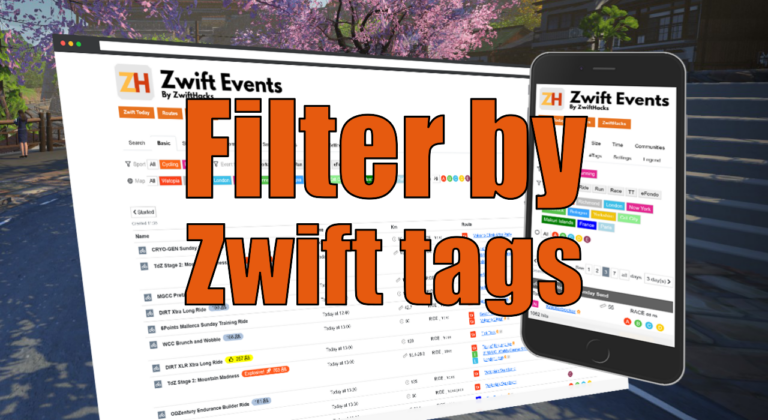
Filter by Zwift event tags
Zwift HQ add hidden tags to all events. Now you can use these tags for filters and as another more way to create custom pages from our event list.
-
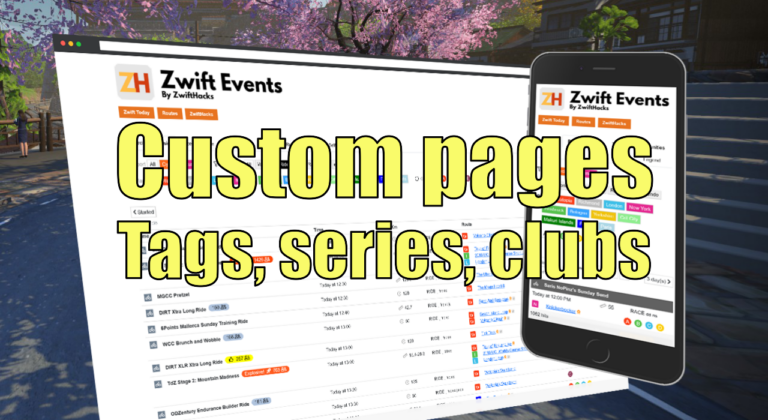
Custom pages for tags, series, and clubs
Here are three more ways to create custom event pages. You can get custom pages for series, events, and clubs.
ALL NEWS FROM ZWIFTHACKS
-
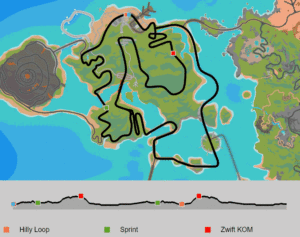
Animated route maps and route profiles
Find them all in the route list at zwifthacks.com/app/routes
-
A much faster event list 🙂
It used to take long to load the event list in Chrome browsers but not any more. It now is 3 times faster than it was before – and the fastest way to see all upcoming events in Zwift. So, you may see this new load screen when you go to the event list but not for long. In Chrome it takes a couple of seconds to load all Zwift events into a single.page and in Firefox and Safari it is even faster. Check out the ZwiftHacks event list.
-
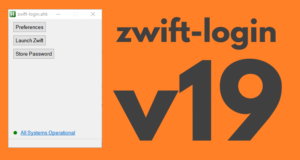
zwift-login version 19
zwift-login is fixed to launch TR-Z-move together with Zwift if both scripts (zwift-login and TR-Z-move) are located in the same folder. Download the update Get the new version 19 at the zwift-login page.
-
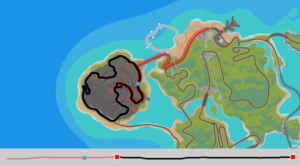
Example of a route map
This is just an example of the route maps you can find in the Route list.
-
Bug fix in ZwiftMap – zoom with mouse in ZwiftGPS
The ability to zoom in and out with the mouse wheel in the ZwiftGPS window was broken in the recent version 2.1.0. It has been fixed now – place your mouse in the top right corner of the ZwiftGPS and wheel away… Where can I get it? Find the downloads and more information at the ZwiftMap page.
-
Update to ZwiftMap with a few new options
If you want to read more about the features in ZwiftMap read the announcement for version 2.0.0 or some of the other information accessible from the ZwiftMap page. If you just want to download it head over to the ZwiftMap page. What is new? ZwiftMap 2.1.0 is really just a service release with a couple of small improvement which never had gotten released plus some internal changes. There is a new option (default) to reset (actually, override) zoom in zwiftgps to 100% There is a new option to hide running-only…
-
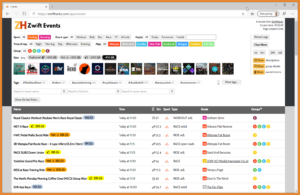
The most popular events?
It would be nice if there was a way to see the most POPULAR upcoming events That was what Eric from Zwift Insider wrote to me. It was a great idea, and now it’s implemented in the event list. Read his write-up of the new features to the event list and go check them out yourself.
-
Find your Zwift user ID on the new my.zwift.com
The article describes how to find your user ID on the new my.zwift.com – with a browser. Do you have an iOS 13 device? The article also contains an updated description of how to find your user ID in iOS Safari. Here is the updated article:
-
Find your Zwift user ID on my.zwift.com
Your Zwift user ID is something you need for two important purposes: Logging in to ZwiftGPS and signing up at ZwiftPower. In this post – the second of a series – I show you how to find it via my.zwift.com in a couple of ways. Part Two: Finding your id on my.zwift.com works for everybody… … regardless of which platform you run Zwift on. It only requires a browser. Below you find described how to do it with most popular browsers regardless of whether you do it on a desktop…
-
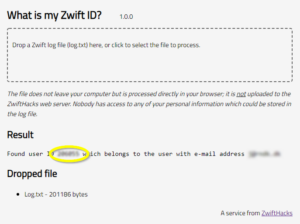
What is my Zwift ID? – updated
The log file holds the truth – or at least it contains your Zwift user ID hidden among the many log lines. The log file format changes sometimes so the app at http://staging1792839621.zwifthacks.com/app/id/ has been updated (now at version 1.1.0) work with the most recent format. The app helps finding your Zwift user ID in log.txt, directly a browser. You can drag a log file into the dropzone and the result will be shown (look for log.txt in your Documents/Zwift/Logs folder or send it to yourself from the iOS version of…
-
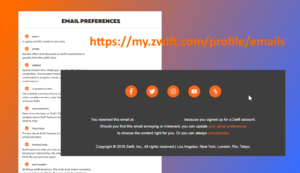
Emails from Zwift? Here is your email preferences page
If you don’t receive any emails from Zwift or you want to adjust your email preferences, this is the web page where you can subscribe/unsubscribe to different types of communication: my.zwift.com/profile/emails That profile page unfortunately doesn’t have a direct link anywhere in my.zwift.com but only in the footer of emails you receive.
-
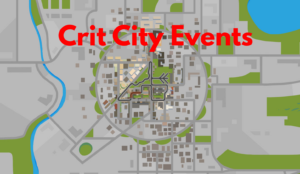
Crit City events
These are the events scheduled in Crit City: http://staging1792839621.zwifthacks.com/app/events/?key=5e007908a25d5
-
zwift-login version 18
zwift-login now works regardless of which language you have set in the Zwift Launcher. That’s it. Download the update Get the new version 18 at the zwift-login page.
-
What’s the best tutorial…
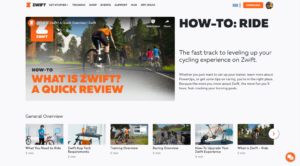
What’s the best tutorial to learn the basic facts for Zwift? How to find the different routes, what the thumbs up logo means, … That is a question often asked from new Zwifters. Here is my answer to just this question: Zwift has quite a lot of instruction videos at zwift.com/video/how-to-cycling which you should look at. Besides that support.zwift.com is a great source of information, too. Go there, click where it says ‘Cycling’ and find several support articles, also for the new Zwifter. The community has also produced some exceptionally good sources of…
-
A minor fix – zwift-preferences v30
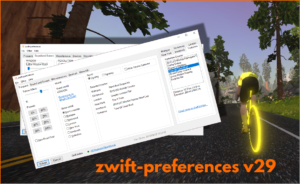
In the most recent versions of Zwift the prefs.xml setting TITLE_MUSIC was changed to TITLEMUSIC. zwift-preferences – here in version 30 – is updated to handle that change. Download the update Get the new version 30 from the zwift-preferences page.
-
Zwiftalizer benchmarks are back
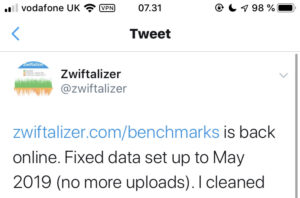
twitter.com/zwiftalizer/status/1183625943807455232
-
Better support for many worlds – zwift-preferences v29
Update 2019-09-12 18:33 CET: Bug alert called off 🙂 It is lovely with the many worlds and courses in Zwift but the old layout of zwift-preferences couldn’t really cope with them all, at least on some screens. zwift-preferences – here in version 29 – now uses a tabbed layout for the course selection. Besides that it other smaller tweaks: show currently selected courses for the selected sport more preset values for trainer effect the ‘Miscellaneous’ tab is split into ‘Sound and Screen’ and ‘Miscellaneous’ you can choose to hide the…
-
The routes in overview…
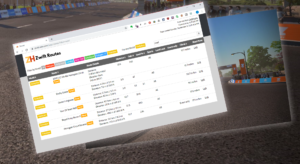
Here is a direct link to see just the newest routes: zwifthacks.com/app/routes/?filter=new!
-
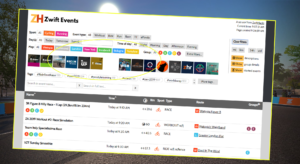
Ready for the Yorkshire events!
The events page is ready to show the upcoming Yorkshire events