A minor fix – zwift-preferences v30
In the most recent versions of Zwift the prefs.xml setting TITLE_MUSIC was changed to TITLEMUSIC.
zwift-preferences – here in version 30 – is updated to handle that change.
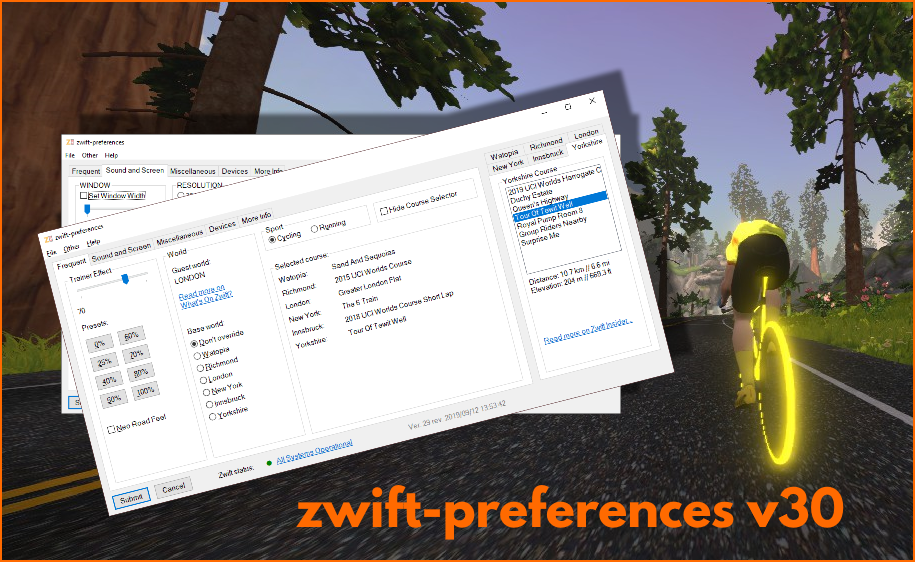

In the most recent versions of Zwift the prefs.xml setting TITLE_MUSIC was changed to TITLEMUSIC.
zwift-preferences – here in version 30 – is updated to handle that change.
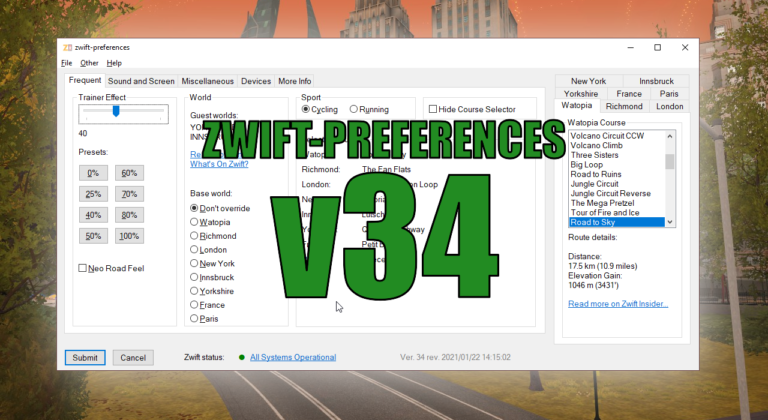
There is a very small bugfix release of zwift-preferences, just fixing a bug in the remember monitor and remember controllable trainer functionalities.
If you want to read more about the features in ZwiftMap read the announcement for version 2.0.0 or some of the other information accessible from the ZwiftMap page. If you just want to download it head over to the ZwiftMap page. What is new? ZwiftMap 2.1.0 is really just a service release with a couple…
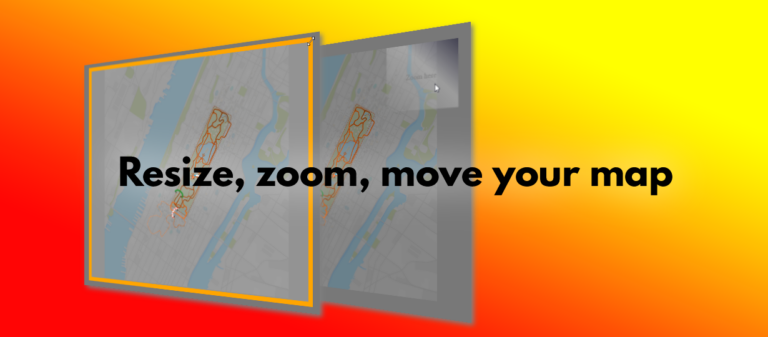
There are a couple of tricks you have to know to resize, zoom, and move your map around in ZwiftMap. This animation demonstrates it quickly, and below it the details are explained: You can resize the windows in ZwiftMap after pressing Win+Alt+Z in Windows or Cmd+Alt+Z in macOS. Drag the borders or double click inside…
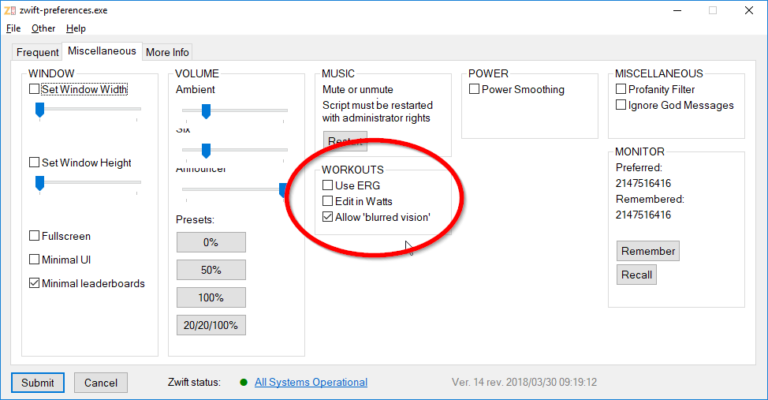
While chasing down a few bugs which occurred only on Windows 7, I also updated zwift-preferences to support the new Workout Distortion setting (the one which determines if the screen blur at the end of a hard workout interval). Download the update Get the new version 14 over at the zwift-preferences page.

Now it is possible to enter a zone number from 1 to 6, too. The format must be e.g. z1, Z3, or simply 6. In general, if the ‘power’ number is less than or equal to 6, it will be interpreted as a zone. See example 2 in the online workout editor. The zones are the same as…
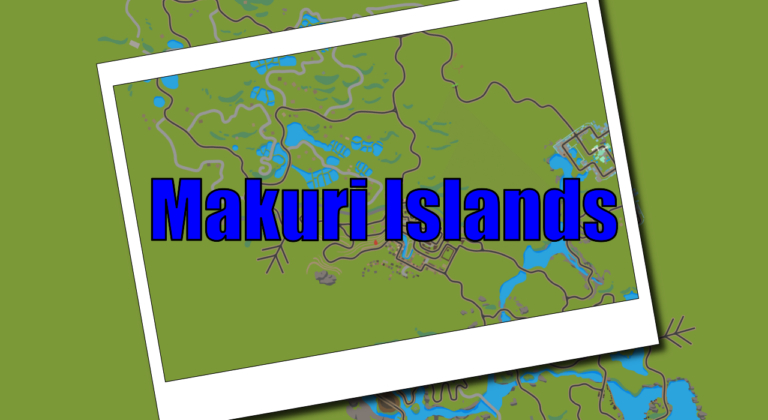
The new Makuri Islands world is supported by all of these ZwiftHacks tools: Events Routes zwift-preferences ZwiftPref An update for ZwiftMap may still be needed but it will be done server-side and does not require that you download anything. It will follow soon.