Similar Posts
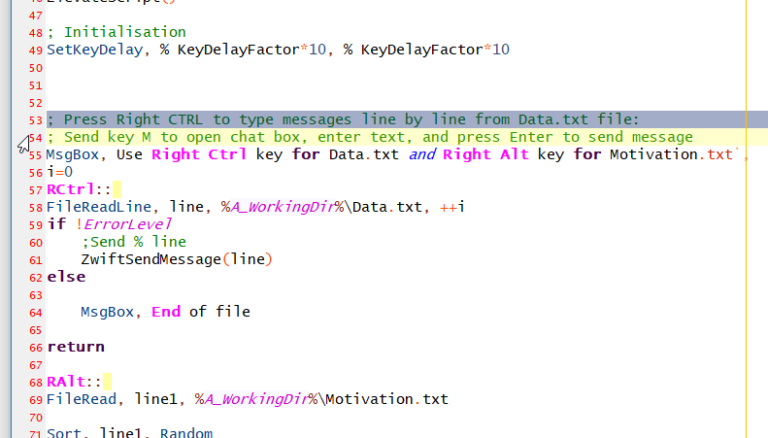
AutoHotkey | Scripts | WindowsChat with preconfigured messages
(Editor’s note: This is an excellent example of how to use AutoHotkey to automate things while zwifting) With the help from Jesper’s script, I created a hotkey script that type pre-configured messages in Zwift. I thought this will be handy when leading group rides since there are a basic pattern of messages that I use….
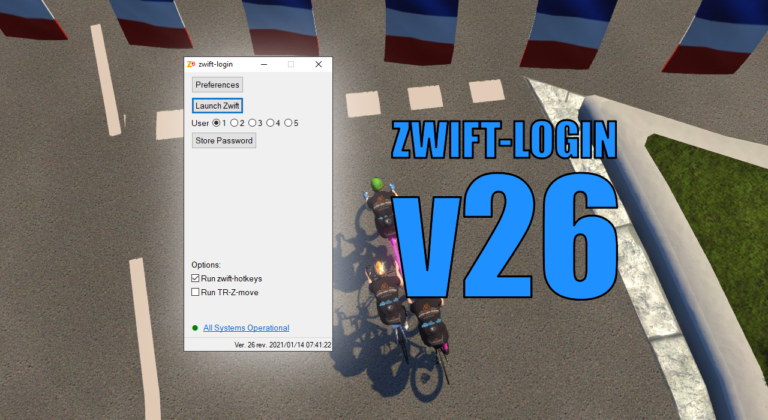
AutoHotkey | Update | Windows | zwift-loginzwift-login v26 – Multi-user support and uncheck Remember me in Zwift Launcher
This is an important update to zwift-login if you have more users sharing the same Zwift installation.
zwift-preferences hotfix
It suddenly became necessary to fix zwift-preferences because of changed security settings at the server from where it pulls the route information. There are no new features. Download Get the new version at the zwift-preferences page.
Tips & Tricks: Customise the background in ZwiftMap
A user asked: I was wondering if you can add an option to use a custom background for each route. I use this app on my second monitor and if I can change the background of the map I can make Q sheets and additional information as a picture to display with the map. It…
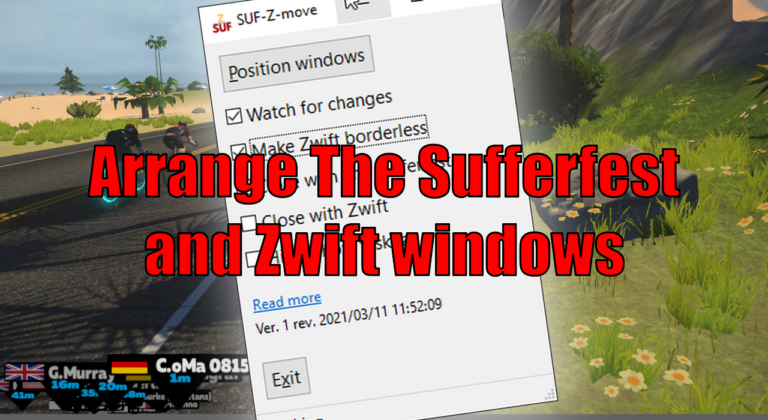
Arrange The Sufferfest and Zwift windows
SUF-Z-move lets you arrange the Zwift window to fill the rest of the screen above a The Sufferfest window. SUF-Z-move resizes and moves both windows – The Sufferfest and Zwift – to do so. If you already know TR-Z-move, this is the same – just for The Sufferfest. Download and instructions Go to the SUF-Z-move…
AutoHotkey | Update | Windows | zwift-hotkeyszwift-hotkeys v16 – A Fix for the Back button
zwift-hotkeys v16 fixes the Backspace key. Now it will also click the blue Back button (in the Paused screen) when in ultrawide mode.