Skip to content
  • Events
  • Routes
ZwiftHacks
  • Home
  • Desktop ToolsExpand
    • Automate and save mouse clicksExpand
      • zwift-login
      • zwift-hotkeys
    • Other toolsExpand
      • TR-Z-move
  • Online ToolsExpand
    • Events on Zwift
    • Routes
  • Other thingsExpand
    • Top Tips & Tricks
    • Posts
    • Historic…Expand
      • Settings and route selectionExpand
        • zwift-preferences (for Windows)
        • ZwiftPref for macOS & Windows – Change world and other settings
      • Maps and Onscreen DisplaysExpand
        • ZwiftMap (macOS and Windows)
      • parse-zwift-logs
      • ZwUp – make Zwift topmost and transparent
      • The Whoa! Stopper
      • What is my Zwift ID?
      • MAP and FTP Calculator
      • Online workout editorExpand
        • Simple ZWO Creator
      • Updates
  • About…
  • Contact…
ZwiftHacks
  • Why are Tacx trainers suddenly boosting your power? – and how to fix it
    Tips & Tricks

    Why are Tacx trainers suddenly boosting your power? – and how to fix it

    ByJesper [ZwiftHacks] 2021-03-182026-03-17

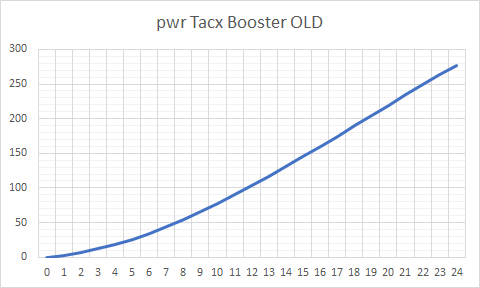
    Edit: The problem was fixed in Zwift version 1.0.6541 released 2021-03-23 With the update Wednesday to game version 1.0.64913 many – like really many – have suddenly experienced crazy power numbers when using one of these trainers: Tacx Boost Tacx Booster Tacx Blue Matic Tacx Blue Motion The problem is not with your speed sensor,…
    Read More Why are Tacx trainers suddenly boosting your power? – and how to fix itContinue

  • How to be notified when Zwift updates
    Tips & Tricks | Top Tip & Tricks

    How to be notified when Zwift updates

    ByJesper [ZwiftHacks] 2020-11-082026-03-17

    Get the news on Mastodon Just follow https://mstdn.social/@zwifthacks to get the news. Whenever there is a new version of Zwift or Zwift Companion App ready for download, it will automatically be posted within a few minutes. You can always find the current version numbers here: Zwift Versions. They are updated automatically, too. Be notified by…

    Read More How to be notified when Zwift updatesContinue

  • High performance power plans
    Tips & Tricks | Windows

    High performance power plans

    ByJesper [ZwiftHacks] 2020-11-022026-03-17

    This is not about the power you put into the pedals ;). Instead, this article shows how to optimise the power settings of your Windows computer.

    Read More High performance power plansContinue

  • A simple way to fight FPS dropping and rubber banding
    Hacks | Tips & Tricks | Windows

    A simple way to fight FPS dropping and rubber banding

    ByJesper [ZwiftHacks] 2020-10-272026-03-17

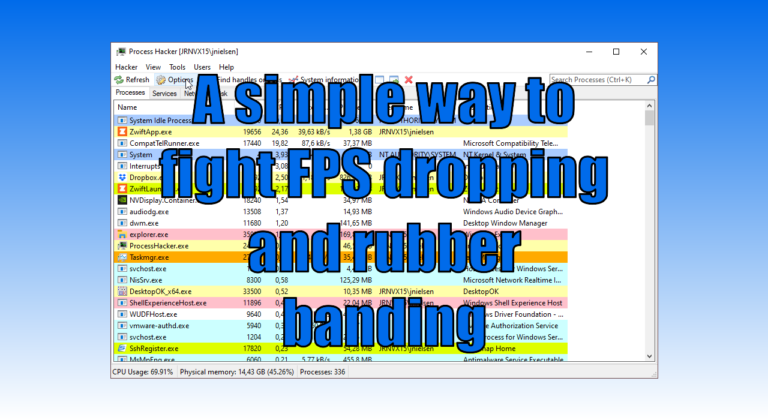
    You may have plenty of available CPU and GPU power in your Windows computer and still experience problems with dropping FPS, stuttering, and rubber banding because of the way Zwift is written. What can be done about that? Read on to find out more (some of the nerdier stuff is in the footnotes). The problems…

    Read More A simple way to fight FPS dropping and rubber bandingContinue

  • Resize, zoom, and move your map
    macOS | Tips & Tricks | Windows | ZwiftMap

    Resize, zoom, and move your map

    ByJesper [ZwiftHacks] 2020-04-252020-08-02

    There are a couple of tricks you have to know to resize, zoom, and move your map around in ZwiftMap. This animation demonstrates it quickly, and below it the details are explained: You can resize the windows in ZwiftMap after pressing Win+Alt+Z in Windows or Cmd+Alt+Z in macOS. Drag the borders or double click inside…

    Read More Resize, zoom, and move your mapContinue

  • Find your Zwift user ID on the new my.zwift.com
    iOS | Tips & Tricks | Web

    Find your Zwift user ID on the new my.zwift.com

    ByJesper [ZwiftHacks] 2020-02-082020-02-08

    The article describes how to find your user ID on the new my.zwift.com – with a browser. Do you have an iOS 13 device? The article also contains an updated description of how to find your user ID in iOS Safari. Here is the updated article:

    Read More Find your Zwift user ID on the new my.zwift.comContinue

  • Emails from Zwift? Here is your email preferences page
    Tips & Tricks | Top Tip & Tricks

    Emails from Zwift? Here is your email preferences page

    ByJesper [ZwiftHacks] 2019-12-242021-01-02

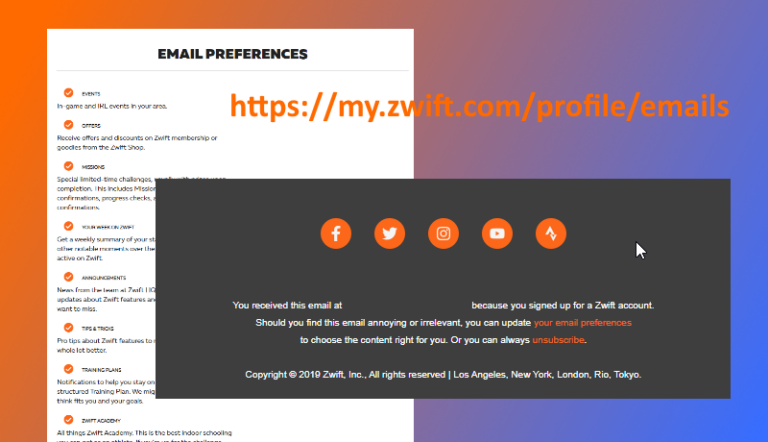
    If you don’t receive any emails from Zwift or you want to adjust your email preferences, this is the web page where you can subscribe/unsubscribe to different types of communication: my.zwift.com/profile/emails That profile page unfortunately doesn’t have a direct link anywhere in my.zwift.com but only in the footer of emails you receive.

    Read More Emails from Zwift? Here is your email preferences pageContinue

  • What’s the best tutorial…
    Tips & Tricks | Top Tip & Tricks

    What’s the best tutorial…

    ByJesper [ZwiftHacks] 2019-12-142025-12-02

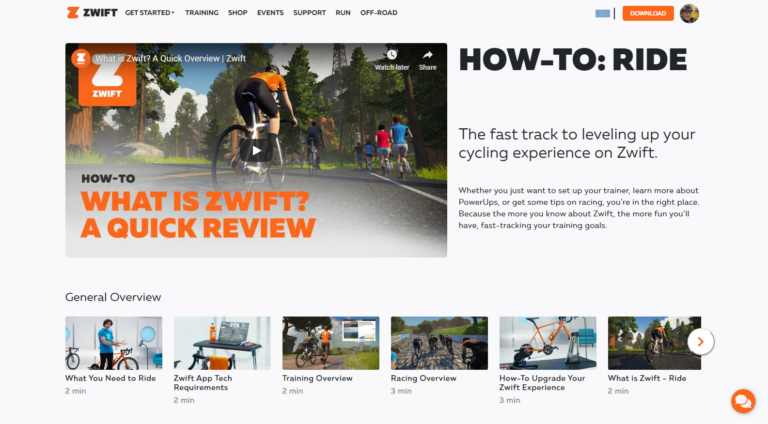
    What’s the best tutorial to learn the basic facts for Zwift? How to find the different routes, what the thumbs up logo means, … That is a question often asked from new Zwifters. Here is my answer to just this question: Zwift has quite a lot of instruction videos at zwift.com/video/how-to-cycling which you should look at. Besides…

    Read More What’s the best tutorial…Continue

  • Tip: Create a distance based workout
    Tips & Tricks | Workouts

    Tip: Create a distance based workout

    ByJesper [ZwiftHacks] 2018-11-032019-12-23

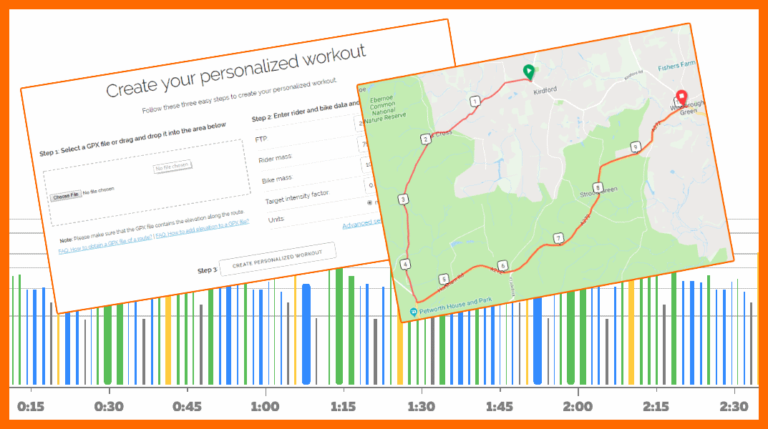
    I would like to be able to build a 10 mile Time Trial race/workout. I know how to create workouts on Zwift but it would be cool to create a distance based workout rather than a time based one. What you can do is use What’s on Zwift? to create a workout from a GPX file. Create…

    Read More Tip: Create a distance based workoutContinue

  • Find your Zwift user ID
    iOS | macOS | Outdated | Tips & Tricks | Web | Windows

    Find your Zwift user ID

    ByJesper [ZwiftHacks] 2018-08-292024-02-23

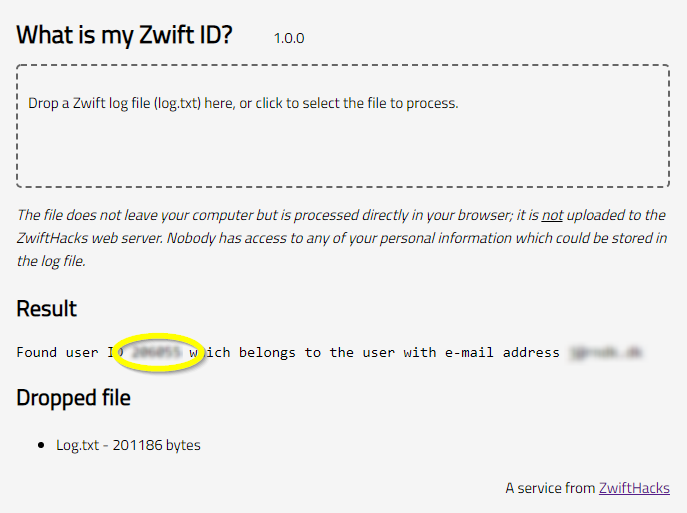
    Your Zwift user ID is something you need for two important purposes: Logging in to ZwiftGPS and signing up at ZwiftPower. In this post – the first of a series – I show you how to find it in a secure manner using your log file. Part two will show you how to find it…

    Read More Find your Zwift user IDContinue

Page navigation

1 2 Next PageNext

Tools from ZwiftHacks

  • zwift-login
  • TR-Z-move
  • zwift-hotkeys

Who runs ZwiftHacks?

This site is run by Jesper Rosenlund Nielsen, a Zwift rider since 2015, and is not affiliated with the Zwift company in any way.

You can find Zwift (the company) at zwift.com

ZwiftHacks is also at various social media:

  • Facebook
  • Twitter
  • Mastodon

Meta

  • Log in
  • Entries feed
  • Comments feed
  • WordPress.org
  • About…
  • Friends of the House
  • Contact…

© Jesper Rosenlund Nielsen © 2016-2026 - WordPress Theme by Kadence WP

Scroll to top
  • Home
  • Desktop Tools
    • Automate and save mouse clicks
      • zwift-login
      • zwift-hotkeys
    • Other tools
      • TR-Z-move
  • Online Tools
    • Events on Zwift
    • Routes
  • Other things
    • Top Tips & Tricks
    • Posts
    • Historic…
      • Settings and route selection
        • zwift-preferences (for Windows)
        • ZwiftPref for macOS & Windows – Change world and other settings
      • Maps and Onscreen Displays
        • ZwiftMap (macOS and Windows)
      • parse-zwift-logs
      • ZwUp – make Zwift topmost and transparent
      • The Whoa! Stopper
      • What is my Zwift ID?
      • MAP and FTP Calculator
      • Online workout editor
        • Simple ZWO Creator
      • Updates
  • About…
  • Contact…
Search