
Skip to content
  • Events
  • Routes
ZwiftHacks
  • Home
  • Desktop ToolsExpand
    • Automate and save mouse clicksExpand
      • zwift-login
      • zwift-hotkeys
    • Other toolsExpand
      • TR-Z-move
  • Online ToolsExpand
    • Events on Zwift
    • Routes
  • Other thingsExpand
    • Top Tips & Tricks
    • Posts
    • Historic…Expand
      • Settings and route selectionExpand
        • zwift-preferences (for Windows)
        • ZwiftPref for macOS & Windows – Change world and other settings
      • Maps and Onscreen DisplaysExpand
        • ZwiftMap (macOS and Windows)
      • parse-zwift-logs
      • ZwUp – make Zwift topmost and transparent
      • The Whoa! Stopper
      • What is my Zwift ID?
      • MAP and FTP Calculator
      • Online workout editorExpand
        • Simple ZWO Creator
      • Updates
  • About…
  • Contact…
ZwiftHacks
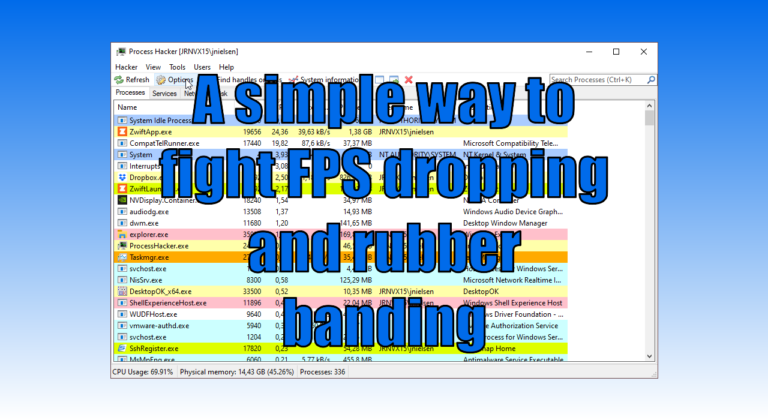
  • A simple way to fight FPS dropping and rubber banding
    Hacks | Tips & Tricks | Windows

    A simple way to fight FPS dropping and rubber banding

    ByJesper [ZwiftHacks] 2020-10-272026-03-17

    You may have plenty of available CPU and GPU power in your Windows computer and still experience problems with dropping FPS, stuttering, and rubber banding because of the way Zwift is written. What can be done about that? Read on to find out more (some of the nerdier stuff is in the footnotes). The problems…
    Read More A simple way to fight FPS dropping and rubber bandingContinue

  • Hack for Acrophobics: No More Glass Roads in New York City
    Hacks | macOS | Zwift Insider

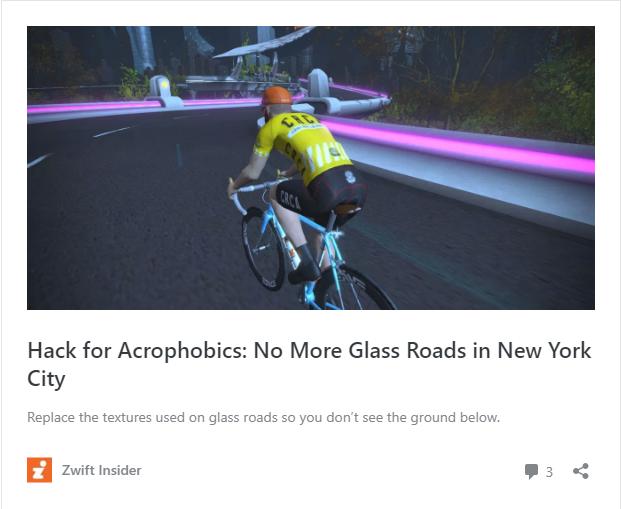
    Hack for Acrophobics: No More Glass Roads in New York City

    ByJesper [ZwiftHacks] 2018-10-242018-10-24

    Hack for Acrophobics: No More Glass Roads in New York City Hack for Acrophobics: No More Glass Roads in New York City — Read on zwiftinsider.com/no-glass-roads/ Read about the NoMoreGlassRoads hack by Jonathon Levie at Zwift Insider. It has instructions for Windows. For macOS the corresponding location to put the files would be ~/Library/Application Support/Zwift/data/Environment/Road…

    Read More Hack for Acrophobics: No More Glass Roads in New York CityContinue

  • Hack the workout categories list
    Hacks | macOS | Windows

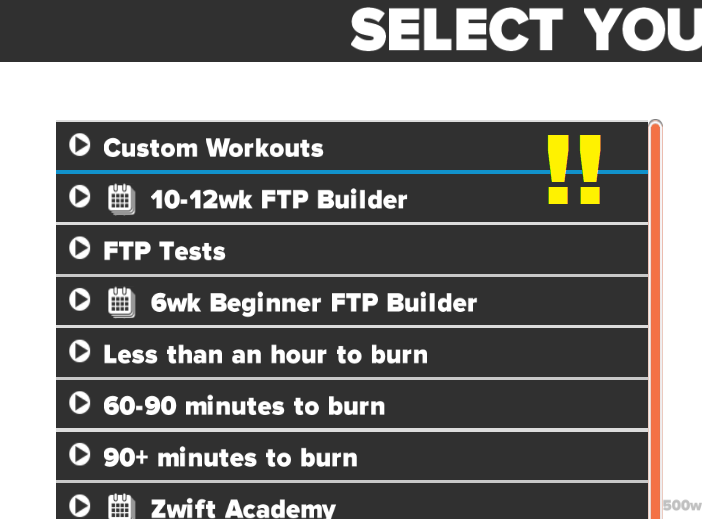
    Hack the workout categories list

    ByJesper [ZwiftHacks] 2017-03-012022-11-30

    Update 2022-11-30 – This doesn’t work anymore 🙁 Update 2020-05-10 – The most recent version of Zwift tries to read workout.categories from the folder Documents\Zwift\Workouts and not as described below. You could try manually creating the file here instead and see how it goes. See the comment section for a comment from today (2020-05-10) with the default…

    Read More Hack the workout categories listContinue

Tools from ZwiftHacks

  • zwift-login
  • TR-Z-move
  • zwift-hotkeys

Who runs ZwiftHacks?

This site is run by Jesper Rosenlund Nielsen, a Zwift rider since 2015, and is not affiliated with the Zwift company in any way.

You can find Zwift (the company) at zwift.com

ZwiftHacks is also at various social media:

  • Facebook
  • Twitter
  • Mastodon

Meta

  • Log in
  • Entries feed
  • Comments feed
  • WordPress.org
  • About…
  • Friends of the House
  • Contact…

© Jesper Rosenlund Nielsen © 2016-2026 - WordPress Theme by Kadence WP

Scroll to top
  • Home
  • Desktop Tools
    • Automate and save mouse clicks
      • zwift-login
      • zwift-hotkeys
    • Other tools
      • TR-Z-move
  • Online Tools
    • Events on Zwift
    • Routes
  • Other things
    • Top Tips & Tricks
    • Posts
    • Historic…
      • Settings and route selection
        • zwift-preferences (for Windows)
        • ZwiftPref for macOS & Windows – Change world and other settings
      • Maps and Onscreen Displays
        • ZwiftMap (macOS and Windows)
      • parse-zwift-logs
      • ZwUp – make Zwift topmost and transparent
      • The Whoa! Stopper
      • What is my Zwift ID?
      • MAP and FTP Calculator
      • Online workout editor
        • Simple ZWO Creator
      • Updates
  • About…
  • Contact…
Search