FEATURED
-
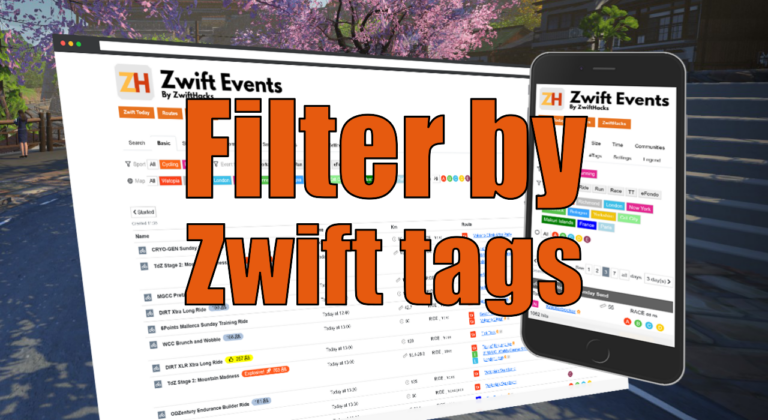
Filter by Zwift event tags
Zwift HQ add hidden tags to all events. Now you can use these tags for filters and as another more way to create custom pages from our event list.
-
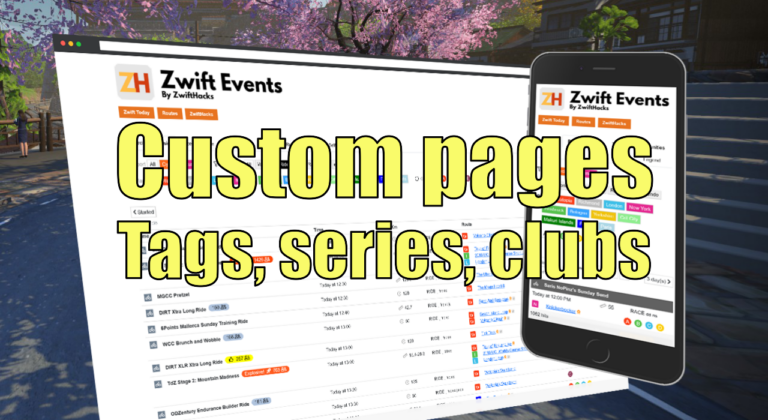
Custom pages for tags, series, and clubs
Here are three more ways to create custom event pages. You can get custom pages for series, events, and clubs.
ALL NEWS FROM ZWIFTHACKS
-

Fix to TR-Z-move for multi display setups
TR-Z-move was just updated to version 5 to fix a bug in how Zwift was resized in some multi display setups. Download it at the TR-Z-move page.
-

zwift-preferences v26
zwift-preferences version 26 is a bug fix version specifically for Windows 7 users. It fixes a problem with download of the route definition files. Besides that it contains cosmetic changes and some under-the-hood changes but not any fancy, new features. Download the update Get the new version 26 over at the zwift-preferences page.
-
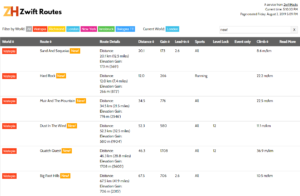
These are the new routes in Watopia…
See the route listing at http://staging1792839621.zwifthacks.com/app/routes/?filter=new!
-
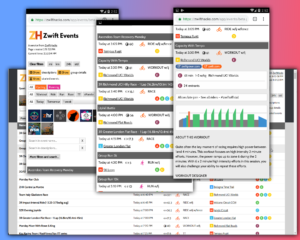
New events page (Beta version)
Playing with a new event page which should be mobile friendly but also good on large screens: http://zwifthacks.com/app/events/beta/
-
TR-Z-move works with the new TrainerRoad desktop app
TR-Z-move has been updated to version 4. The big news is that it now supports the new TrainerRoad desktop app (both the beta and the official version). Other than that it works just like before. In previous versions of TrainerRoad the workout instructions could still show on your primary screen and not on the same screen as the workout window itself. It seems that it is not a problem in the new desktop app so the fix for that was removed in v4 of TR-Z-move. How to use If you…
-
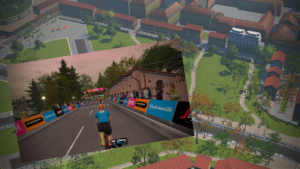
Do you want to ride in Bologna?
The new Bologna TT world 6 (yes, it is a whole separate world with just a single route) can only be accessed in events. You cannot world hack to it 🙁 You still have several chances to access it in different events, though. You can easily find out which ones here: http://staging1792839621.zwifthacks.com/app/events/?key=5cdabd1fdb12b
-
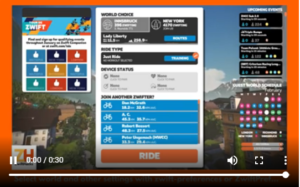
How to choose a 3rd world…
It is really to simple to select a world other than Watopia and the guest world of the day with zwift-preferences and ZwiftPref. Just remember that you must click on the name of that world in the Ride with… screen to choose it before you press ‘Ride’.
-
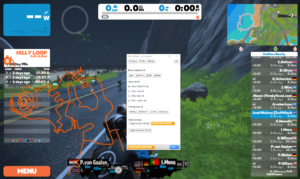
From the archive: Step by step guide to ZwiftMap
It is worth taking a look at this step by step guide which was made for a preview version of ZwiftMap.
-
Finally! ZwiftMap can show other users again
After a long proces of rewriting and testing ZwiftMap (thanks to all who helped!) it is now again possible to see where other riders are in ZwiftMap. Opt in to ZwiftGPS at my.zwift.com, download ZwiftMap, and you are ready to go! What is new? ZwiftMap 2.0.0 is delivers much of the same functionality as ZwiftMap did in the past, but many things have changed on the inside. The Configuration window now has three screens: [glossary_exclude]Windows[/glossary_exclude] – Here you control which [glossary_exclude]windows[/glossary_exclude] to show. Except for the first run of ZwiftMap…
-
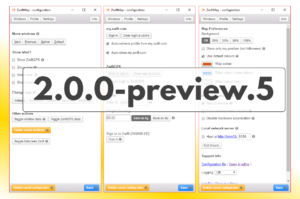
Both Windows and macOS versions of ZwiftMap Preview are ready…
Version 2.0.0-preview.5 for Windows has been uploaded for anybody to download (find the download link in the announcement post linked at the end of this post). The most important changes compared to the previous preview version are You can save your Zwift username and password which will then be used for login to my.zwift.com Alt+Windows+X will focus, show, or minimise the Configuration window depending on its current state All options and buttons have help texts (hover over or click the ?-marks) Different shortcut keys added to the Windows page in…
-
Testers wanted for ZwiftMap for macOS
UPDATE: Thanks – I have enough testers now. I plan to send out download links later this week to the ones who volunteered. I am seeking a few testers for ZwiftMap for macOS. If you are interested in trying the latest preview version and providing some feedback, please comment here or use the contact form. As a tester you will get a direct link to the latest preview version and can try it out together with Zwift. Your feedback will be important because I do not have access to a…
-
zwift-preferences v22
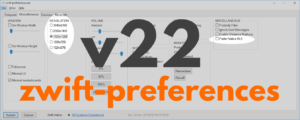
zwift-preferences skips version 21 and jumps straight to version 22 with support for changing the preferred screen resolution and toggle the Prefer Native BLE setting on the Miscellaneous tab. Download the update Get the new version 22 over at the zwift-preferences page.
-
A new version of ZwiftMap Preview is ready…
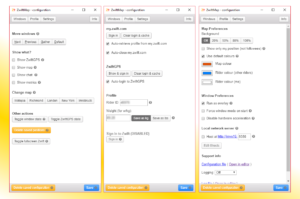
Update 2018-11-13: Version 2.0.0-preview.4 uploaded (fixes missing roads in the ZwiftGPS map) Update 2018-11-05: Version 2.0.0-preview.2 uploaded The ZwiftMap Preview has a new version. You can find the download link in the original announcement post (see below). This is probably almost ready to become an official version for both Windows and macOS. What remains is mostly test and maybe tweak how you interact with the ZwiftGPS map. It takes some real experiences to find out what works best when riding at the same time. Besides different layout changes you will find…
-
Tip: Create a distance based workout
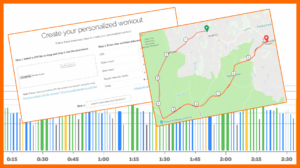
I would like to be able to build a 10 mile Time Trial race/workout. I know how to create workouts on Zwift but it would be cool to create a distance based workout rather than a time based one. What you can do is use What’s on Zwift? to create a workout from a GPX file. Create a 10 mile route in any route planner, upload the GPX file to What’s on Zwift, and get a custom made Zwift workout. The resulting workout is still time based but the time is determined…
-
zwift-preferences v20
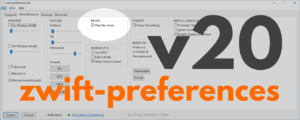
With zwift-preferences version 20 the new Title Music setting can be toggled on the Miscellaneous tab. This replaces the old hack to suppress the startup music in Zwift. This is the only change in this version. Download the update Get the new version 20 over at the zwift-preferences page.
-
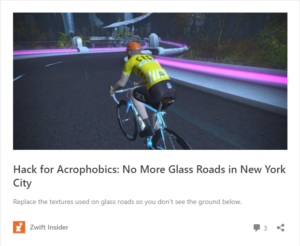
Hack for Acrophobics: No More Glass Roads in New York City
Hack for Acrophobics: No More Glass Roads in New York City Hack for Acrophobics: No More Glass Roads in New York City — Read on zwiftinsider.com/no-glass-roads/ Read about the NoMoreGlassRoads hack by Jonathon Levie at Zwift Insider. It has instructions for Windows. For macOS the corresponding location to put the files would be ~/Library/Application Support/Zwift/data/Environment/Road Feel free to try if it works or not…
-
ZwiftPref is updated with New York and run course selection
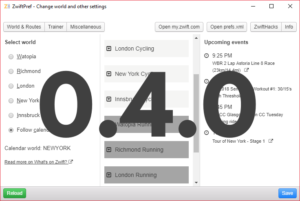
If you want more of New York when the calendar switches to Watopia in a couple of days, now may be a good time to get the new version 0.4.0 of ZwiftPref. Of course it lets you choose any of the five worlds It also lets you choose both cycling and running routes Besides that this version got a few bug fixes, e.g. to again show upcoming events. Download the update Get the new version over at the ZwiftPref page.
-
Select any world and route with zwift-preferences v19
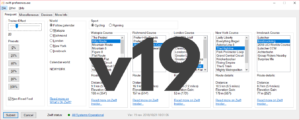
With zwift-preferences version 19 you can choose any of the five world including New York. It also handles route selection for both cycling and running. The ‘Sport’ toggle also determines which pairing screen (cycling or running) will be shown in-game at launch. Selecting routes/courses Depending on the setting ‘Sport’ (cycling or running) you can choose cycling and running routes, respectively. Download the update Get the new version 19 over at the zwift-preferences page.