macOS | Windows | Yorkshire | zwift-preferences | ZwiftPref
Yorkshire – New world and routes
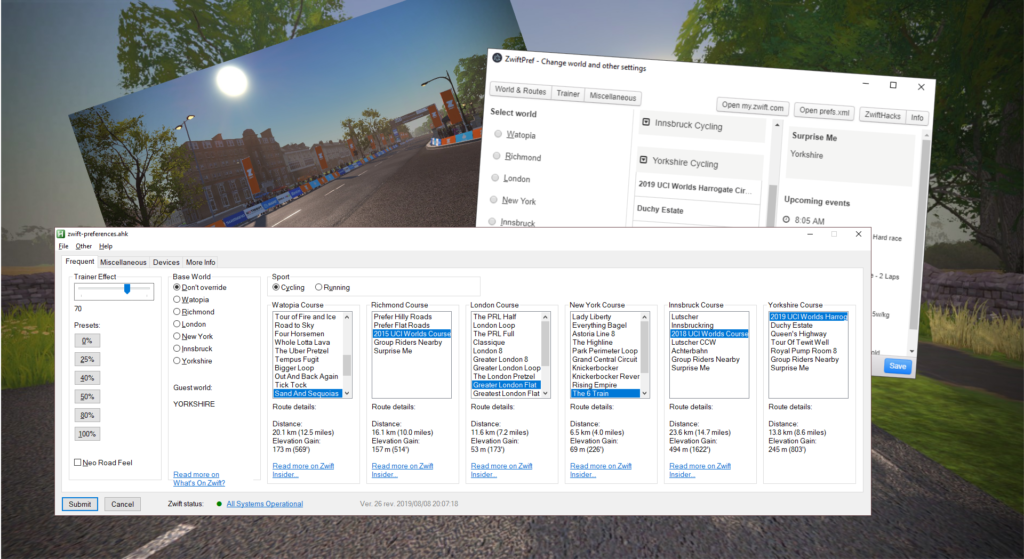

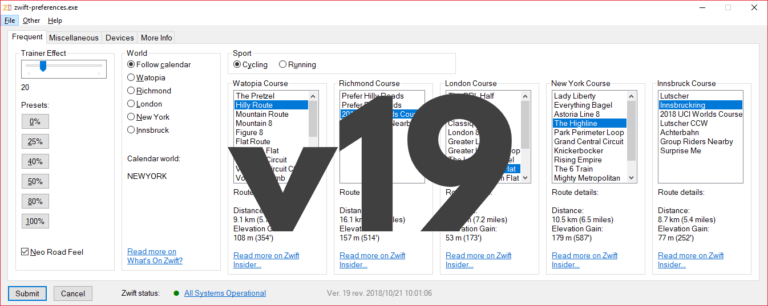
With zwift-preferences version 19 you can choose any of the five world including New York. It also handles route selection for both cycling and running. The ‘Sport’ toggle also determines which pairing screen (cycling or running) will be shown in-game at launch. Selecting routes/courses Depending on the setting ‘Sport’ (cycling or running) you can choose cycling…
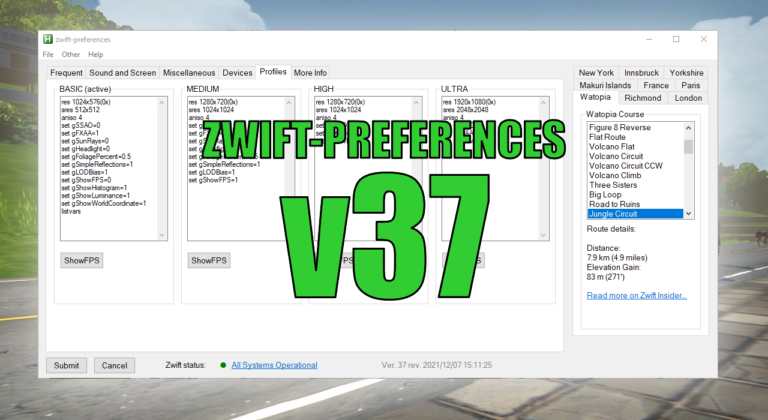
No, there is nothing really Christmassy about it, but it has some new features. Consider it an early Christmas present for you. The new features are: Swap the title music between the old, original one and the standard. See which graphics profile is active and see current content of the four graphics profile configuration files….
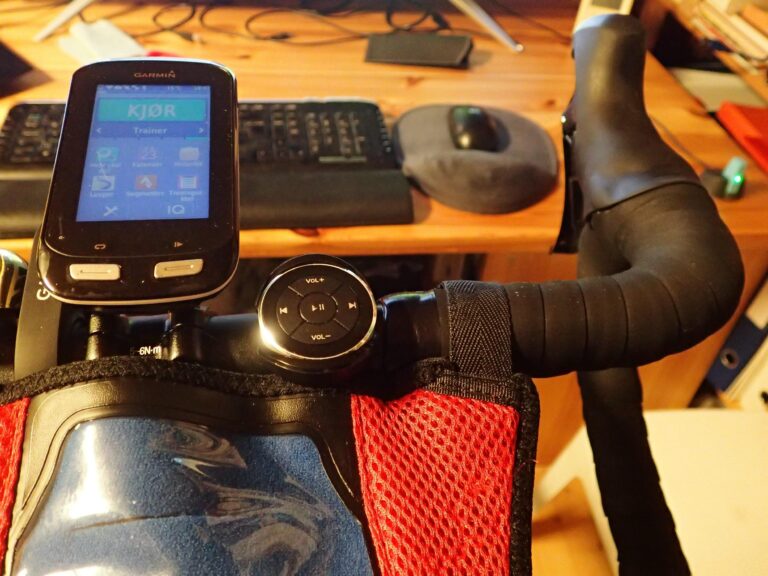
(Editor’s note: This post and the downloads were updated on 2018-03-17 to version 1.0.3) This recipe shows you how to use a $10 gadget as a handlebar mounted Zwift game controller. When mounted on the handlebar of your bike it will give you easy access to 5 keys that can be used to control Zwift…
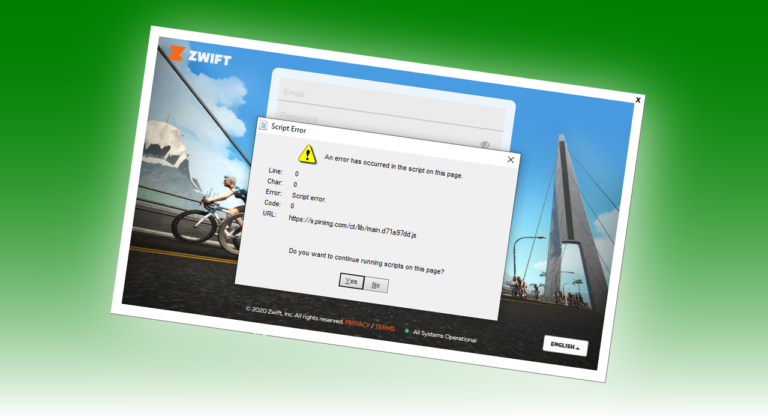
Recently an annoying script error has started to pop up in the Zwift launcher, at least in the Windows version. As some have found out the error is in a script coming from Pinterest, but how can that be, and can it cause Zwift to run poorly?
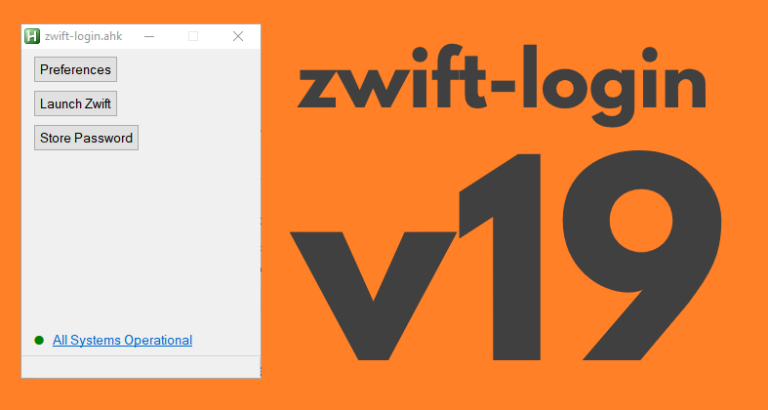
zwift-login is fixed to launch TR-Z-move together with Zwift if both scripts (zwift-login and TR-Z-move) are located in the same folder. Download the update Get the new version 19 at the zwift-login page.
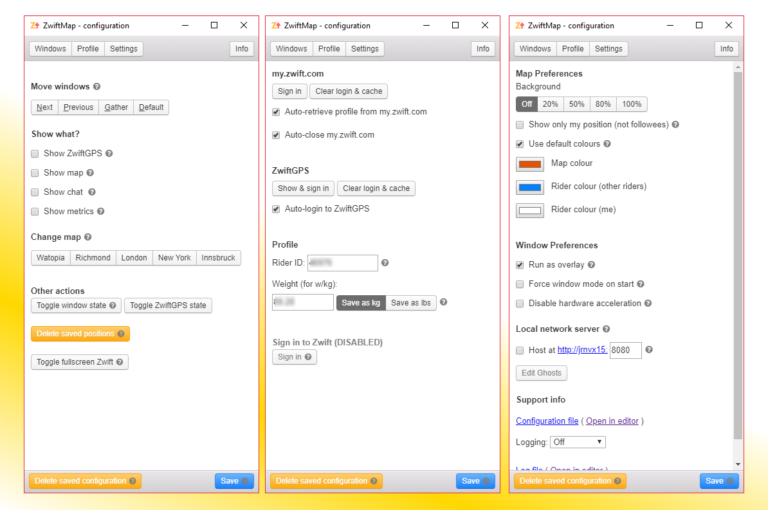
Update 2018-11-13: Version 2.0.0-preview.4 uploaded (fixes missing roads in the ZwiftGPS map) Update 2018-11-05: Version 2.0.0-preview.2 uploaded The ZwiftMap Preview has a new version. You can find the download link in the original announcement post (see below). This is probably almost ready to become an official version for both Windows and macOS. What remains is mostly…
Hi great tool ive been using it quite a bit, however since Yorkshire has been added I can only select Yorkshire from the world menu, I cannot one of the routes on the Yorkshire course as I cannot see it or I should say I can only see the first 2 letters or so of each route. I cannot scroll and I cannot maximise the window so I can select. Im running it on Windows 10 I haven’t downloaded the version 26 of Zwift pref as it stated that it was to resolve a bug fix for windows 7 users and im on windows 10, any help you can offer would be appreciated
thanks
What is the screen resolution of your computer?
I can see how certain screen resolution and scaling settings mean that the window should be larger than the screen to show all the information.
Please try this test version instead: http://staging1792839621.zwifthacks.com/download/zwift-preferences-compiled-with-installer-2/.
This test version installs as zwift-preferences-tabbed, not zwift-preferences.
Same here. Windows 10 laptop with screen resolution of 1920 x 1080
I can see how certain screen resolution and scaling settings mean that the window should be larger than the screen to show all the information.
Please try this test version instead: http://staging1792839621.zwifthacks.com/download/zwift-preferences-compiled-with-installer-2/.
This test version installs as zwift-preferences-tabbed, not zwift-preferences.
Hi Jesper
sorry for the late response I’ve installed the test executable and the tab versions seems to display fine I haven’t tested it with Zwift as yet, for information my resolution is 1366×768 on a windows 10 laptop, thankyou for responding so quickly
Tabbed fixed it for me also. Great work! Frankly, this is an immense value-add to Zwift. I use it every day! Thanks for putting it out there!
yep totally agree i use it every time I use Zwift its a great tool