FEATURED
-
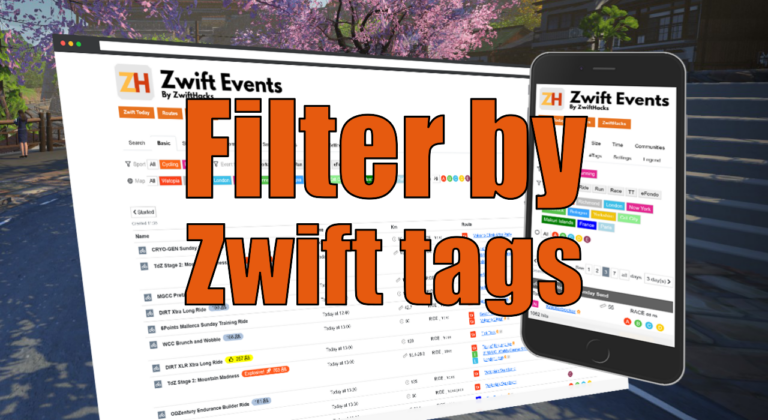
Filter by Zwift event tags
Zwift HQ add hidden tags to all events. Now you can use these tags for filters and as another more way to create custom pages from our event list.
-
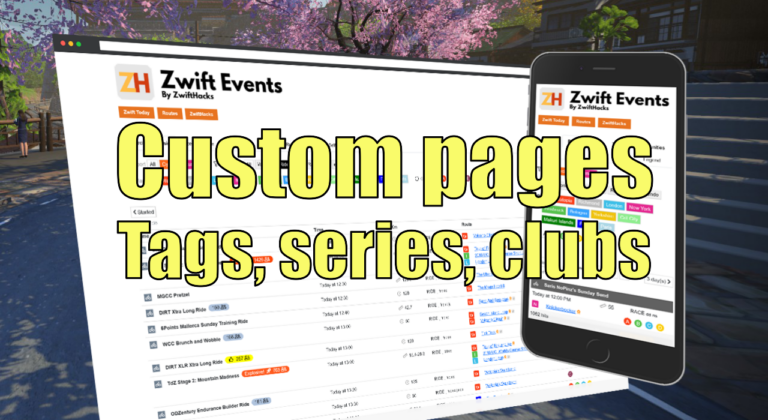
Custom pages for tags, series, and clubs
Here are three more ways to create custom event pages. You can get custom pages for series, events, and clubs.
ALL NEWS FROM ZWIFTHACKS
-
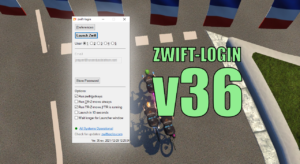
zwift-login v36 – Streamlining and Improving
While zwift-login already does handle the new Zwift launcher based on the modern Edge Webview2, this new version (v36) improves how the login dialogue is automated. Instead of sending keystrokes it now uses the UI Automation technology. Besides that the zwift-login window itself has a few improvements: The current username is visible. Options and buttons are disabled/enabled according to the state which zwift-login is in. zwift-login stays visible during the login process and displays status information in its statusbar. You can use the ‘Wait longer for Launcher window’ option if…
-
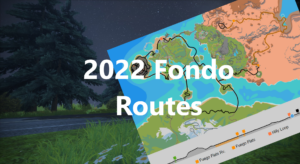
2022 Fondo Routes
It is Fondo time again, and this time on three new fondo routes.
-
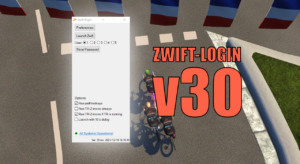
zwift-login v30 – Catching Up
With this update the version number jumps to 30. Version 28 and 29 were never formally released but now it is time to catch up 🙂 The changes since v27 are: Option to conditionally launch TR-Z-move (only launch it when TrainerRoad is running) Support for special Zwift installations added: You can set ZWIFTPROG and ZWIFTDOC environment variables to override the location of Zwift program files and documents, respectively A /delay command line switch and an option in the user interface to delay launch with 10 seconds Download the update Get the…
-
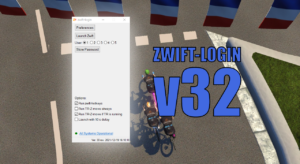
zwift-login v32 – A New Zwift Launcher
Zwift have a new launcher (version 1.1.0) which changes the technology used in the Zwift Launcher. It is no longer an Internet Explorer component but based on the modern Edge Webview2 control. zwift-login now handles this. There are some caveats: It is more difficult to automate the new launcher so for now it works by activating the launcher window and sending keystrokes to it. It makes the solution vulnerable in cases where the PC is slow or unresponsive. It is only tested where username and password is saved in zwift-login…
-
zwift-login v30 – Catching Up
With this update the version number jumps to 30. Version 28 and 29 were never formally released but now it is time to catch up 🙂 The changes since v27 are: Option to conditionally launch TR-Z-move (only launch it when TrainerRoad is running) Support for special Zwift installations added: You can set ZWIFTPROG and ZWIFTDOC environment variables to override the location of Zwift program files and documents, respectively A /delay command line switch and an option in the user interface to delay launch with 10 seconds Download the update Get the…
-
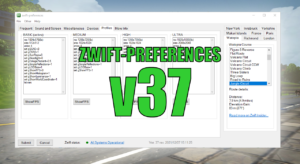
zwift-preferences Christmas 2021 Edition
No, there is nothing really Christmassy about it, but it has some new features. Consider it an early Christmas present for you. The new features are: Swap the title music between the old, original one and the standard. See which graphics profile is active and see current content of the four graphics profile configuration files. Toggle the ShowFPS setting in a configuration. Toggle additional logging option in prefs.xml. Open more files and URLs from the menu Other. Support for special Zwift installations added – override the location of Zwift program…
-
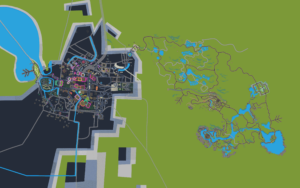
New Neokyo Routes
Here are the new Neokyo routes in the route list, including the animated maps and profiles: http://staging1792839621.zwifthacks.com/app/routes/?select=%7B%22world%22%3A%22makuriislands%22%7D&filter=new
-
Fixing the ZwiftGPS Map
ZwiftMap 2.2.2 hopefully fixes a problem with missing display of the roads in the ZwiftGPS window.
-
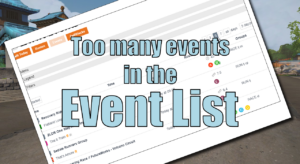
Too many events in the event list?
Many events is a good thing. But – many events can also be a bad thing for the event list. Currently, Zwift has loaded the calendar with about 7.000 events, and trying to show all that in a single page will cause problems on some devices. To help fix that problem the default is now to show 3 days per page. You can still choose to override this setting by clicking the button “See 1 / 2 / 3 / 7 / all days”. If it is impossible for you…
-
Fixing ZwiftPref to show world list again
This is a bug fix update, necessary to get the full list of world after a Let’s Encrypt root certificate used in securing web communication expired October 1. Besides that nothing is changed. Download the update Get the latest version from the ZwiftPref page.
-
ZwiftMap fixed after Zwift log.txt changes
ZwiftMap 2.2.1 is a small update needed after Zwift modified its log.txt format slightly (in September)
-
ZwiftMap updated with Makuri Islands
ZwiftMap 2.2.0 is finally there with support for Makuri Islands. Under the hood there has been some other technology updates. Unfortunately it has been necessary to remove the automatic retrieval of rider ID and weight – you now have to enter these profile details manually. Where can I get it? Find the downloads and more information at the ZwiftMap page.
-

Makuri Islands Events
These are the scheduled events on Makuri Islands: http://staging1792839621.zwifthacks.com/app/events/?key=60a6c1cb075ac
-

Makuri Islands
The new Makuri Islands world is supported by all of these ZwiftHacks tools: Events Routes zwift-preferences ZwiftPref An update for ZwiftMap may still be needed but it will be done server-side and does not require that you download anything. It will follow soon.
-
Bug Fix for zwift-hotkeys – Keyboard shortcut for Exit
v21 is a bug fix for the Exit button shortcut – update if you already installed v20
-
zwift-hotkeys v20 – Keyboard shortcut for Exit
zwift-hotkeys v20 gives you a new keyboard shortcut for the Exit button and some other improvements
-
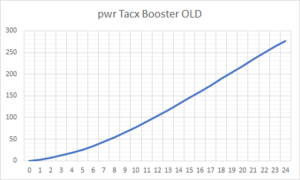
Why are Tacx trainers suddenly boosting your power? – and how to fix it
Edit: The problem was fixed in Zwift version 1.0.6541 released 2021-03-23 With the update Wednesday to game version 1.0.64913 many – like really many – have suddenly experienced crazy power numbers when using one of these trainers: Tacx Boost Tacx Booster Tacx Blue Matic Tacx Blue Motion The problem is not with your speed sensor, nor the trainer itself, but Zwift introduced a bug. It changed the power curve which is defined in-game and used to translate speed to power. We’ll have to wait for Zwift to fix it for…
-
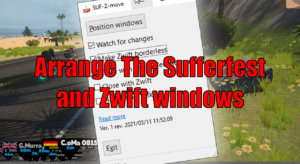
Arrange The Sufferfest and Zwift windows
SUF-Z-move lets you arrange the Zwift window to fill the rest of the screen above a The Sufferfest window. SUF-Z-move resizes and moves both windows – The Sufferfest and Zwift – to do so. If you already know TR-Z-move, this is the same – just for The Sufferfest. Download and instructions Go to the SUF-Z-move page for the download and instructions.
-
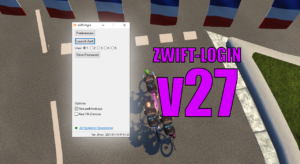
zwift-login v27 – Keyboard shortcuts
It is only a small update but it does make it easier to toggle options with new Alt+<key> shortcuts for some of the GUI elements. The possible shortcut keys are underlined when you press the Alt key. Download the update Get the new version 27 at the zwift-login page.