Makuri Islands | Maps | Routes | Web
New Neokyo Routes
Here are the new Neokyo routes in the route list, including the animated maps and profiles:
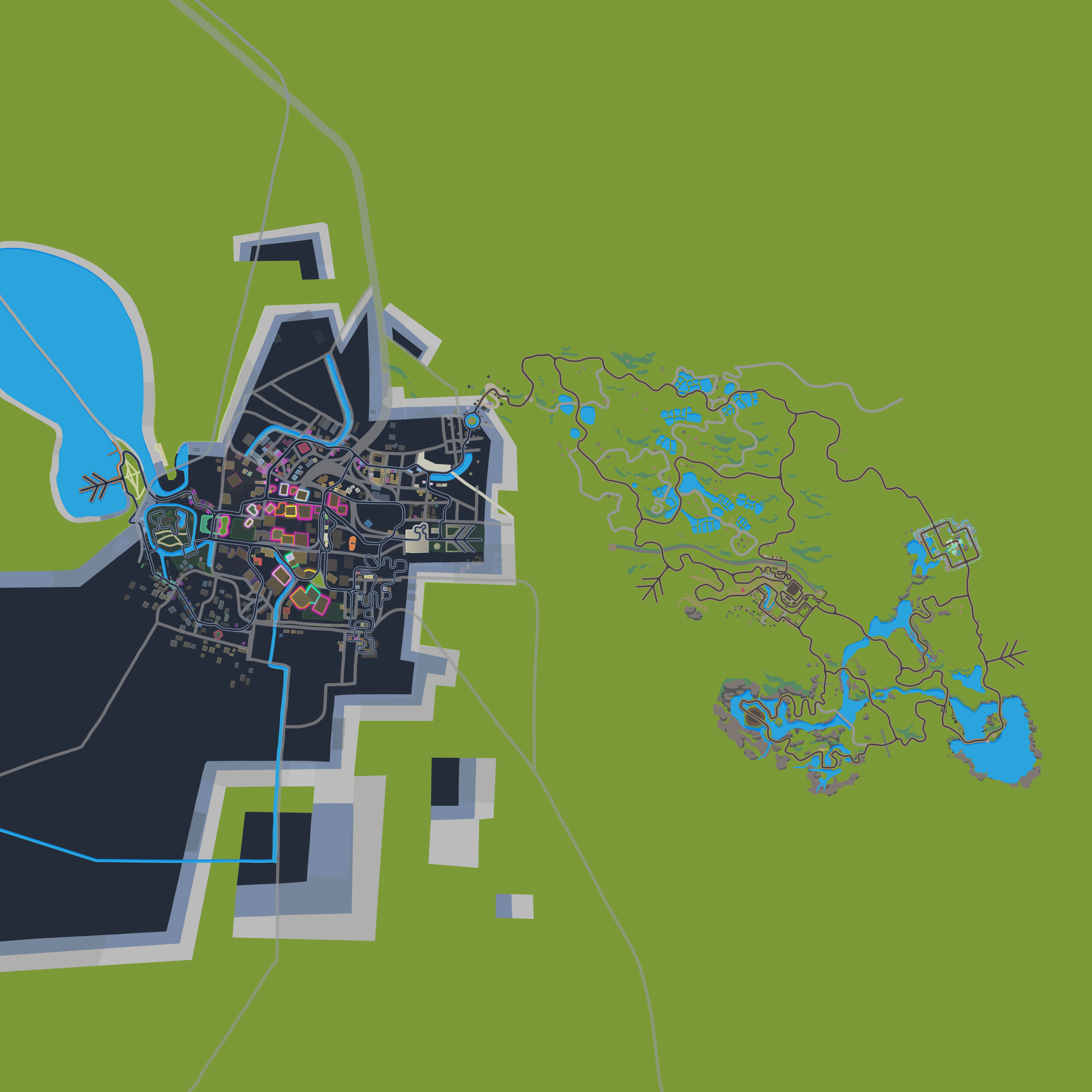

Here are the new Neokyo routes in the route list, including the animated maps and profiles:
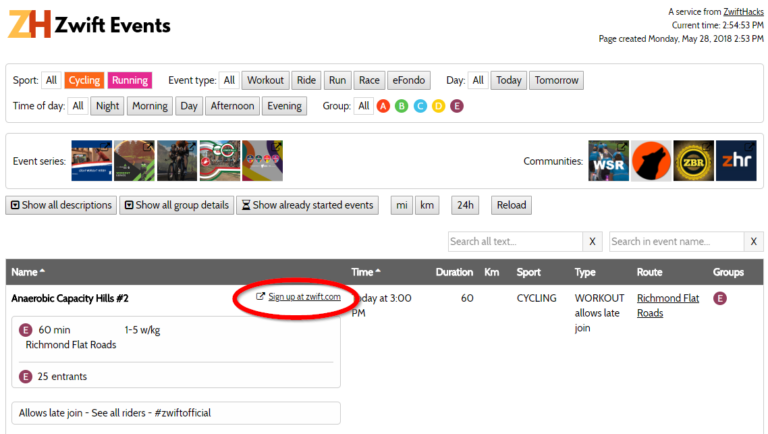
Besides a slight reshuffle of the filters and options at the top of the page, all events have a link which takes you straight to the Zwift event page so you can sign up straight in your browser (remember to log in on zwift.com). Try it at the events list.
Here is a summary for week 45 of new features, changes, bug fixes, and content, which didn’t get their own posts here at ZwiftHacks.
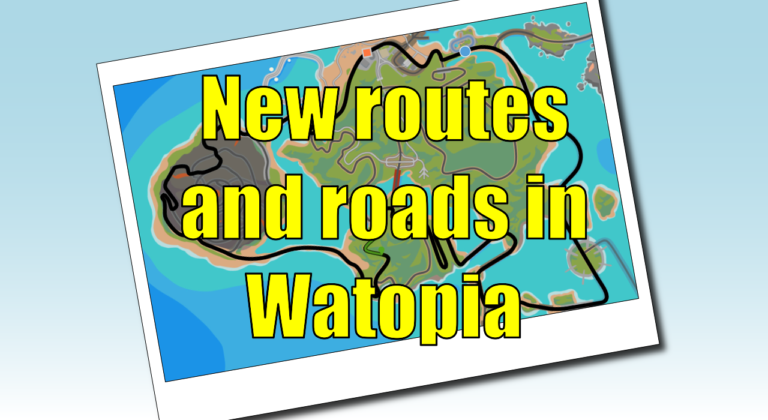
A game update (1.0.60239) was released a few hours ago, and one of the things in it is four new routes: Beach Island Loop Ocean Lava Cliffside Loop Serpentine 8 Two Bridges Loop All four have route badges. Get the route details and see the route maps here: http://staging1792839621.zwifthacks.com/app/routes/?filter=new And what about the new roads?…
It used to take long to load the event list in Chrome browsers but not any more. It now is 3 times faster than it was before – and the fastest way to see all upcoming events in Zwift. So, you may see this new load screen when you go to the event list but…
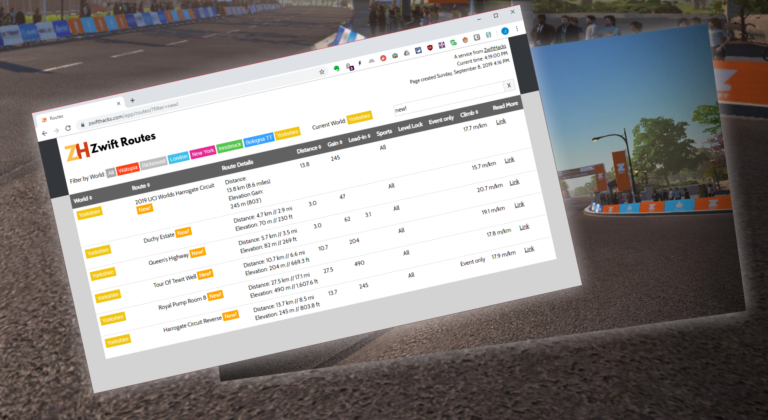
Here is a direct link to see just the newest routes: zwifthacks.com/app/routes/?filter=new!
ZwiftMap 2.2.1 is a small update needed after Zwift modified its log.txt format slightly (in September)
Hi Jesper,
there is a small update in the Japan minimap. The connecting road from Yumezi to Neokyo changed and now shows the correct path. Btw, Zwift still uses the wrong one in the app and companion, only the web version of your activities shows the correct one.
https://cdn.zwift.com/static/images/maps/MiniMap_Japan.png