Skip to content
  • Events
  • Routes
ZwiftHacks
  • Home
  • Desktop ToolsExpand
    • Automate and save mouse clicksExpand
      • zwift-login
      • zwift-hotkeys
    • Other toolsExpand
      • TR-Z-move
  • Online ToolsExpand
    • Events on Zwift
    • Routes
  • Other thingsExpand
    • Top Tips & Tricks
    • Posts
    • Historic…Expand
      • Settings and route selectionExpand
        • zwift-preferences (for Windows)
        • ZwiftPref for macOS & Windows – Change world and other settings
      • Maps and Onscreen DisplaysExpand
        • ZwiftMap (macOS and Windows)
      • parse-zwift-logs
      • ZwUp – make Zwift topmost and transparent
      • The Whoa! Stopper
      • What is my Zwift ID?
      • MAP and FTP Calculator
      • Online workout editorExpand
        • Simple ZWO Creator
      • Updates
  • About…
  • Contact…
ZwiftHacks
  • Fixed a bug that made the map black – and very hard to see!
    iOS | macOS | ZwiftMap

    Fixed a bug that made the map black – and very hard to see!

    ByJesper [ZwiftHacks] 2017-01-282018-08-02

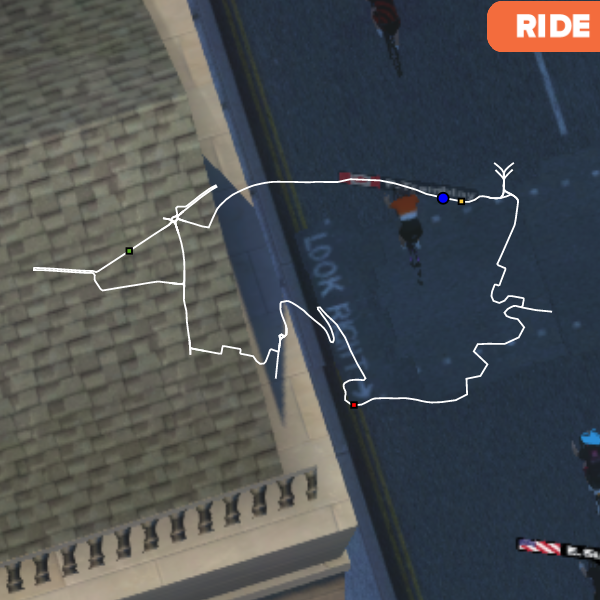
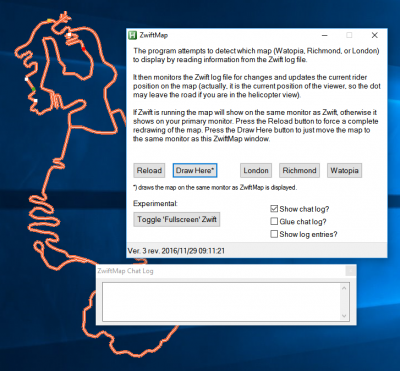
    The map is supposed to show in white but because of a mistake by me it has been showing in black instead since Wednesday (I guess). That will indeed have made it very hard to see on top of Zwift. The problem should be fixed now (it does not require you to download anything again). Regards, Jesper
    Read More Fixed a bug that made the map black – and very hard to see!Continue

  • Use the <WORLD> hack and ZwiftMap together!
    ZwiftMap | ZwiftPref

    Use the <WORLD> hack and ZwiftMap together!

    ByJesper [ZwiftHacks] 2017-01-272017-09-06

    This is nice to know about the ZwiftMap app: Just curious – if you use ZwiftPref and select a route that is not on the calendar for the current day, the ZwiftMap app seems to only put the map up for the correct course for the day? There is a trick! Start ZwiftMap first and then…

    Read More Use the <WORLD> hack and ZwiftMap together!Continue

  • Version 6 of ZwiftMap Classic for Windows
    Update | Windows | ZwiftMap

    Version 6 of ZwiftMap Classic for Windows

    ByJesper [ZwiftHacks] 2017-01-232017-01-23

    The classic ZwiftMap for Windows has just been updated: Version 6 (2017/01/23 11:51:10) Volcano routes Version 5 (not released) Some bug fixes. A command line option which is usefull if you only want the chat log: /hidemap Improved drawing of map (closed gap in looped segments) Improved drawing of map (draw all segments orange first…

    Read More Version 6 of ZwiftMap Classic for WindowsContinue

  • Volcano!
    macOS | Update | Web | Windows | ZwiftMap

    Volcano!

    ByJesper [ZwiftHacks] 2017-01-232017-01-23

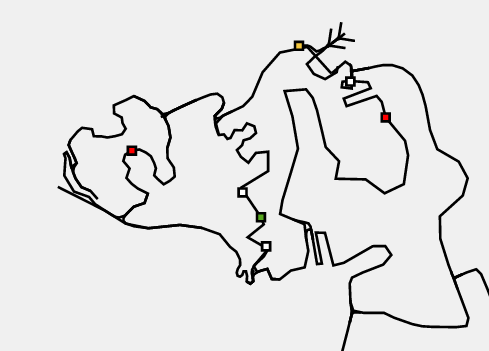
    The ZwiftMap for macOS, Windows*, and in your browser has the new Volcano routes. Check it out: Online maps of all three Zwift courses You don’t have to download anything new – just run the ZwiftMap that you have on your Mac/PC already. *) The old ZwiftMap Classic (for Windows only) will be updated with…

    Read More Volcano!Continue

  • Small changes in ZwiftMap (macOS and Windows)
    macOS | Update | Windows | ZwiftMap

    Small changes in ZwiftMap (macOS and Windows)

    ByJesper [ZwiftHacks] 2017-01-192017-09-06

    ZwiftMap just got a few changes and is now at version 0.2.0. Mac only: There is a new menu item which does the same as the magic key combo. It toggles whether the map window responds to mouse events or not. Besides that I changed the method to find the Zwift log file. This hopefully makes the…

    Read More Small changes in ZwiftMap (macOS and Windows)Continue

  • Status indicator in ZwiftMap (macOS and Windows)
    macOS | Update | Windows | ZwiftMap

    Status indicator in ZwiftMap (macOS and Windows)

    ByJesper [ZwiftHacks] 2017-01-162017-09-06

    There is a minor update to ZwiftMap: When the map can be dragged it has a dotted frame. This makes it much easier for you to see if the magic key combo works. Otherwise nothing has changed. Download links are in the original announcement post.

    Read More Status indicator in ZwiftMap (macOS and Windows)Continue

  • ZwiftMap for macOS is here
    macOS | Windows | ZwiftMap

    ZwiftMap for macOS is here

    ByJesper [ZwiftHacks] 2017-01-152017-09-06

    Update 2017-03-31: Version 1.1.0 is out Update 2017-02-08: Version 1.0.0 is out   Finally, ZwiftMap for macOS is here! (… and Windows users can try it, too) More details and instructions will be added to the ZwiftMap page later, but I thought you should have the app while its fresh!   The download links are further…

    Read More ZwiftMap for macOS is hereContinue

  • Where is Jesper? An almost-live map…
    Experiment | ZwiftMap

    Where is Jesper? An almost-live map…

    ByJesper [ZwiftHacks] 2016-12-292017-01-15

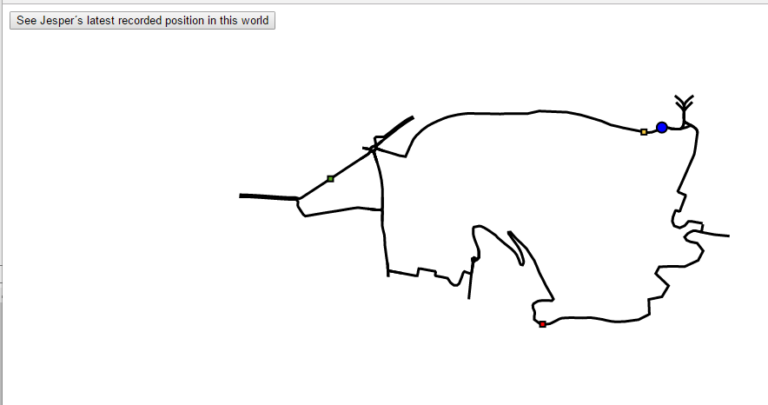
    Update: Pan and Zoom the map in this new version linked below Well, if the question is where Jesper is in the virtual Zwift world you may find the answer in this almost-live map: https://api.zwifthacks.com/zwiftmap/test/drawmaplivezoom.php – just click the button on the linked map page. Internet Explorer and Edge have problems showing the map with pan…

    Read More Where is Jesper? An almost-live map…Continue

  • ZwiftMap

    False malware alerts

    ByJesper [ZwiftHacks] 2016-12-262017-09-06

    There has been reports of Google Chrome, McAfee, and Windows Defender flagging the downloads for ZwiftMap as dangerous and containing malware. This is not the case which I have verified several times over the past day or so. Anyway, if the warnings concern you my best advice is simply not to download ZwiftMap. Google has…

    Read More False malware alertsContinue

  • Move and resize the ZwiftMap — new in version 4
    Update | ZwiftMap

    Move and resize the ZwiftMap — new in version 4

    ByJesper [ZwiftHacks] 2016-12-132017-01-15

    ZwiftMap was just updated to version 4. It contains some requested features and a lot of invisible stuff… Improved how the map is drawn to make it prettier. To give you full flexibility over where the map is shown ZwiftMap now lets you move and resize the map. The position and size can be saved…

    Read More Move and resize the ZwiftMap — new in version 4Continue

Page navigation

Previous PagePrevious 1 … 3 4 5 6 Next PageNext

Tools from ZwiftHacks

  • zwift-login
  • TR-Z-move
  • zwift-hotkeys

Who runs ZwiftHacks?

This site is run by Jesper Rosenlund Nielsen, a Zwift rider since 2015, and is not affiliated with the Zwift company in any way.

You can find Zwift (the company) at zwift.com

ZwiftHacks is also at various social media:

  • Facebook
  • Twitter
  • Mastodon

Meta

  • Log in
  • Entries feed
  • Comments feed
  • WordPress.org
  • About…
  • Friends of the House
  • Contact…

© Jesper Rosenlund Nielsen © 2016-2026 - WordPress Theme by Kadence WP

Scroll to top
  • Home
  • Desktop Tools
    • Automate and save mouse clicks
      • zwift-login
      • zwift-hotkeys
    • Other tools
      • TR-Z-move
  • Online Tools
    • Events on Zwift
    • Routes
  • Other things
    • Top Tips & Tricks
    • Posts
    • Historic…
      • Settings and route selection
        • zwift-preferences (for Windows)
        • ZwiftPref for macOS & Windows – Change world and other settings
      • Maps and Onscreen Displays
        • ZwiftMap (macOS and Windows)
      • parse-zwift-logs
      • ZwUp – make Zwift topmost and transparent
      • The Whoa! Stopper
      • What is my Zwift ID?
      • MAP and FTP Calculator
      • Online workout editor
        • Simple ZWO Creator
      • Updates
  • About…
  • Contact…
Search