Improved filters and searches
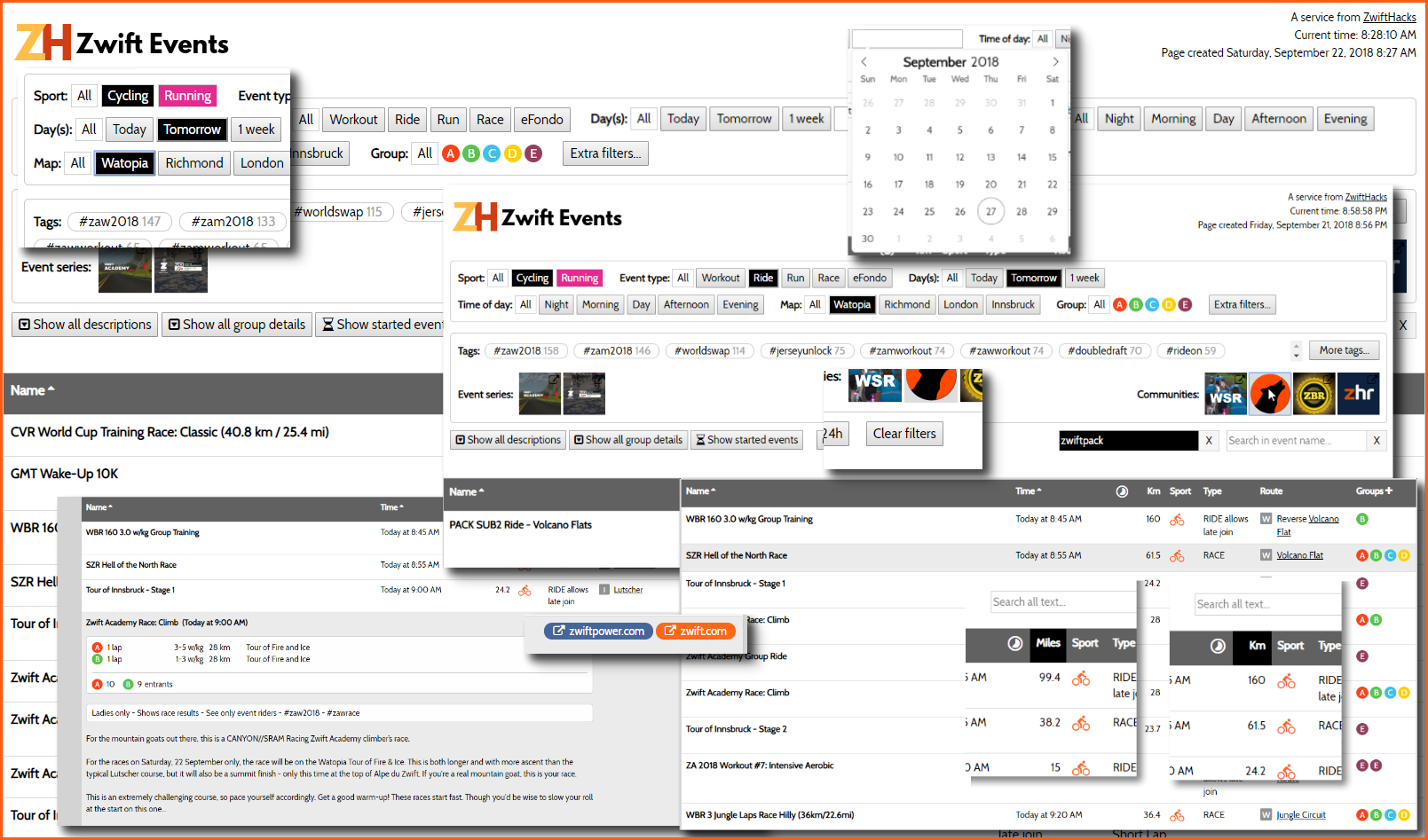
Find it on the Events page – or click the image to see the examples in larger scale.

Find it on the Events page – or click the image to see the examples in larger scale.
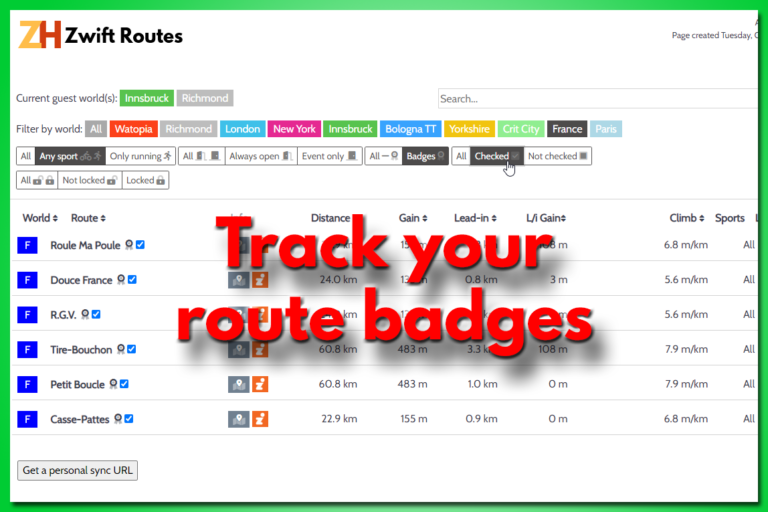
There is a new way to track your route badges. It doesn’t require you to create any user account but simply stores the info in your browser. It also gives you a dedicated URL / web page address you can bookmark. Use that and you can access your data from anywhere. The Zwift Routes page…

You can now filter the event list based on duration and distance of the events. You just have to click ‘More filters and search…’ to access the new filters.
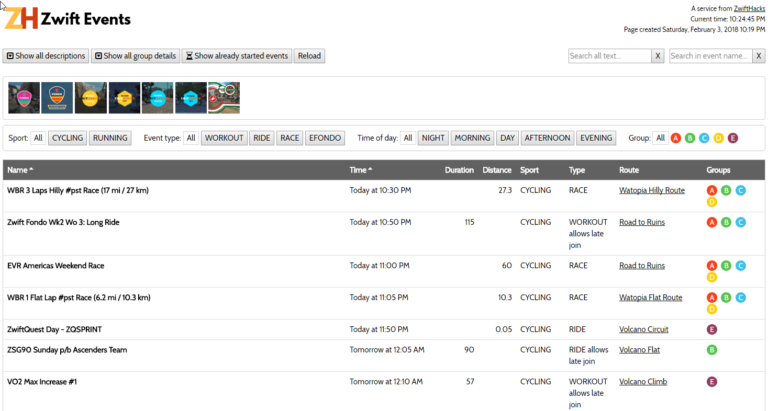
The event list at http://staging1792839621.zwifthacks.com/app/events just got a facelift, some tweaks, and a couple of extra features: Filter by time of day and clear your searches.
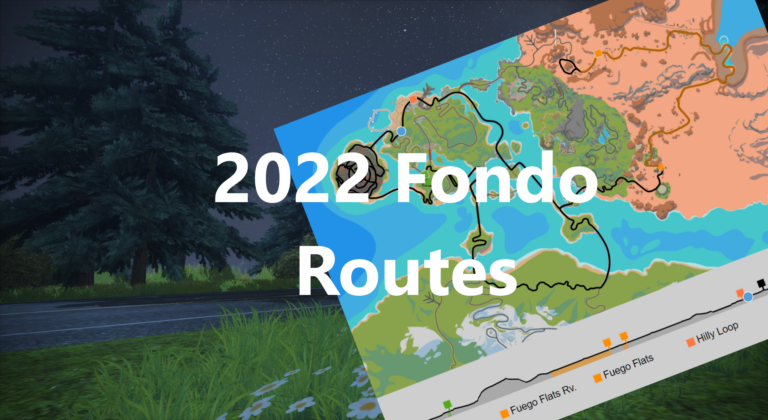
It is Fondo time again, and this time on three new fondo routes.
The article describes how to find your user ID on the new my.zwift.com – with a browser. Do you have an iOS 13 device? The article also contains an updated description of how to find your user ID in iOS Safari. Here is the updated article:
Your Zwift user ID is something you need for two important purposes: Logging in to ZwiftGPS and signing up at ZwiftPower. In this post – the second of a series – I show you how to find it via my.zwift.com in a couple of ways. Part Two: Finding your id on my.zwift.com works for everybody……