Fixing ZwiftPref to show world list again
This is a bug fix update, necessary to get the full list of world after a Let’s Encrypt root certificate used in securing web communication expired October 1.
Besides that nothing is changed.


This is a bug fix update, necessary to get the full list of world after a Let’s Encrypt root certificate used in securing web communication expired October 1.
Besides that nothing is changed.

TR-Z-move solves two problems: There is a bug in the current version of TrainerRoad when running on a secondary screen in minimal mode. The workout instructions will still be displayed on your primary screen and not on the same screen as the workout window itself. TR-Z-move fixes this. I want to arrange the Zwift window…
The downloads for ZwiftMap have been offline for some time but are back with support for the new Innsbruck map. Get the latest version (1.3.1) at the ZwiftMap page. Zwift (the company) has requested that all third party developers / Zwift hackers / community Zwift coders refrain from using the APIs which can be used…
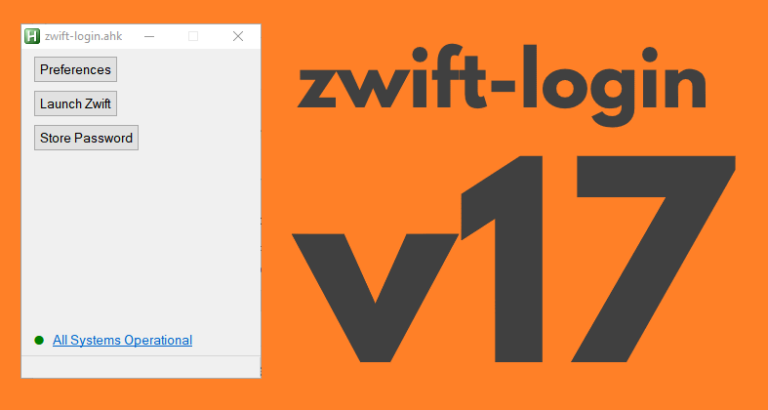
zwift-login now shows warning icons if a specific world is set or minimal_ui is enabled in prefs.xml The new version also checks if ZwiftLauncher is running elevated at launch, when launching Zwift, and when pressing “Close launcher”. This helps in making zwift-login more robust after Zwift itself has been updated. The button “Restart launcher” is renamed…
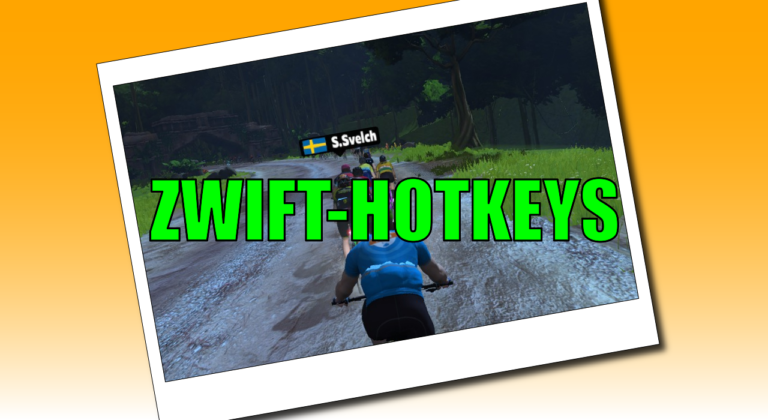
zwift-hotkeys has been updated with several new keyboard shortcuts and fixes. Some of the changes are: Keyboard shortcuts (R or Left Alt+R) for toggling between Running and Riding in pairing screen Keyboard shortcuts (1-5 or Left Alt+1/../5) for selecting which device to search for in the pairing screen. The number shortcuts work for choosing a device…

zwift-preferences version 26 is a bug fix version specifically for Windows 7 users. It fixes a problem with download of the route definition files. Besides that it contains cosmetic changes and some under-the-hood changes but not any fancy, new features. Download the update Get the new version 26 over at the zwift-preferences page.
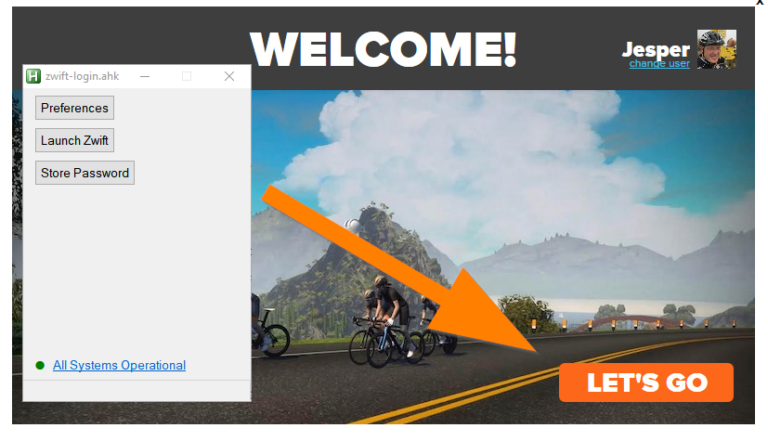
The Zwift Launcher now have a Let’s Go button where it used to have a Ride On button. zwift-login has been fixed to handle this. Download the new version from the zwift-login page. Zwift has also finally fixed this Welcome! screen so you can just press the Enter key instead of having to click the…
First of, thanks for putting out a MacOS version of this! I very much enjoy deciding for myself which route I choose, regardless of Zwift’s schedule.
I recently tried to cover all the new event only routes that will be used for the ToW, e.g. “Handful of gravel, Italian Villas Circuit etc.”, and they all work….except for “Mayan Bridge Loop”. Selecting Mayan Bridge Loop in the tool and saving seems to cause Zwift to default to “Surprise Me…” in the route selection. Is it possible that the route signature used for “Mayan Bridge Loop” (1082034232) is incorrect, so that Zwift can’t read it?
I can see that Zwift has a bug in the route definition file for “Mayan Bridge Loop”. It is marked as a cycling only route and not a running only route in-game. Because of that Zwift cannot show it in the route selection screen. It requires a fix from Zwift.
Ah, thanks. I knew there was something off. Well, I guess they’ll have to fix it either way, otherwise there won’t be a run on this route for ToW. 😉
It seems to be fixed in the new version today.
Ha, thanks! As expected since ToW has started and I think this route is on next week 😉