Skip to content
  • Events
  • Routes
ZwiftHacks
  • Home
  • Desktop ToolsExpand
    • Automate and save mouse clicksExpand
      • zwift-login
      • zwift-hotkeys
    • Other toolsExpand
      • TR-Z-move
  • Online ToolsExpand
    • Events on Zwift
    • Routes
  • Other thingsExpand
    • Top Tips & Tricks
    • Posts
    • Historic…Expand
      • Settings and route selectionExpand
        • zwift-preferences (for Windows)
        • ZwiftPref for macOS & Windows – Change world and other settings
      • Maps and Onscreen DisplaysExpand
        • ZwiftMap (macOS and Windows)
      • parse-zwift-logs
      • ZwUp – make Zwift topmost and transparent
      • The Whoa! Stopper
      • What is my Zwift ID?
      • MAP and FTP Calculator
      • Online workout editorExpand
        • Simple ZWO Creator
      • Updates
  • About…
  • Contact…
ZwiftHacks
  • Better support for many worlds – zwift-preferences v29
    Update | Windows | zwift-preferences

    Better support for many worlds – zwift-preferences v29

    ByJesper [ZwiftHacks] 2019-09-122019-12-23

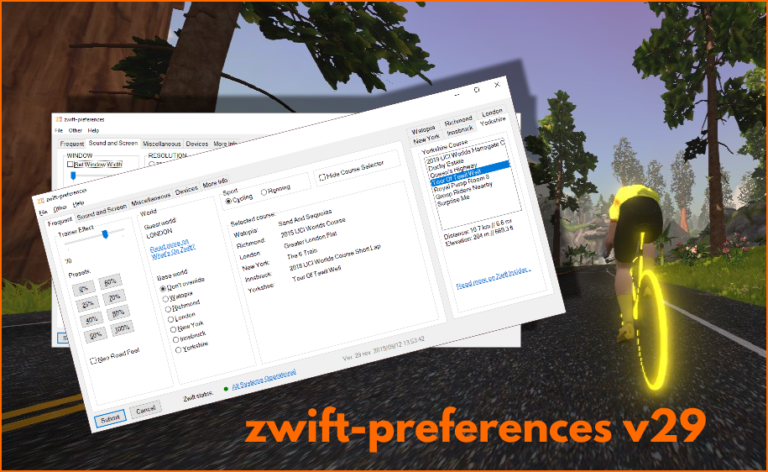
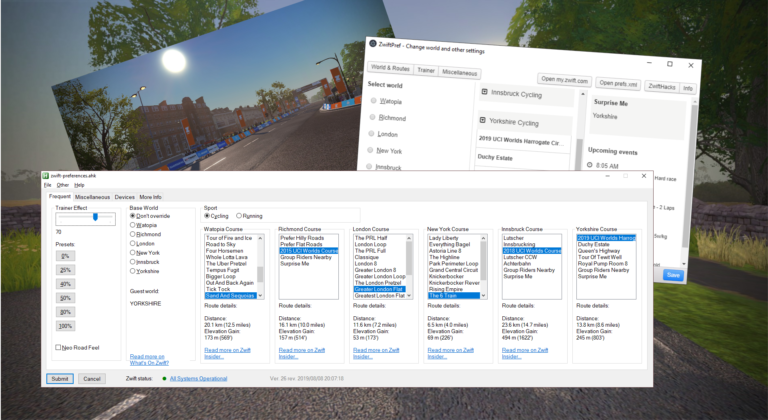
    Update 2019-09-12 18:33 CET: Bug alert called off 🙂 It is lovely with the many worlds and courses in Zwift but the old layout of zwift-preferences couldn’t really cope with them all, at least on some screens. zwift-preferences – here in version 29 – now uses a tabbed layout for the course selection. Besides that…
    Read More Better support for many worlds – zwift-preferences v29Continue

  • Yorkshire – New world and routes
    macOS | Windows | Yorkshire | zwift-preferences | ZwiftPref

    Yorkshire – New world and routes

    ByJesper [ZwiftHacks] 2019-09-082019-12-23

    Read More Yorkshire – New world and routesContinue

  • zwift-preferences v26
    Update | Windows | zwift-preferences

    zwift-preferences v26

    ByJesper [ZwiftHacks] 2019-08-192019-12-23

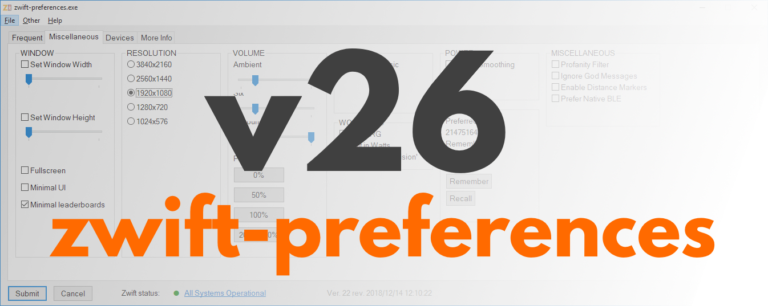
    zwift-preferences version 26 is a bug fix version specifically for Windows 7 users. It fixes a problem with download of the route definition files. Besides that it contains cosmetic changes and some under-the-hood changes but not any fancy, new features. Download the update Get the new version 26 over at the zwift-preferences page.

    Read More zwift-preferences v26Continue

  • How to choose a 3rd world…
    macOS | Windows | zwift-preferences | ZwiftPref

    How to choose a 3rd world…

    ByJesper [ZwiftHacks] 2019-02-022021-01-02

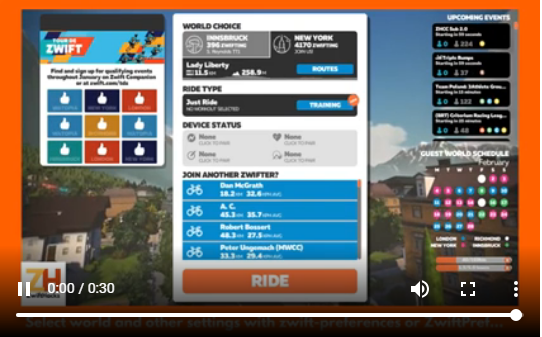
    It is really to simple to select a world other than Watopia and the guest world of the day with zwift-preferences and ZwiftPref. Just remember that you must click on the name of that world in the Ride with… screen to choose it before you press ‘Ride’.

    Read More How to choose a 3rd world…Continue

  • zwift-preferences v22
    Update | Windows | zwift-preferences

    zwift-preferences v22

    ByJesper [ZwiftHacks] 2018-12-142019-08-15

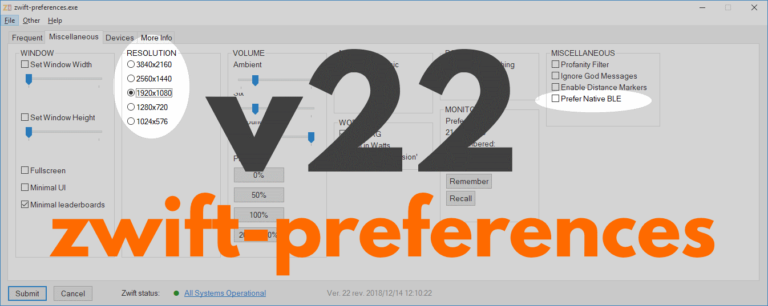
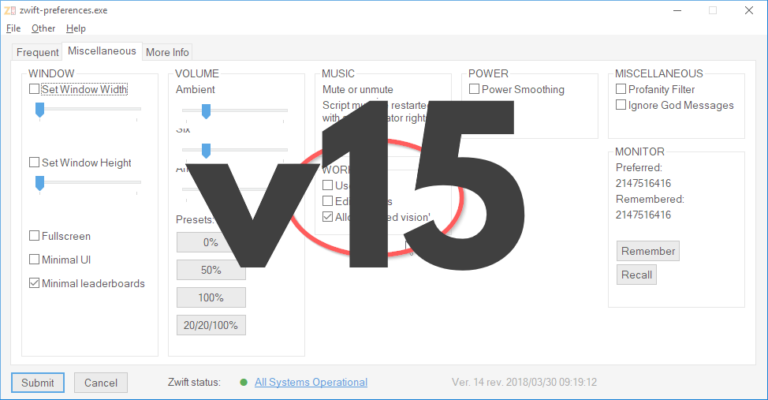
    zwift-preferences skips version 21 and jumps straight to version 22 with support for changing the preferred screen resolution and toggle the Prefer Native BLE setting on the Miscellaneous tab. Download the update Get the new version 22 over at the zwift-preferences page.

    Read More zwift-preferences v22Continue

  • zwift-preferences v20
    Update | Windows | zwift-preferences

    zwift-preferences v20

    ByJesper [ZwiftHacks] 2018-10-31

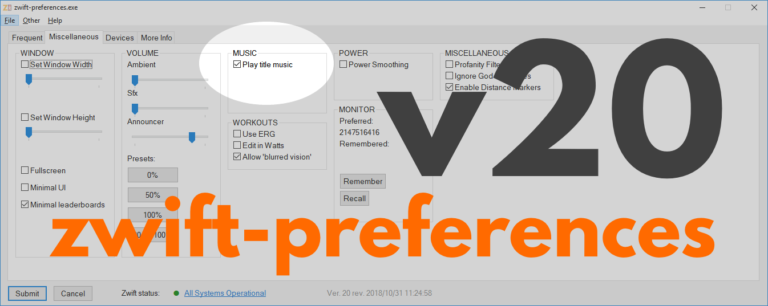
    With zwift-preferences version 20 the new Title Music setting can be toggled on the Miscellaneous tab. This replaces the old hack to suppress the startup music in Zwift. This is the only change in this version. Download the update Get the new version 20 over at the zwift-preferences page.  

    Read More zwift-preferences v20Continue

  • Select any world and route with zwift-preferences v19
    Update | Windows | zwift-preferences

    Select any world and route with zwift-preferences v19

    ByJesper [ZwiftHacks] 2018-10-232018-10-23

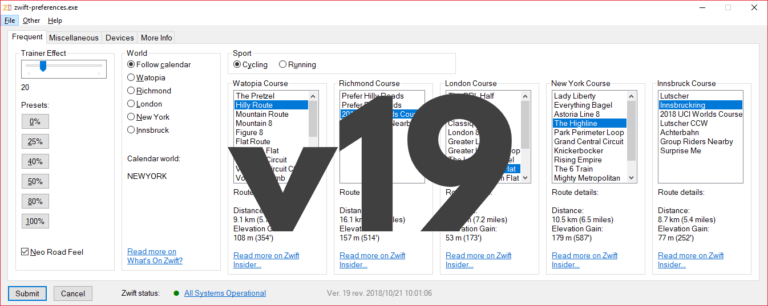
    With zwift-preferences version 19 you can choose any of the five world including New York. It also handles route selection for both cycling and running. The ‘Sport’ toggle also determines which pairing screen (cycling or running) will be shown in-game at launch. Selecting routes/courses Depending on the setting ‘Sport’ (cycling or running) you can choose cycling…

    Read More Select any world and route with zwift-preferences v19Continue

  • Remember or forget the controllable trainer with v18 of zwift-preferences – the choice is yours
    Update | Windows | zwift-preferences

    Remember or forget the controllable trainer with v18 of zwift-preferences – the choice is yours

    ByJesper [ZwiftHacks] 2018-09-202018-09-20

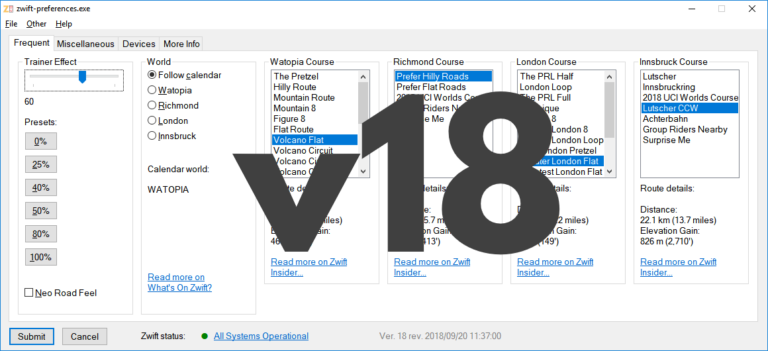
    zwift-preferences introduces a new ‘Devices’ tab where you can see which devices are stored in prefs.xml. You can also remove the controllable trainer from the list and later add it back to it. The Trainer Effect slider has been tweaked a bit, too. Remember/Recall the controllable trainer The Remember/Unpair/Recall buttons are useful because you won’t have…

    Read More Remember or forget the controllable trainer with v18 of zwift-preferences – the choice is yoursContinue

  • Small fix in v16 of zwift-preferences – show current world
    Update | Windows | zwift-preferences

    Small fix in v16 of zwift-preferences – show current world

    ByJesper [ZwiftHacks] 2018-08-022018-08-02

    zwift-preferences has been updated to version 16, just to make sure that it shows you the current map/world correctly. Download the update Get the new version 16 over at the zwift-preferences page.  

    Read More Small fix in v16 of zwift-preferences – show current worldContinue

  • World 5 is here…
    Innsbruck | macOS | Update | Windows | zwift-preferences | ZwiftPref

    World 5 is here…

    ByJesper [ZwiftHacks] 2018-08-012018-08-02

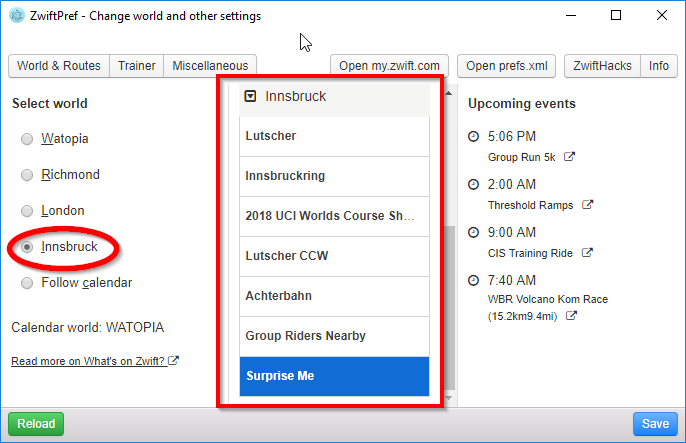
    …and supported by ZwiftPref and zwift-preferences. You won’t even have to download new version – both apps pull the list of worlds and courses from the ZwiftHacks server and should work right away. If you don’t have the apps – download at either app page: zwift-preferences (for Windows) ZwiftPref (for macOS and Windows)   This…

    Read More World 5 is here…Continue

Page navigation

Previous PagePrevious 1 2 3 4 Next PageNext

Tools from ZwiftHacks

  • zwift-login
  • TR-Z-move
  • zwift-hotkeys

Who runs ZwiftHacks?

This site is run by Jesper Rosenlund Nielsen, a Zwift rider since 2015, and is not affiliated with the Zwift company in any way.

You can find Zwift (the company) at zwift.com

ZwiftHacks is also at various social media:

  • Facebook
  • Twitter
  • Mastodon

Meta

  • Log in
  • Entries feed
  • Comments feed
  • WordPress.org
  • About…
  • Friends of the House
  • Contact…

© Jesper Rosenlund Nielsen © 2016-2026 - WordPress Theme by Kadence WP

Scroll to top
  • Home
  • Desktop Tools
    • Automate and save mouse clicks
      • zwift-login
      • zwift-hotkeys
    • Other tools
      • TR-Z-move
  • Online Tools
    • Events on Zwift
    • Routes
  • Other things
    • Top Tips & Tricks
    • Posts
    • Historic…
      • Settings and route selection
        • zwift-preferences (for Windows)
        • ZwiftPref for macOS & Windows – Change world and other settings
      • Maps and Onscreen Displays
        • ZwiftMap (macOS and Windows)
      • parse-zwift-logs
      • ZwUp – make Zwift topmost and transparent
      • The Whoa! Stopper
      • What is my Zwift ID?
      • MAP and FTP Calculator
      • Online workout editor
        • Simple ZWO Creator
      • Updates
  • About…
  • Contact…
Search