Tools updated for new Zwift folder location
The following tools have been updated to work with the new location for prefs.xml and log files under the %localappdata% folder:

The following tools have been updated to work with the new location for prefs.xml and log files under the %localappdata% folder:
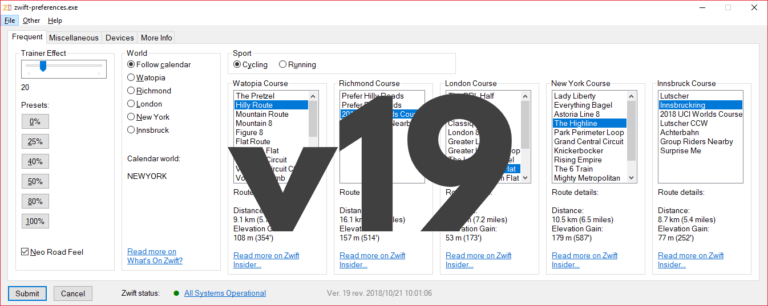
With zwift-preferences version 19 you can choose any of the five world including New York. It also handles route selection for both cycling and running. The ‘Sport’ toggle also determines which pairing screen (cycling or running) will be shown in-game at launch. Selecting routes/courses Depending on the setting ‘Sport’ (cycling or running) you can choose cycling…
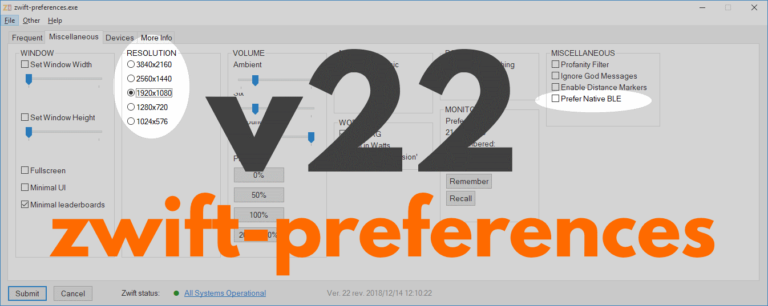
zwift-preferences skips version 21 and jumps straight to version 22 with support for changing the preferred screen resolution and toggle the Prefer Native BLE setting on the Miscellaneous tab. Download the update Get the new version 22 over at the zwift-preferences page.
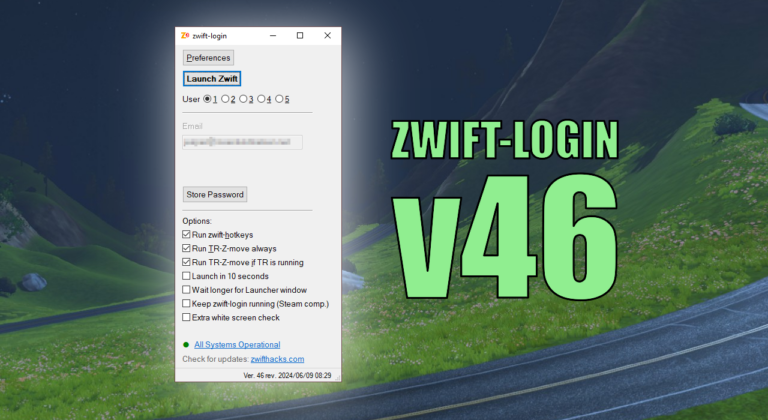
This version implements new Keep-alive feature for better Steam compatibility as suggested and first implemented by Frank Quinn: [..] there’s an extra bit to leave AHK open while ZwiftApp is running so that steam doesn’t refocus back to its own launcher then you need a keyboard to work it. With this script, I can launch…
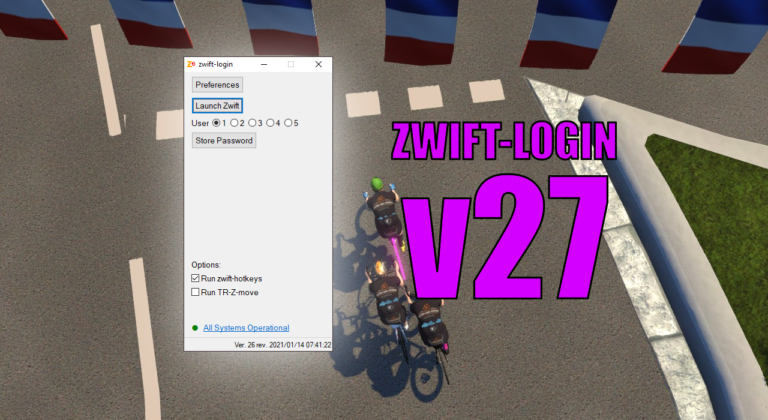
It is only a small update but it does make it easier to toggle options with new Alt+<key> shortcuts for some of the GUI elements. The possible shortcut keys are underlined when you press the Alt key. Download the update Get the new version 27 at the zwift-login page.
The most recent version of zwift-preferences now shows you information about the current world on the calendar (did anybody else notice the MapSchedule.xml file in the documents\zwift folder ?) and provides details about the selected routes.
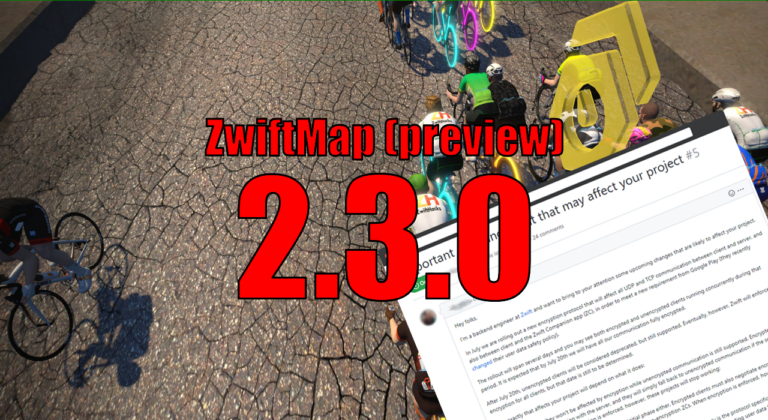
Many have noticed that ZwiftMap have stopped showing ride data and chat. That was caused by a change in Zwift earlier this year. Zwift started encrypting the network traffic between the game and the servers, which broke many community tools, e.g. ZwiftMap. If you want to read more about that, find more information in the…