Skip to content
  • Events
  • Routes
ZwiftHacks
  • Home
  • Desktop ToolsExpand
    • Automate and save mouse clicksExpand
      • zwift-login
      • zwift-hotkeys
    • Other toolsExpand
      • TR-Z-move
  • Online ToolsExpand
    • Events on Zwift
    • Routes
  • Other thingsExpand
    • Top Tips & Tricks
    • Posts
    • Historic…Expand
      • Settings and route selectionExpand
        • zwift-preferences (for Windows)
        • ZwiftPref for macOS & Windows – Change world and other settings
      • Maps and Onscreen DisplaysExpand
        • ZwiftMap (macOS and Windows)
      • parse-zwift-logs
      • ZwUp – make Zwift topmost and transparent
      • The Whoa! Stopper
      • What is my Zwift ID?
      • MAP and FTP Calculator
      • Online workout editorExpand
        • Simple ZWO Creator
      • Updates
  • About…
  • Contact…
ZwiftHacks
  • How to choose a 3rd world…
    macOS | Windows | zwift-preferences | ZwiftPref

    How to choose a 3rd world…

    ByJesper [ZwiftHacks] 2019-02-022021-01-02

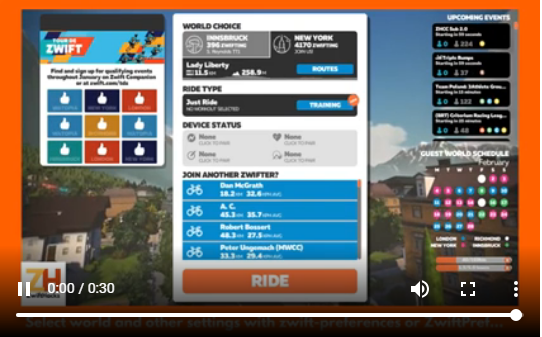
    It is really to simple to select a world other than Watopia and the guest world of the day with zwift-preferences and ZwiftPref. Just remember that you must click on the name of that world in the Ride with… screen to choose it before you press ‘Ride’.
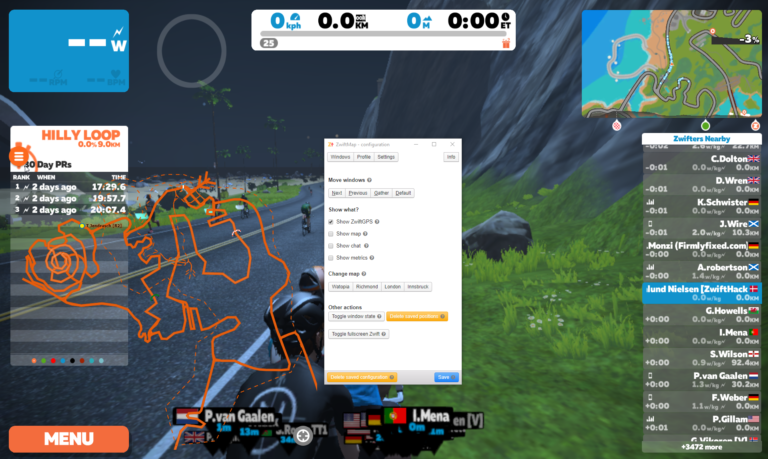
    Read More How to choose a 3rd world…Continue

  • From the archive: Step by step guide to ZwiftMap
    macOS | Windows | ZwiftMap

    From the archive: Step by step guide to ZwiftMap

    ByJesper [ZwiftHacks] 2019-01-132019-01-13

    It is worth taking a look at this step by step guide which was made for a preview version of ZwiftMap.

    Read More From the archive: Step by step guide to ZwiftMapContinue

  • Finally! ZwiftMap can show other users again
    macOS | Update | Windows | ZwiftMap

    Finally! ZwiftMap can show other users again

    ByJesper [ZwiftHacks] 2019-01-122019-12-23

    ­After a long proces of rewriting and testing ZwiftMap (thanks to all who helped!) it is now again possible to see where other riders are in ZwiftMap. Opt in to ZwiftGPS at my.zwift.com, download ZwiftMap, and you are ready to go!  What is new? ZwiftMap 2.0.0 is delivers much of the same functionality as ZwiftMap…

    Read More Finally! ZwiftMap can show other users againContinue

  • Both Windows and macOS versions of ZwiftMap Preview are ready…
    macOS | Windows | ZwiftMap

    Both Windows and macOS versions of ZwiftMap Preview are ready…

    ByJesper [ZwiftHacks] 2018-12-232018-12-23

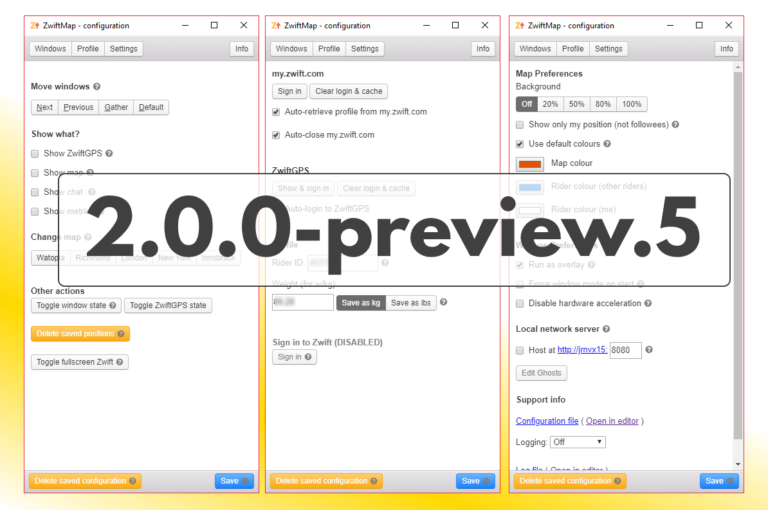
    Version 2.0.0-preview.5 for Windows has been uploaded for anybody to download (find the download link in the announcement post linked at the end of this post). The most important changes compared to the previous preview version are You can save your Zwift username and password which will then be used for login to my.zwift.com Alt+Windows+X…

    Read More Both Windows and macOS versions of ZwiftMap Preview are ready…Continue

  • Testers wanted for ZwiftMap for macOS
    macOS | ZwiftMap

    Testers wanted for ZwiftMap for macOS

    ByJesper [ZwiftHacks] 2018-12-172018-12-19

    UPDATE: Thanks – I have enough testers now. I plan to send out download links later this week to the ones who volunteered. I am seeking a few testers for ZwiftMap for macOS. If you are interested in trying the latest preview version and providing some feedback, please comment here or use the contact form….

    Read More Testers wanted for ZwiftMap for macOSContinue

  • Hack for Acrophobics: No More Glass Roads in New York City
    Hacks | macOS | Zwift Insider

    Hack for Acrophobics: No More Glass Roads in New York City

    ByJesper [ZwiftHacks] 2018-10-242018-10-24

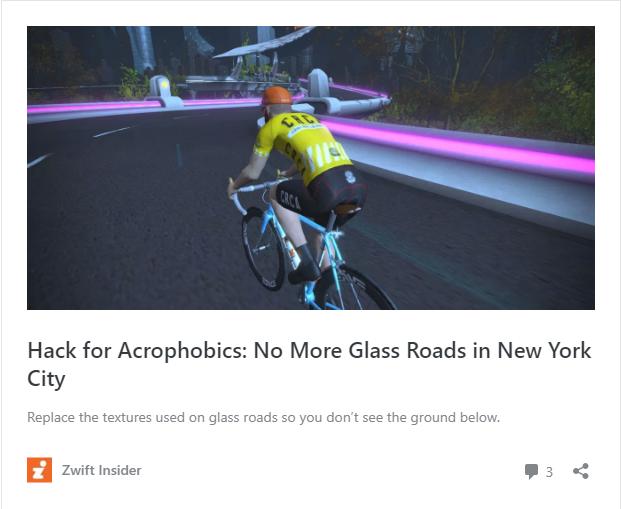
    Hack for Acrophobics: No More Glass Roads in New York City Hack for Acrophobics: No More Glass Roads in New York City — Read on zwiftinsider.com/no-glass-roads/ Read about the NoMoreGlassRoads hack by Jonathon Levie at Zwift Insider. It has instructions for Windows. For macOS the corresponding location to put the files would be ~/Library/Application Support/Zwift/data/Environment/Road…

    Read More Hack for Acrophobics: No More Glass Roads in New York CityContinue

  • ZwiftPref is updated with New York and run course selection
    macOS | Update | Windows | ZwiftPref

    ZwiftPref is updated with New York and run course selection

    ByJesper [ZwiftHacks] 2018-10-232019-12-23

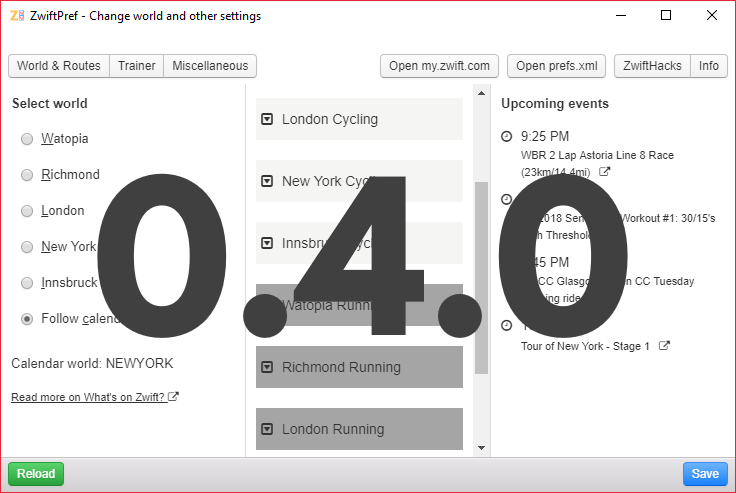
    If you want more of New York when the calendar switches to Watopia in a couple of days, now may be a good time to get the new version 0.4.0 of ZwiftPref. Of course it lets you choose any of the five worlds It also lets you choose both cycling and running routes Besides that this…

    Read More ZwiftPref is updated with New York and run course selectionContinue

  • Find your Zwift user ID
    iOS | macOS | Outdated | Tips & Tricks | Web | Windows

    Find your Zwift user ID

    ByJesper [ZwiftHacks] 2018-08-292024-02-23

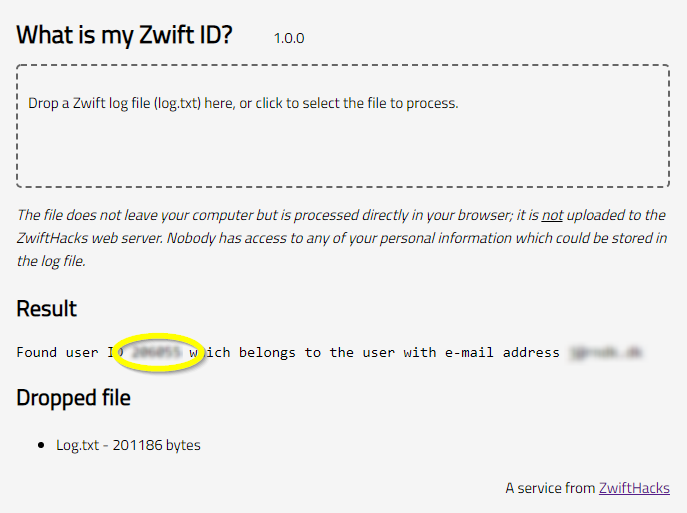
    Your Zwift user ID is something you need for two important purposes: Logging in to ZwiftGPS and signing up at ZwiftPower. In this post – the first of a series – I show you how to find it in a secure manner using your log file. Part two will show you how to find it…

    Read More Find your Zwift user IDContinue

  • ZwiftMap bug fix for the chat log (version 1.3.2)
    macOS | Update | Windows | ZwiftMap

    ZwiftMap bug fix for the chat log (version 1.3.2)

    ByJesper [ZwiftHacks] 2018-08-022020-11-14

    ZwiftMap has just been updated with a bug fix for the chat log – now it will actually display the chat messages which is quite an improvement from version 1.3.1 😉 You can download the newest version for both Windows and macOS at the ZwiftMap page.    

    Read More ZwiftMap bug fix for the chat log (version 1.3.2)Continue

  • World 5 is here…
    Innsbruck | macOS | Update | Windows | zwift-preferences | ZwiftPref

    World 5 is here…

    ByJesper [ZwiftHacks] 2018-08-012018-08-02

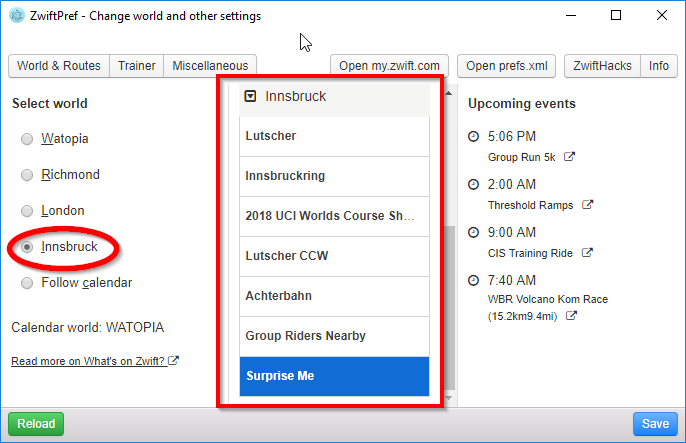
    …and supported by ZwiftPref and zwift-preferences. You won’t even have to download new version – both apps pull the list of worlds and courses from the ZwiftHacks server and should work right away. If you don’t have the apps – download at either app page: zwift-preferences (for Windows) ZwiftPref (for macOS and Windows)   This…

    Read More World 5 is here…Continue

Page navigation

Previous PagePrevious 1 2 3 4 5 6 Next PageNext

Tools from ZwiftHacks

  • zwift-login
  • TR-Z-move
  • zwift-hotkeys

Who runs ZwiftHacks?

This site is run by Jesper Rosenlund Nielsen, a Zwift rider since 2015, and is not affiliated with the Zwift company in any way.

You can find Zwift (the company) at zwift.com

ZwiftHacks is also at various social media:

  • Facebook
  • Twitter
  • Mastodon

Meta

  • Log in
  • Entries feed
  • Comments feed
  • WordPress.org
  • About…
  • Friends of the House
  • Contact…

© Jesper Rosenlund Nielsen © 2016-2026 - WordPress Theme by Kadence WP

Scroll to top
  • Home
  • Desktop Tools
    • Automate and save mouse clicks
      • zwift-login
      • zwift-hotkeys
    • Other tools
      • TR-Z-move
  • Online Tools
    • Events on Zwift
    • Routes
  • Other things
    • Top Tips & Tricks
    • Posts
    • Historic…
      • Settings and route selection
        • zwift-preferences (for Windows)
        • ZwiftPref for macOS & Windows – Change world and other settings
      • Maps and Onscreen Displays
        • ZwiftMap (macOS and Windows)
      • parse-zwift-logs
      • ZwUp – make Zwift topmost and transparent
      • The Whoa! Stopper
      • What is my Zwift ID?
      • MAP and FTP Calculator
      • Online workout editor
        • Simple ZWO Creator
      • Updates
  • About…
  • Contact…
Search