Skip to content
  • Events
  • Routes
ZwiftHacks
  • Home
  • Desktop ToolsExpand
    • Automate and save mouse clicksExpand
      • zwift-login
      • zwift-hotkeys
    • Other toolsExpand
      • TR-Z-move
  • Online ToolsExpand
    • Events on Zwift
    • Routes
  • Other thingsExpand
    • Top Tips & Tricks
    • Posts
    • Historic…Expand
      • Settings and route selectionExpand
        • zwift-preferences (for Windows)
        • ZwiftPref for macOS & Windows – Change world and other settings
      • Maps and Onscreen DisplaysExpand
        • ZwiftMap (macOS and Windows)
      • parse-zwift-logs
      • ZwUp – make Zwift topmost and transparent
      • The Whoa! Stopper
      • What is my Zwift ID?
      • MAP and FTP Calculator
      • Online workout editorExpand
        • Simple ZWO Creator
      • Updates
  • About…
  • Contact…
ZwiftHacks
  • Yorkshire – New world and routes
    macOS | Windows | Yorkshire | zwift-preferences | ZwiftPref

    Yorkshire – New world and routes

    ByJesper [ZwiftHacks] 2019-09-082019-12-23

    Read More Yorkshire – New world and routesContinue

  • Fix to TR-Z-move for multi display setups
    TR-Z-move | Update | Windows

    Fix to TR-Z-move for multi display setups

    ByJesper [ZwiftHacks] 2019-08-222021-01-02

    TR-Z-move was just updated to version 5 to fix a bug in how Zwift was resized in some multi display setups. Download it at the TR-Z-move page.

    Read More Fix to TR-Z-move for multi display setupsContinue

  • zwift-preferences v26
    Update | Windows | zwift-preferences

    zwift-preferences v26

    ByJesper [ZwiftHacks] 2019-08-192019-12-23

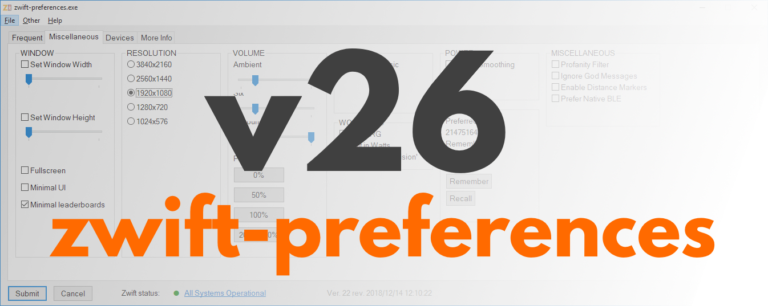
    zwift-preferences version 26 is a bug fix version specifically for Windows 7 users. It fixes a problem with download of the route definition files. Besides that it contains cosmetic changes and some under-the-hood changes but not any fancy, new features. Download the update Get the new version 26 over at the zwift-preferences page.

    Read More zwift-preferences v26Continue

  • TR-Z-move works with the new TrainerRoad desktop app
    TR-Z-move | Update | Windows

    TR-Z-move works with the new TrainerRoad desktop app

    ByJesper [ZwiftHacks] 2019-07-132019-12-23

    TR-Z-move has been updated to version 4. The big news is that it now supports the new TrainerRoad desktop app (both the beta and the official version). Other than that it works just like before. In previous versions of TrainerRoad the workout instructions could still show on your primary screen and not on the same…

    Read More TR-Z-move works with the new TrainerRoad desktop appContinue

  • How to choose a 3rd world…
    macOS | Windows | zwift-preferences | ZwiftPref

    How to choose a 3rd world…

    ByJesper [ZwiftHacks] 2019-02-022021-01-02

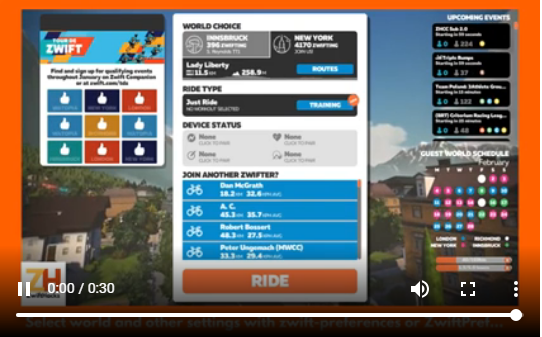
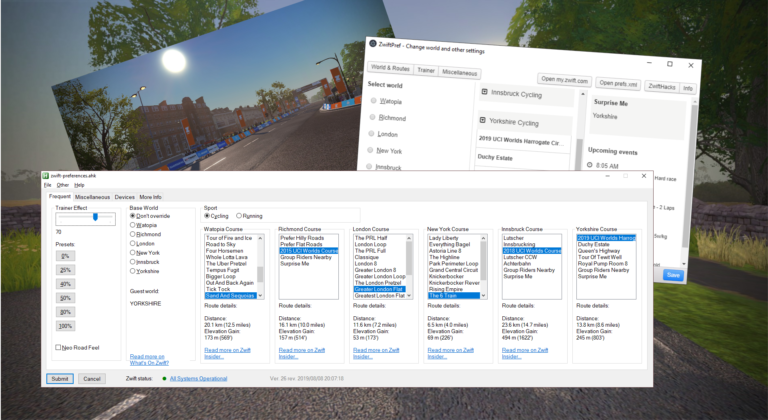
    It is really to simple to select a world other than Watopia and the guest world of the day with zwift-preferences and ZwiftPref. Just remember that you must click on the name of that world in the Ride with… screen to choose it before you press ‘Ride’.

    Read More How to choose a 3rd world…Continue

  • From the archive: Step by step guide to ZwiftMap
    macOS | Windows | ZwiftMap

    From the archive: Step by step guide to ZwiftMap

    ByJesper [ZwiftHacks] 2019-01-132019-01-13

    It is worth taking a look at this step by step guide which was made for a preview version of ZwiftMap.

    Read More From the archive: Step by step guide to ZwiftMapContinue

  • Finally! ZwiftMap can show other users again
    macOS | Update | Windows | ZwiftMap

    Finally! ZwiftMap can show other users again

    ByJesper [ZwiftHacks] 2019-01-122019-12-23

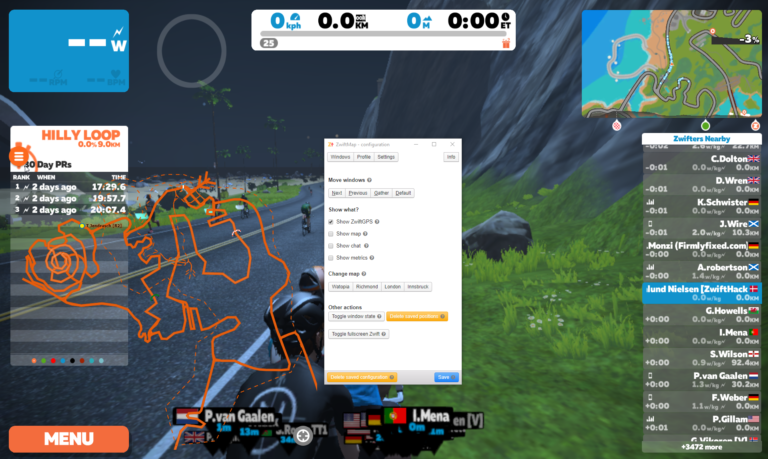
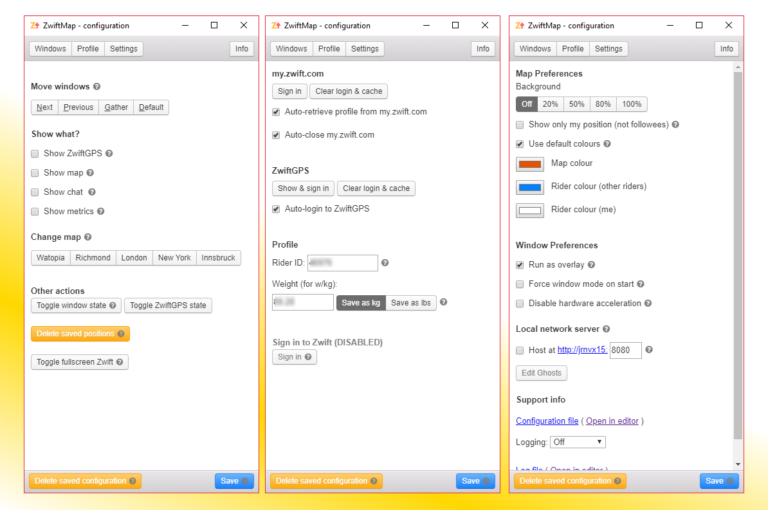
    ­After a long proces of rewriting and testing ZwiftMap (thanks to all who helped!) it is now again possible to see where other riders are in ZwiftMap. Opt in to ZwiftGPS at my.zwift.com, download ZwiftMap, and you are ready to go!  What is new? ZwiftMap 2.0.0 is delivers much of the same functionality as ZwiftMap…

    Read More Finally! ZwiftMap can show other users againContinue

  • Both Windows and macOS versions of ZwiftMap Preview are ready…
    macOS | Windows | ZwiftMap

    Both Windows and macOS versions of ZwiftMap Preview are ready…

    ByJesper [ZwiftHacks] 2018-12-232018-12-23

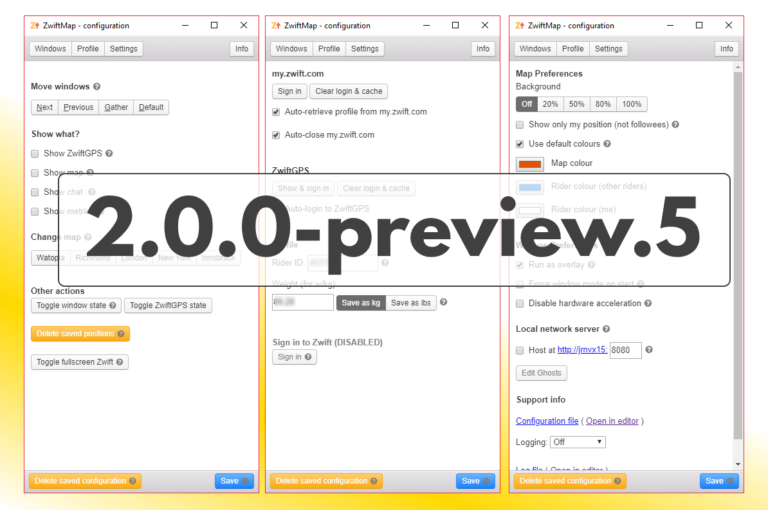
    Version 2.0.0-preview.5 for Windows has been uploaded for anybody to download (find the download link in the announcement post linked at the end of this post). The most important changes compared to the previous preview version are You can save your Zwift username and password which will then be used for login to my.zwift.com Alt+Windows+X…

    Read More Both Windows and macOS versions of ZwiftMap Preview are ready…Continue

  • zwift-preferences v22
    Update | Windows | zwift-preferences

    zwift-preferences v22

    ByJesper [ZwiftHacks] 2018-12-142019-08-15

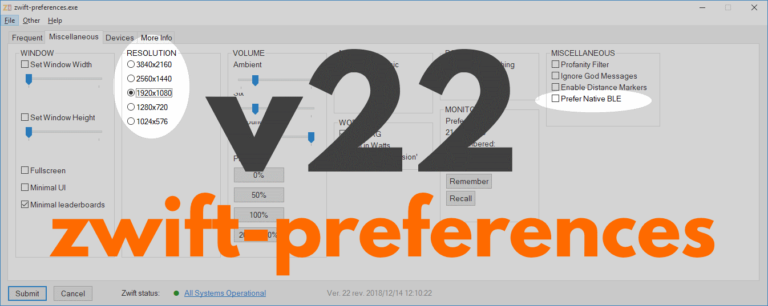
    zwift-preferences skips version 21 and jumps straight to version 22 with support for changing the preferred screen resolution and toggle the Prefer Native BLE setting on the Miscellaneous tab. Download the update Get the new version 22 over at the zwift-preferences page.

    Read More zwift-preferences v22Continue

  • A new version of ZwiftMap Preview is ready…
    Windows | ZwiftMap

    A new version of ZwiftMap Preview is ready…

    ByJesper [ZwiftHacks] 2018-11-052018-11-13

    Update 2018-11-13: Version 2.0.0-preview.4 uploaded (fixes missing roads in the ZwiftGPS map) Update 2018-11-05: Version 2.0.0-preview.2 uploaded The ZwiftMap Preview has a new version. You can find the download link in the original announcement post (see below). This is probably almost ready to become an official version for both Windows and macOS. What remains is mostly…

    Read More A new version of ZwiftMap Preview is ready…Continue

Page navigation

Previous PagePrevious 1 … 5 6 7 8 9 … 13 Next PageNext

Tools from ZwiftHacks

  • zwift-login
  • TR-Z-move
  • zwift-hotkeys

Who runs ZwiftHacks?

This site is run by Jesper Rosenlund Nielsen, a Zwift rider since 2015, and is not affiliated with the Zwift company in any way.

You can find Zwift (the company) at zwift.com

ZwiftHacks is also at various social media:

  • Facebook
  • Twitter
  • Mastodon

Meta

  • Log in
  • Entries feed
  • Comments feed
  • WordPress.org
  • About…
  • Friends of the House
  • Contact…

© Jesper Rosenlund Nielsen © 2016-2026 - WordPress Theme by Kadence WP

Scroll to top
  • Home
  • Desktop Tools
    • Automate and save mouse clicks
      • zwift-login
      • zwift-hotkeys
    • Other tools
      • TR-Z-move
  • Online Tools
    • Events on Zwift
    • Routes
  • Other things
    • Top Tips & Tricks
    • Posts
    • Historic…
      • Settings and route selection
        • zwift-preferences (for Windows)
        • ZwiftPref for macOS & Windows – Change world and other settings
      • Maps and Onscreen Displays
        • ZwiftMap (macOS and Windows)
      • parse-zwift-logs
      • ZwUp – make Zwift topmost and transparent
      • The Whoa! Stopper
      • What is my Zwift ID?
      • MAP and FTP Calculator
      • Online workout editor
        • Simple ZWO Creator
      • Updates
  • About…
  • Contact…
Search