Skip to content
  • Events
  • Routes
ZwiftHacks
  • Home
  • Desktop ToolsExpand
    • Automate and save mouse clicksExpand
      • zwift-login
      • zwift-hotkeys
    • Other toolsExpand
      • TR-Z-move
  • Online ToolsExpand
    • Events on Zwift
    • Routes
  • Other thingsExpand
    • Top Tips & Tricks
    • Posts
    • Historic…Expand
      • Settings and route selectionExpand
        • zwift-preferences (for Windows)
        • ZwiftPref for macOS & Windows – Change world and other settings
      • Maps and Onscreen DisplaysExpand
        • ZwiftMap (macOS and Windows)
      • parse-zwift-logs
      • ZwUp – make Zwift topmost and transparent
      • The Whoa! Stopper
      • What is my Zwift ID?
      • MAP and FTP Calculator
      • Online workout editorExpand
        • Simple ZWO Creator
      • Updates
  • About…
  • Contact…
ZwiftHacks
  • Send keystrokes to Zwift with AutoHotkey
    AutoHotkey | Scripts | Windows

    Send keystrokes to Zwift with AutoHotkey

    ByJesper [ZwiftHacks] 2018-02-242018-02-24

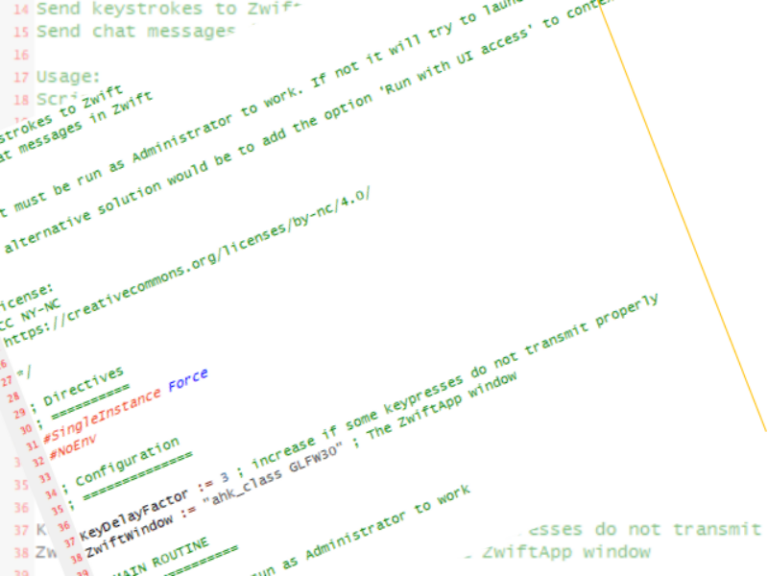
    There is a trick to make AutoHotkey send keystrokes to Zwift. The Administrator trick It is important that the script is run as administrator or with UI access (an option in the AutoHotkey Setup) because that is the only way it can send keystrokes to Zwift. This script shows how to do this. You can…
    Read More Send keystrokes to Zwift with AutoHotkeyContinue

  • Changes to the Zwift launcher, changes to zwift-login
    Update | Windows | zwift-login

    Changes to the Zwift launcher, changes to zwift-login

    ByJesper [ZwiftHacks] 2018-02-152018-02-15

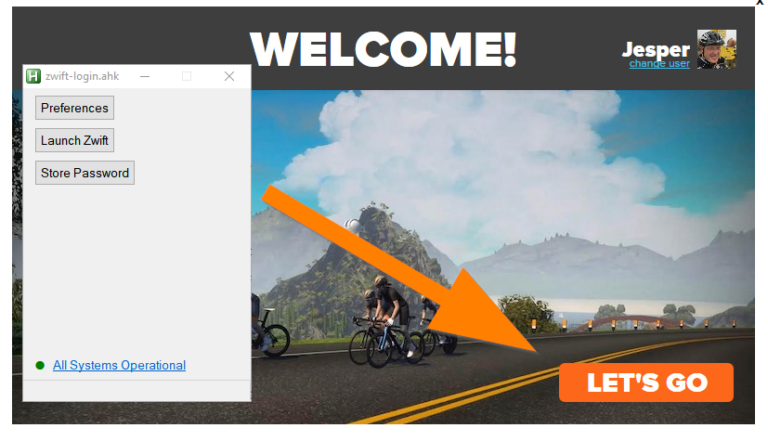
    The Zwift Launcher now have a Let’s Go button where it used to have a Ride On button. zwift-login has been fixed to handle this. Download the new version from the zwift-login page. Zwift has also finally fixed this Welcome! screen so you can just press the Enter key instead of having to click the…

    Read More Changes to the Zwift launcher, changes to zwift-loginContinue

  • Mega Pretzel and Greatest London Flat
    macOS | Update | Web | Windows | zwift-preferences | ZwiftPref

    Mega Pretzel and Greatest London Flat

    ByJesper [ZwiftHacks] 2018-02-02

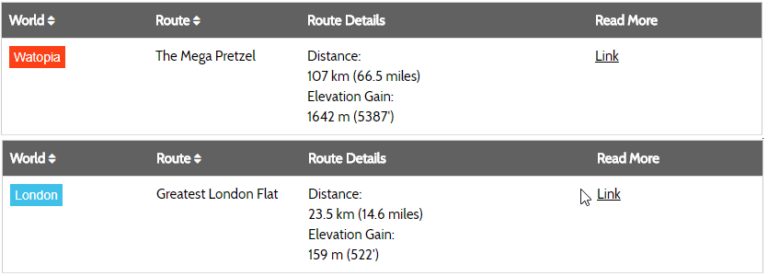
    All of the different ZwiftHacks apps know about the new Mega Pretzel and Greatest London Flat routes. That because they all get the latest list of routes here from our server everytime you use one of the apps.   The Jungle Circuit details have been corrected so they reflect the change in starting point in…

    Read More Mega Pretzel and Greatest London FlatContinue

  • Small bug fix to TR-Z-move
    TR-Z-move | Update | Windows

    Small bug fix to TR-Z-move

    ByJesper [ZwiftHacks] 2018-01-302018-02-05

    TR-Z-move has been updated to version 3. The only change is a bug fix – the interval summary window was occasionally moved away from its position right above the minimal workout window. How to use If you use the ‘Watch for changes’ option it doesn’t matter in which sequence you launch TrainerRoad, Zwift, and TR-Z-Move….

    Read More Small bug fix to TR-Z-moveContinue

  • Even better fix for TrainerRoad minimal mode with Zwift
    TR-Z-move | Windows

    Even better fix for TrainerRoad minimal mode with Zwift

    ByJesper [ZwiftHacks] 2018-01-23

    TR-Z-move has been updated so it can monitor the TrainerRoad and Zwift windows continously and move/resize them without having to press the ‘Position windows’ button. It can also remove the border around Zwift for a cleaner look.   How to use If you use the ‘Watch for changes’ option it doesn’t matter in which sequence…

    Read More Even better fix for TrainerRoad minimal mode with ZwiftContinue

  • ZwiftMap updated with new London routes
    London | macOS | Update | Windows | ZwiftMap

    ZwiftMap updated with new London routes

    ByJesper [ZwiftHacks] 2018-01-082018-08-02

    The London map in ZwiftMap has just been updated with the new stretches of road. You don’t have to download any software to get the new map – it is retrieved automatically by Zwiftmap.

    Read More ZwiftMap updated with new London routesContinue

  • New London routes
    iOS | London | macOS | Website | Windows | zwift-preferences | ZwiftPref

    New London routes

    ByJesper [ZwiftHacks] 2018-01-072018-08-02

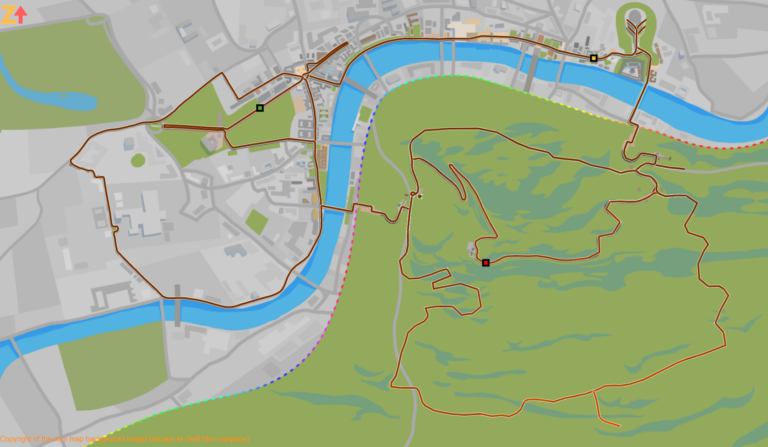
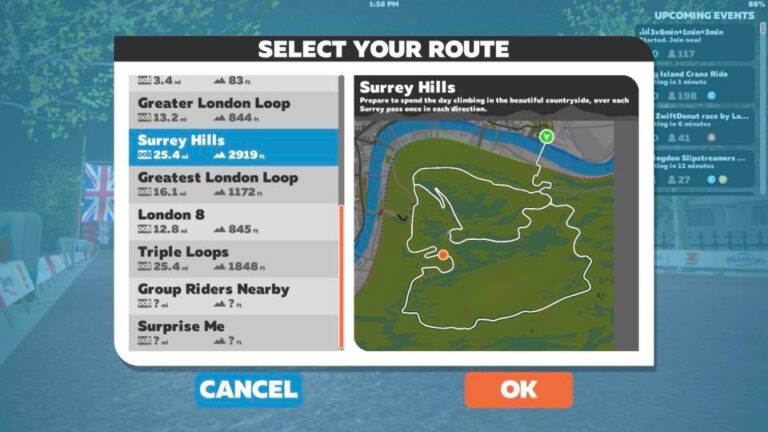
    There are three new London routes in the new version 1.0.22839 (released for iOS today and eagerly awaited for macOS and Windows – it will probably happen before London is in rotation Tuesday). Edit: Version 1.0.22878 has been released for Windows The three routes are: Surrey Hills 40.8 km 890 m 25.4 mi 2919 ft http://staging1792839621.zwifthacks.com/app/routes/?filter=Surrey%20Hills…

    Read More New London routesContinue

  • Fix TrainerRoad minimal mode and arrange the Zwift window above it
    TR-Z-move | Windows

    Fix TrainerRoad minimal mode and arrange the Zwift window above it

    ByJesper [ZwiftHacks] 2018-01-072018-01-07

    TR-Z-move solves two problems: There is a bug in the current version of TrainerRoad when running on a secondary screen in minimal mode. The workout instructions will still be displayed on your primary screen and not on the same screen as the workout window itself. TR-Z-move fixes this. I want to arrange the Zwift window…

    Read More Fix TrainerRoad minimal mode and arrange the Zwift window above itContinue

  • Major update to ZwiftMap – version 1.3.0
    macOS | Update | Windows | ZwiftMap

    Major update to ZwiftMap – version 1.3.0

    ByJesper [ZwiftHacks] 2017-10-29

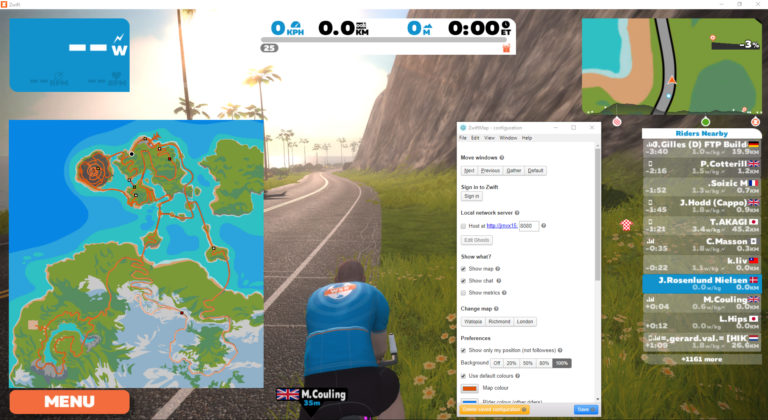
    ZwiftMap is still alive, and many changes have been implemented over the past months. Now you get to play with them – finally. What is new? The password can be saved so ZwiftMap can sign you in automatically. Be aware that the password is saved in clear text in the configuration file for ZwiftMap. The…

    Read More Major update to ZwiftMap – version 1.3.0Continue

  • Get the mini map images from Zwift now…
    London | Richmond | Watopia | Web | Worlds | ZwiftMap

    Get the mini map images from Zwift now…

    ByJesper [ZwiftHacks] 2017-10-28

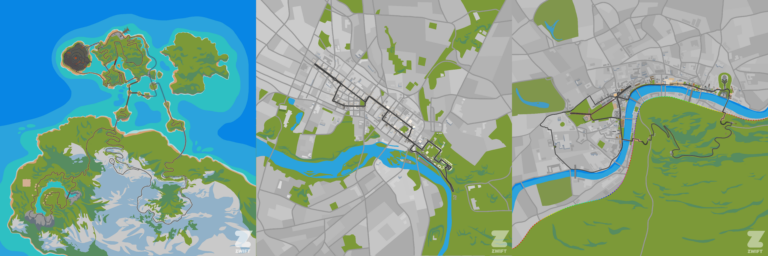
    Jon Mayfield from Zwift has released the mini map images for the community to use. Do you have any good ideas for how to use them? I have uploaded the online maps here at ZwiftHacks with the new background images. Take a look at this web app, and it will always show you a map of the…

    Read More Get the mini map images from Zwift now…Continue

Page navigation

Previous PagePrevious 1 … 8 9 10 11 12 … 15 Next PageNext

Tools from ZwiftHacks

  • zwift-login
  • TR-Z-move
  • zwift-hotkeys

Who runs ZwiftHacks?

This site is run by Jesper Rosenlund Nielsen, a Zwift rider since 2015, and is not affiliated with the Zwift company in any way.

You can find Zwift (the company) at zwift.com

ZwiftHacks is also at various social media:

  • Facebook
  • Twitter
  • Mastodon

Meta

  • Log in
  • Entries feed
  • Comments feed
  • WordPress.org
  • About…
  • Friends of the House
  • Contact…

© Jesper Rosenlund Nielsen © 2016-2026 - WordPress Theme by Kadence WP

Scroll to top
  • Home
  • Desktop Tools
    • Automate and save mouse clicks
      • zwift-login
      • zwift-hotkeys
    • Other tools
      • TR-Z-move
  • Online Tools
    • Events on Zwift
    • Routes
  • Other things
    • Top Tips & Tricks
    • Posts
    • Historic…
      • Settings and route selection
        • zwift-preferences (for Windows)
        • ZwiftPref for macOS & Windows – Change world and other settings
      • Maps and Onscreen Displays
        • ZwiftMap (macOS and Windows)
      • parse-zwift-logs
      • ZwUp – make Zwift topmost and transparent
      • The Whoa! Stopper
      • What is my Zwift ID?
      • MAP and FTP Calculator
      • Online workout editor
        • Simple ZWO Creator
      • Updates
  • About…
  • Contact…
Search