ZwiftMap Preview – step by step
This gallery shows how to find your Zwift ID and activate the different windows of ZwiftMap, including the ZwiftGPS map.

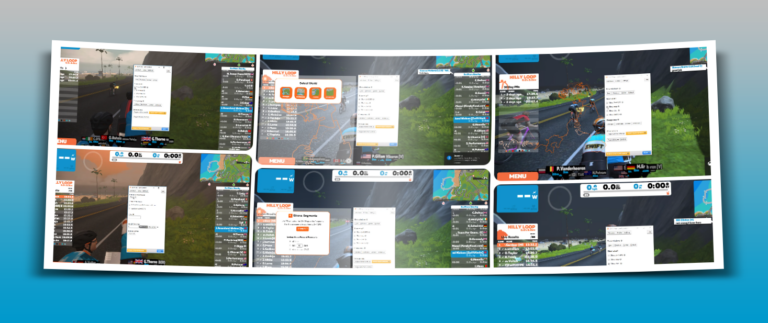
This gallery shows how to find your Zwift ID and activate the different windows of ZwiftMap, including the ZwiftGPS map.
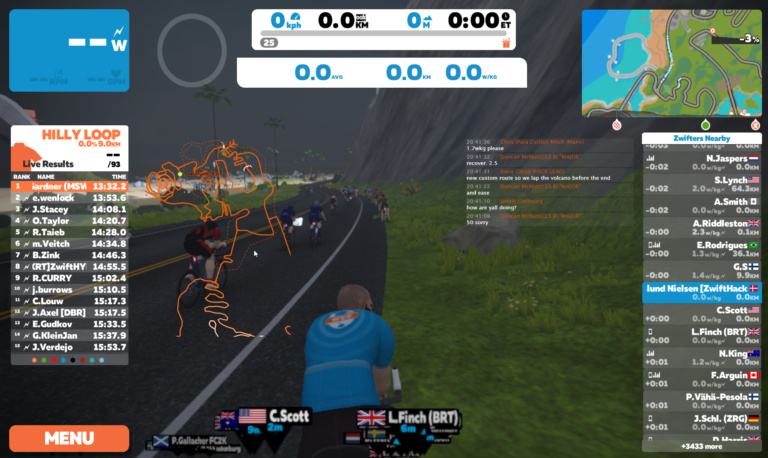
Opt in to ZwiftGPS at my.zwift.com and once again get to see where other riders are in ZwiftMap. It is just a preview version and as such still missing a few features, but if you have a Windows desktop computer you can download and try the new version. The only thing I ask you to…
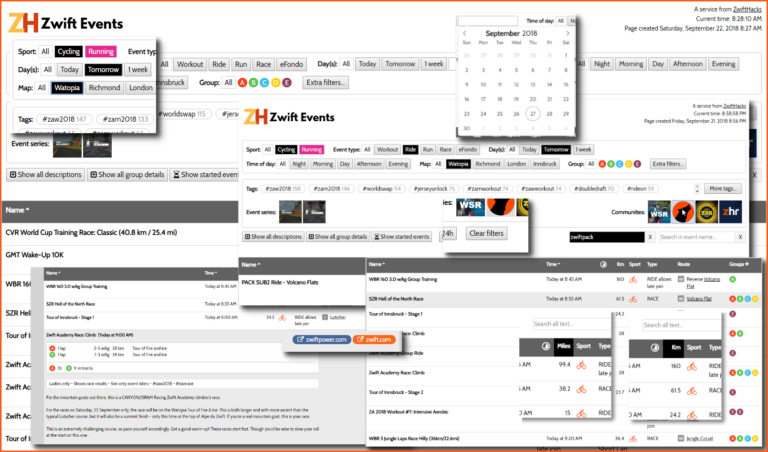
Find it on the Events page – or click the image to see the examples in larger scale.
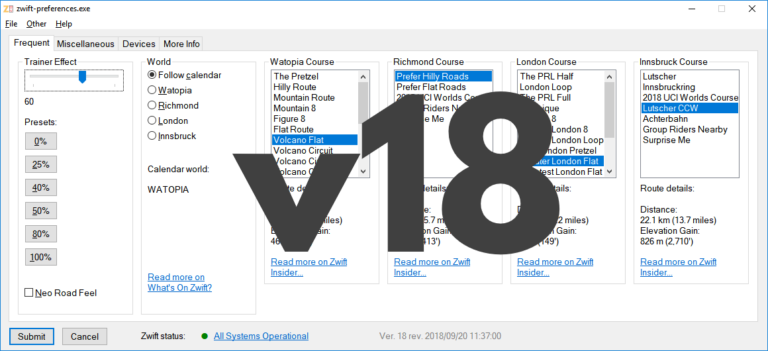
zwift-preferences introduces a new ‘Devices’ tab where you can see which devices are stored in prefs.xml. You can also remove the controllable trainer from the list and later add it back to it. The Trainer Effect slider has been tweaked a bit, too. Remember/Recall the controllable trainer The Remember/Unpair/Recall buttons are useful because you won’t have…
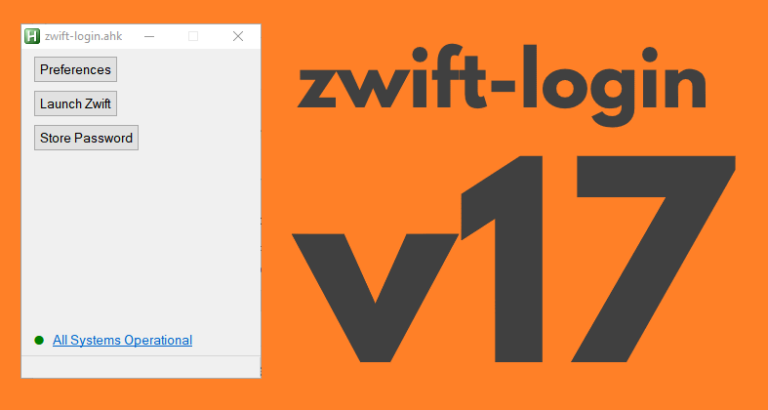
zwift-login now shows warning icons if a specific world is set or minimal_ui is enabled in prefs.xml The new version also checks if ZwiftLauncher is running elevated at launch, when launching Zwift, and when pressing “Close launcher”. This helps in making zwift-login more robust after Zwift itself has been updated. The button “Restart launcher” is renamed…

UPDATE 3: Problem with zwift-preferences missing Innsbruck routes fixed (caused by changed server settings) UPDATE 2: All download links should be working now. UPDATE: Download links are broken after the move. — Our web hosting provider has been aquired by another company so all the services on zwifthacks.com and api.zwifthacks.com will move to another…
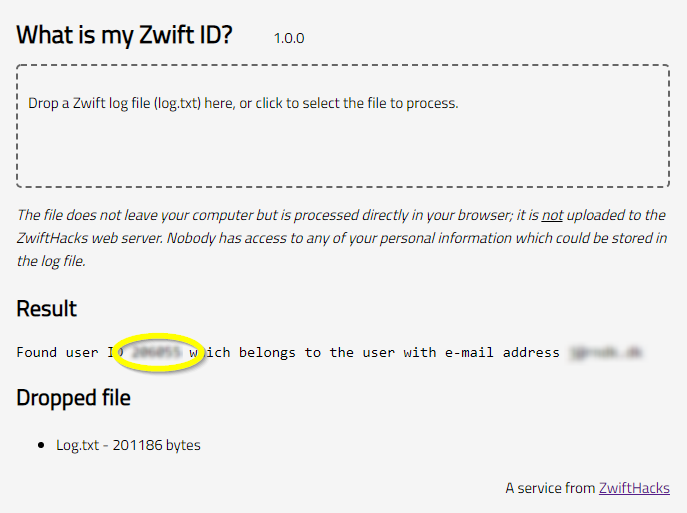
Your Zwift user ID is something you need for two important purposes: Logging in to ZwiftGPS and signing up at ZwiftPower. In this post – the first of a series – I show you how to find it in a secure manner using your log file. Part two will show you how to find it…
ZwiftMap has just been updated with a bug fix for the chat log – now it will actually display the chat messages which is quite an improvement from version 1.3.1 😉 You can download the newest version for both Windows and macOS at the ZwiftMap page.
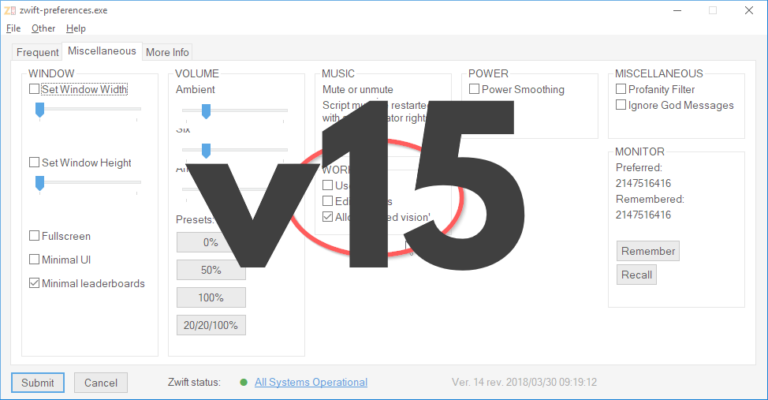
zwift-preferences has been updated to version 16, just to make sure that it shows you the current map/world correctly. Download the update Get the new version 16 over at the zwift-preferences page.
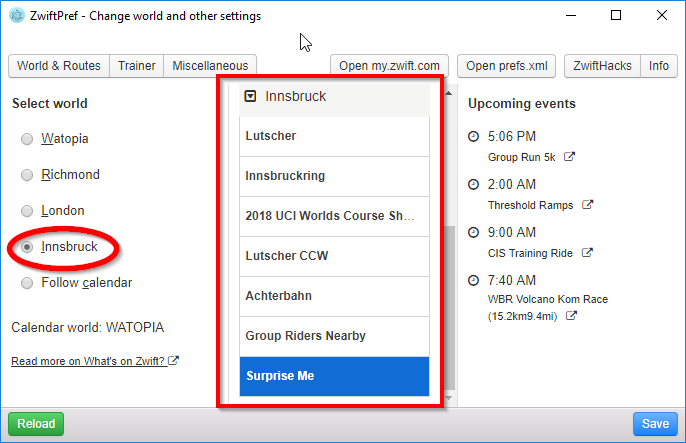
…and supported by ZwiftPref and zwift-preferences. You won’t even have to download new version – both apps pull the list of worlds and courses from the ZwiftHacks server and should work right away. If you don’t have the apps – download at either app page: zwift-preferences (for Windows) ZwiftPref (for macOS and Windows) This…