What was new this week?
Here is a summary for week 45 of new features, changes, bug fixes, and content, which didn’t get their own posts here at ZwiftHacks.

Here is a summary for week 45 of new features, changes, bug fixes, and content, which didn’t get their own posts here at ZwiftHacks.
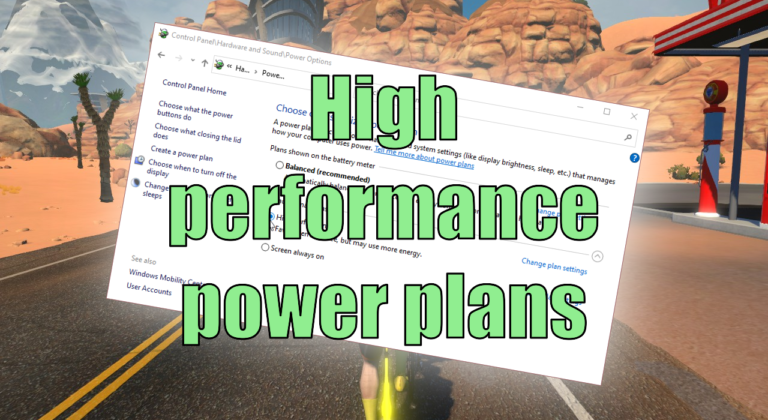
This is not about the power you put into the pedals ;). Instead, this article shows how to optimise the power settings of your Windows computer.

Here is a summary for week 44 of new features, changes, bug fixes, and content, which didn’t get their own posts.
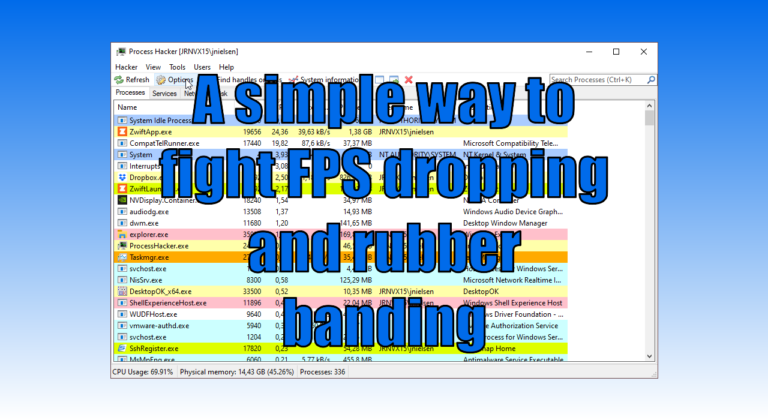
You may have plenty of available CPU and GPU power in your Windows computer and still experience problems with dropping FPS, stuttering, and rubber banding because of the way Zwift is written. What can be done about that? Read on to find out more (some of the nerdier stuff is in the footnotes). The problems…
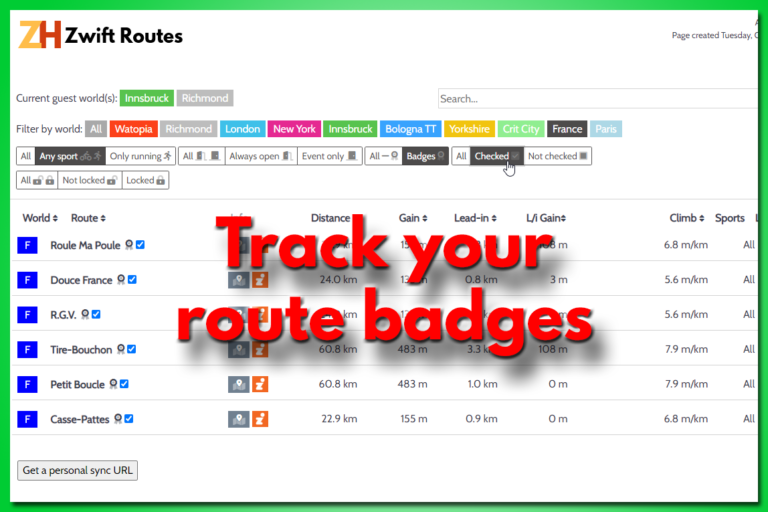
There is a new way to track your route badges. It doesn’t require you to create any user account but simply stores the info in your browser. It also gives you a dedicated URL / web page address you can bookmark. Use that and you can access your data from anywhere. The Zwift Routes page…
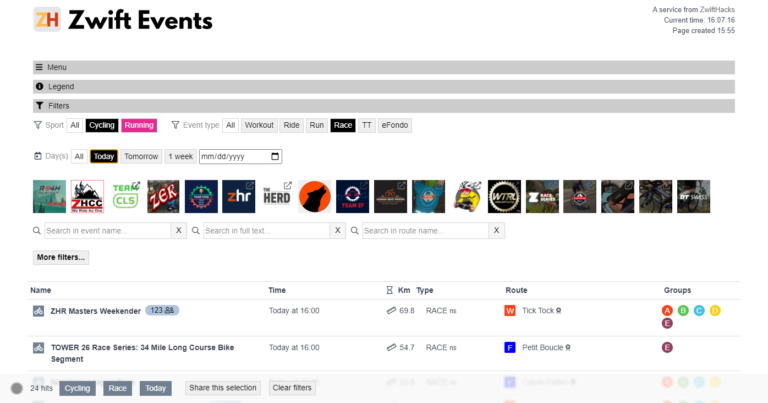
The event list has been updated. The purpose is to make it easier to navigate, but also to make the desktop and mobile versions more similar in their layout. It’s also an advantage that it should be a bit easier to maintain the page now. At the top of the page you find three collapsible…
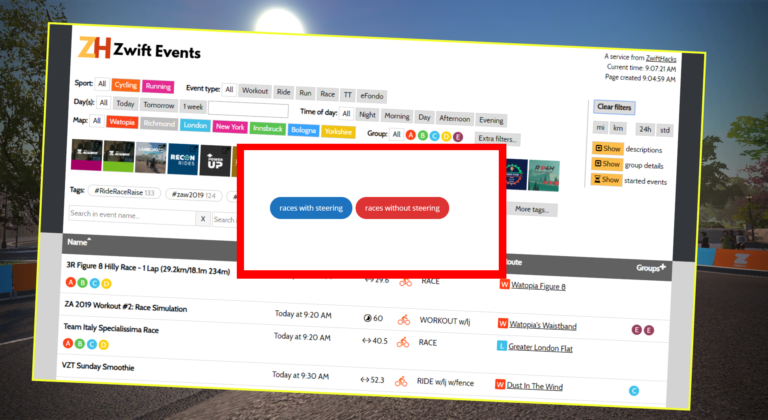
The ‘Steering allowed’ and the new ‘Steering not allowed’ filters in the Event list should be fully functional now, so these canned event searches for races with and without steering work as intended, too.

If you want to know if an event has steering disabled you can see it in the ZwiftHacks Event list. Look for the ‘Steering not allowed’1 or ‘Steering allowed’ tag. Besides that you can easily check for events with doubledraft, jersey unlock, and fence. The layout has been adjusted slightly with new codes in the…
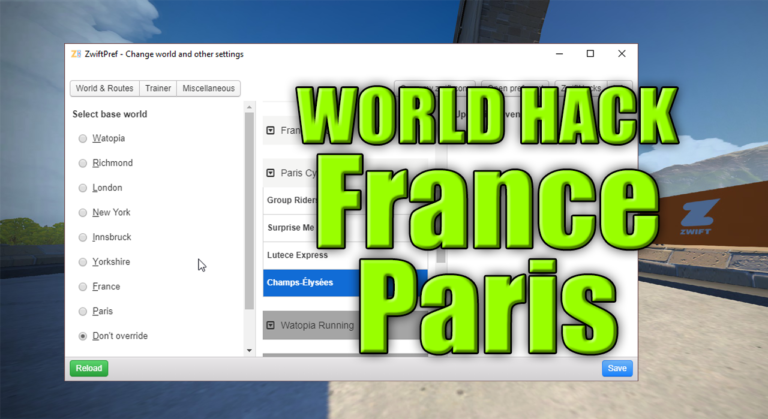
The latest update of Zwift brings France and Paris into the regular guest world rotation. Even better, you can world hack into both France and Paris with zwift-preferences / ZwiftPref. You don’t even have to update anything – it just works because zwift-preferences and ZwiftPref automatically pull configuration data from the ZwiftHacks server.
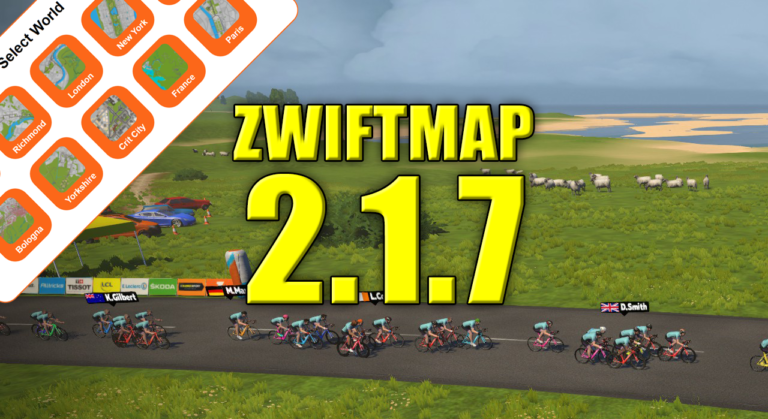
ZwiftGPS now supports all worlds, also Bologna, Crit City, France, and Paris. That means you can see these worlds in both the classic map and the ZwiftGPS map in ZwiftMap 🙂 ZwiftMap 2.1.7 is just a small bug fix release because it displayed New York instead of Crit City in the ZwiftGPS window. Oops! Where can I get it? Find…