Zwift for Apple TV Picks Up the Pace — ZwiftBlog
The second batch of Apple TV tips and tricks posted on ZwiftBlog:

All the latest hacks, bugs, and updates for Apple TV Zwifters.

The second batch of Apple TV tips and tricks posted on ZwiftBlog:
All the latest hacks, bugs, and updates for Apple TV Zwifters.
I was once in a group ride and struggled to remember exactly what the advertised route and pace was. That made me wish for a way to see the event description even after the event has started. This was the original idea that lead to the event list you find at ZwiftHacks. By now Zwift… via…
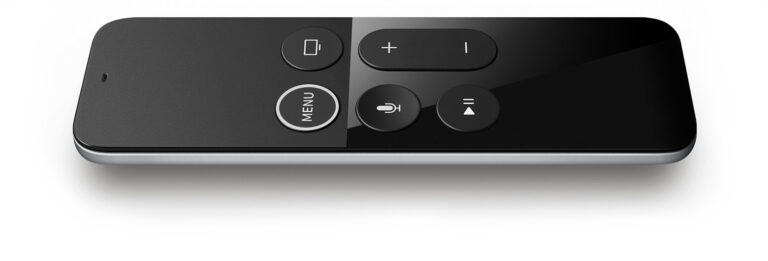
The first batch of Apple TV tips and tricks as posted on ZwiftBlog: A collection of the best tips, tricks, and observations from the past week. via Tips and Tricks for Zwift on Apple TV — ZwiftBlog
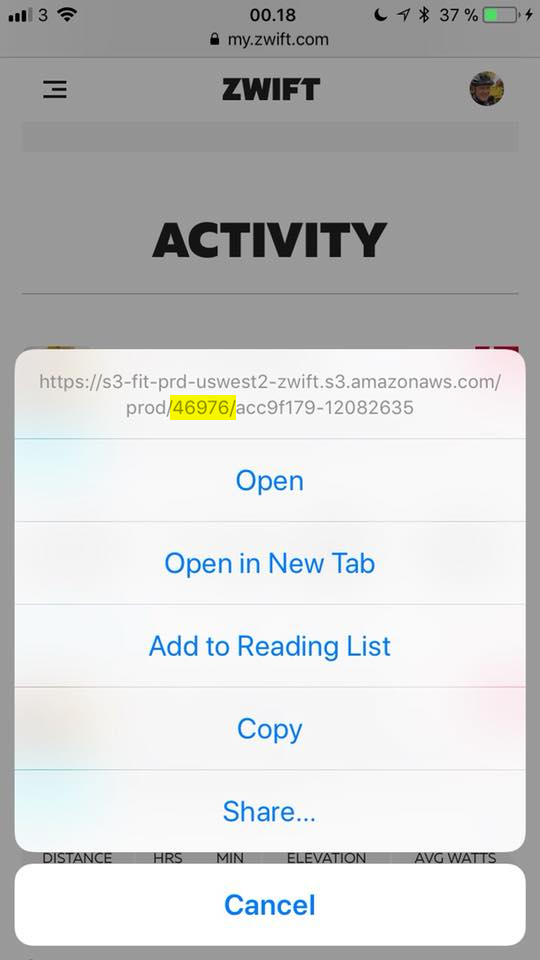
Are you an iOS only user and have to sign up on ZwiftPower or use ZwiftGPS? Then you have to know your Zwift ID, but where can you find it? Method 1: Easy and secure A very easy way to find it is to go to my.zwift.com in Safari, pick any of your activities, and…
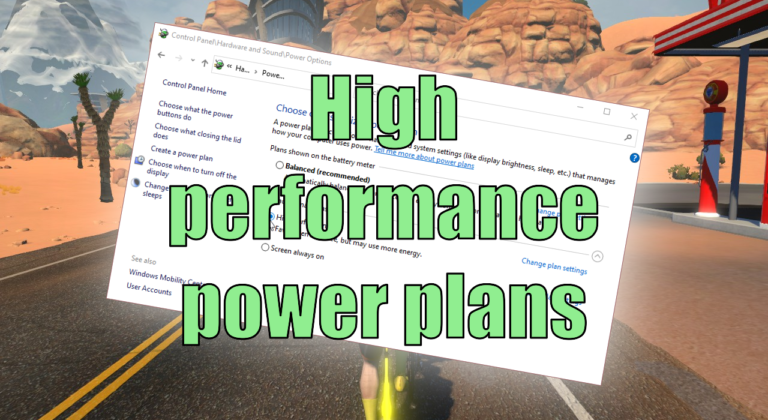
This is not about the power you put into the pedals ;). Instead, this article shows how to optimise the power settings of your Windows computer.
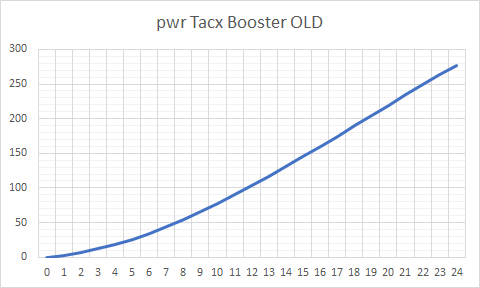
Edit: The problem was fixed in Zwift version 1.0.6541 released 2021-03-23 With the update Wednesday to game version 1.0.64913 many – like really many – have suddenly experienced crazy power numbers when using one of these trainers: Tacx Boost Tacx Booster Tacx Blue Matic Tacx Blue Motion The problem is not with your speed sensor,…
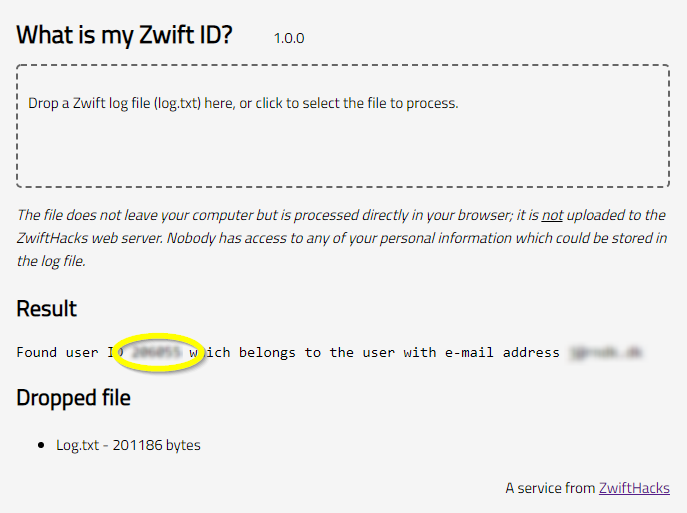
Your Zwift user ID is something you need for two important purposes: Logging in to ZwiftGPS and signing up at ZwiftPower. In this post – the first of a series – I show you how to find it in a secure manner using your log file. Part two will show you how to find it…