
FEATURED
-
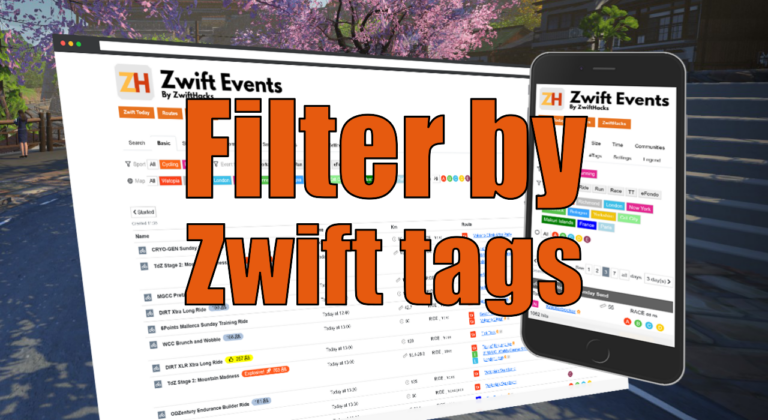
Filter by Zwift event tags
Zwift HQ add hidden tags to all events. Now you can use these tags for filters and as another more way to create custom pages from our event list.
-
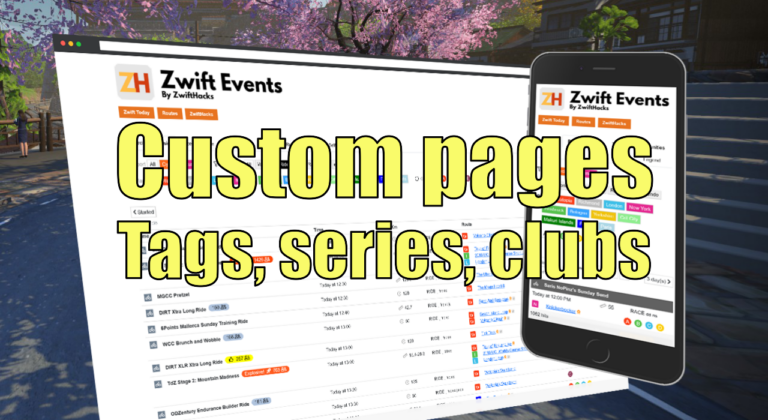
Custom pages for tags, series, and clubs
Here are three more ways to create custom event pages. You can get custom pages for series, events, and clubs.
ALL NEWS FROM ZWIFTHACKS
-

ZwUp – make Zwift topmost and transparent
This tool is not actively developed anymore. It doesn’t do much, but maybe just what you need. When you run ZwUp it will make the Zwift window topmost. If the Zwift windows does not exist yet it will wait for it and then…. make it topmost. The download is the .exe-program. No installation is required. md5 checksum:
-
Version 6 of ZwiftMap Classic for Windows
The classic ZwiftMap for Windows has just been updated: Version 6 (2017/01/23 11:51:10) Volcano routes Version 5 (not released) Some bug fixes. A command line option which is usefull if you only want the chat log: /hidemap Improved drawing of map (closed gap in looped segments) Improved drawing of map (draw all segments orange first and white after that) Download the new version at the ZwiftMap page.
-
zwift-preferences now has Volcano route selection
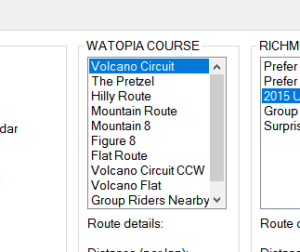
In support of the new routes in Zwift the addon zwift-preferences now has Volcano route selection. The downloads are already live in the usual place…
-
Volcano!
The ZwiftMap for macOS, Windows*, and in your browser has the new Volcano routes. Check it out: Online maps of all three Zwift courses You don’t have to download anything new – just run the ZwiftMap that you have on your Mac/PC already. *) The old ZwiftMap Classic (for Windows only) will be updated with the new map later today.
-

Small changes in ZwiftMap (macOS and Windows)
ZwiftMap just got a few changes and is now at version 0.2.0. Mac only: There is a new menu item which does the same as the magic key combo. It toggles whether the map window responds to mouse events or not. Besides that I changed the method to find the Zwift log file. This hopefully makes the app robust to situations where the Documents folder has been moved to a non default location (an issue reported by a Windows user). Download links are in the original announcement post.
-
Status indicator in ZwiftMap (macOS and Windows)
There is a minor update to ZwiftMap: When the map can be dragged it has a dotted frame. This makes it much easier for you to see if the magic key combo works. Otherwise nothing has changed. Download links are in the original announcement post.
-
Online maps of all three Zwift courses
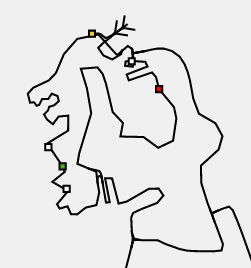
What is the current course in Zwift? Want a map? Take a look at this web app, and it will always show you a map of the current course: https://api.zwifthacks.com/zwiftmap/app/world By the way, it is the same map which is shown in the new ZwiftMap app. The currently active course is shown by default in this new online map, but you can choose a specific course if you want. Watopia https://api.zwifthacks.com/zwiftmap/app/world/1 Richmond https://api.zwifthacks.com/zwiftmap/app/world/2 London https://api.zwifthacks.com/zwiftmap/app/world/3 If you want a more details about a course – go to ZwiftBlog!
-
ZwiftMap for macOS is here
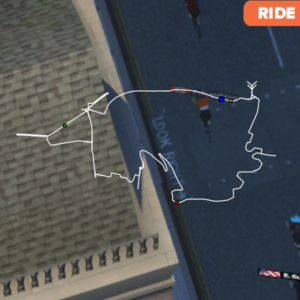
Update 2017-03-31: Version 1.1.0 is out Update 2017-02-08: Version 1.0.0 is out Finally, ZwiftMap for macOS is here! (… and Windows users can try it, too) More details and instructions will be added to the ZwiftMap page later, but I thought you should have the app while its fresh! The download links are further down on this page. Before you download I have a few hints for you: Use Zwift in window mode. The app will always be on top of other applications but it does not work properly…
-

Where is Jesper? An almost-live map…
Update: Pan and Zoom the map in this new version linked below Well, if the question is where Jesper is in the virtual Zwift world you may find the answer in this almost-live map: https://api.zwifthacks.com/zwiftmap/test/drawmaplivezoom.php – just click the button on the linked map page. Internet Explorer and Edge have problems showing the map with pan and zoom. Use the original link instead in these browsers: https://api.zwifthacks.com/zwiftmap/test/drawmaplive.php
-
Just for fun – a map in your browser
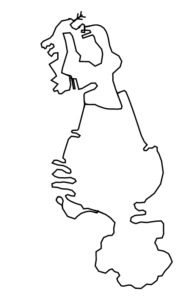
This is only a bit of fun where the map is shown in your browser. It resizes when the browser window is resized: Map of Watopia Map of Richmond Map of London Tech speak: The map made using inline SVG which is generated (server side) from map data in a an XML document.
-
Move and resize the ZwiftMap — new in version 4
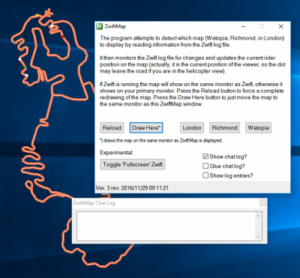
ZwiftMap was just updated to version 4. It contains some requested features and a lot of invisible stuff… Improved how the map is drawn to make it prettier. To give you full flexibility over where the map is shown ZwiftMap now lets you move and resize the map. The position and size can be saved for next time ZwiftMap is run. The other settings (check boxes) can be saved between program runs, too. All the settings are saved to and read from a .ini file in folder where ZwiftMap is…
-
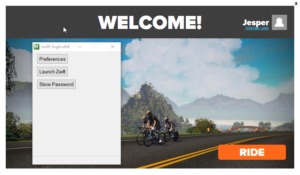
zwift-login is fixed to handle the new version of Zwift
Today Zwift sent out a new version which changes the launcher screen and broke zwift-login. Now there is an updated version which should work just fine. It was a bit tricky….
-
Version 3 of ZwiftMap is ready
Version 3 is now ready from the ZwiftMap page. There are many changes on the inside but the following you will notice: The user interface has changed. The chat log is now in a separate which you can position like you want. By default it “glues” to the ZwiftMap window but can be moved away. If you minimise the ZwiftMap window the Chat Log will remain visible (you can close it, though). An experimental feature has been added: Toggle pseudo fullscreen mode for Zwift. This means that you can make Zwift appear…
-

Ride On Zwiftathon for World Bicycle Relief 2016
On December 3rd, I will be participating in the Ride On Zwiftathon for World Bicycle Relief. Riders from around the globe will be participating to show support for the Power of Bicycles. Please, take part yourself or donate to this worthy cause: http://rideon.worldbicyclerelief.org/jesper-rosenlund-nielsen Thanks, Jesper
-
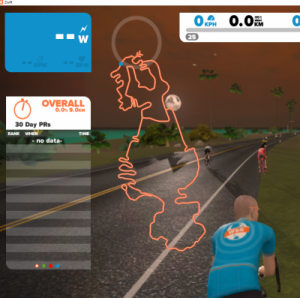
ZwiftMap updated to version 2
ZwiftMap has been updated to version 2. Find the new version and description of the changes at the ZwiftMap page.
-
-
ZwiftMap version 1 is ready for download!
Download and install ZwiftMap from here: ZwiftMap
-
Map with live update
Comment added 2016-12-24: You should probably take a look at ZwiftMap instead of the early prototype described here. A working version of a Zwift map overlay with live update of the position (follow the red dot!). Video: http://screencast-o-matic.com/u/fnwA/live-map-example-watopia Download the compiled script here (in a .zip-file): map-zwift-gdip-layers
-
Proof of Concept: Live log parser + plot current position
See Live log processor for Zwift (proof of concept)…