Similar Posts
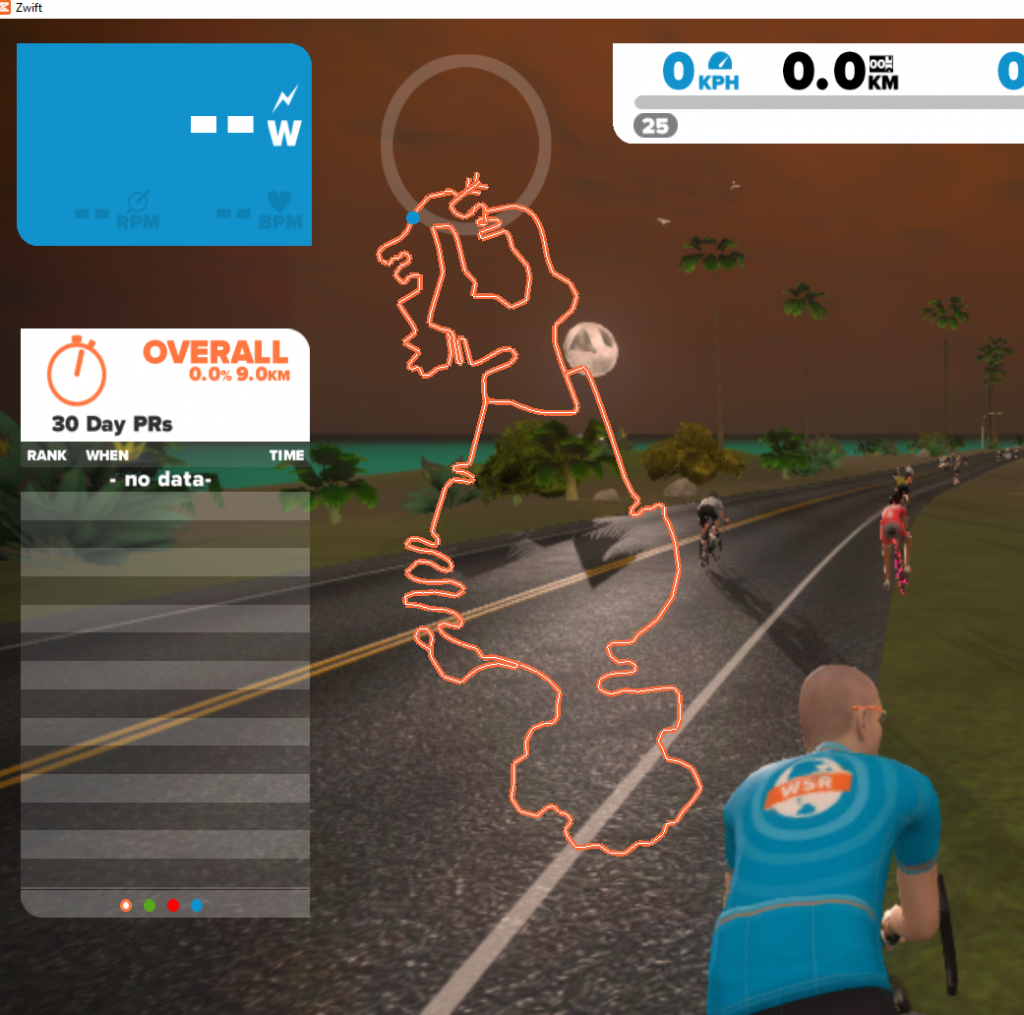
Fixed a bug that made the map black – and very hard to see!
The map is supposed to show in white but because of a mistake by me it has been showing in black instead since Wednesday (I guess). That will indeed have made it very hard to see on top of Zwift. The problem should be fixed now (it does not require you to download anything again). Regards, Jesper
Volcano!
The ZwiftMap for macOS, Windows*, and in your browser has the new Volcano routes. Check it out: Online maps of all three Zwift courses You don’t have to download anything new – just run the ZwiftMap that you have on your Mac/PC already. *) The old ZwiftMap Classic (for Windows only) will be updated with…
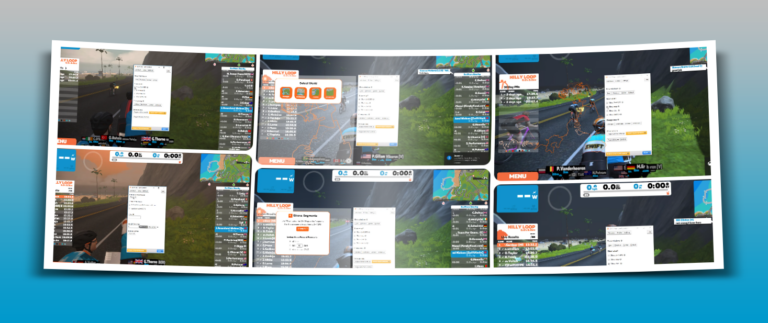
ZwiftMap Preview – step by step
This gallery shows how to find your Zwift ID and activate the different windows of ZwiftMap, including the ZwiftGPS map.
Testers wanted for ZwiftMap for macOS
UPDATE: Thanks – I have enough testers now. I plan to send out download links later this week to the ones who volunteered. I am seeking a few testers for ZwiftMap for macOS. If you are interested in trying the latest preview version and providing some feedback, please comment here or use the contact form….
From the archive: Step by step guide to ZwiftMap
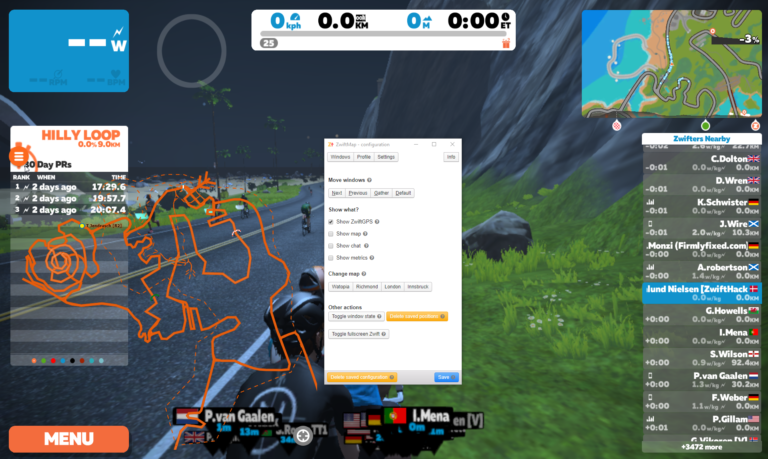
It is worth taking a look at this step by step guide which was made for a preview version of ZwiftMap.
- macOS | Tips & Tricks | Windows | ZwiftMap
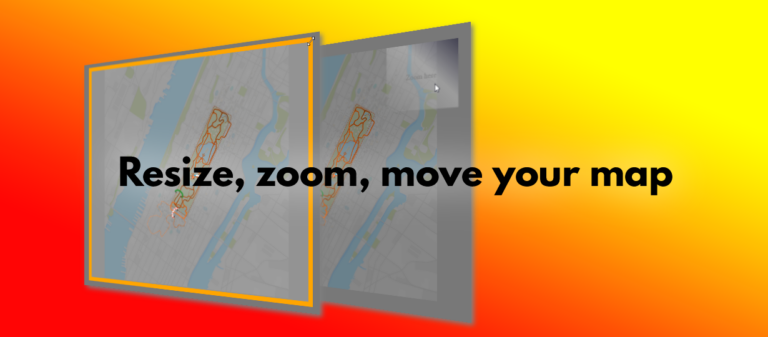
Resize, zoom, and move your map
There are a couple of tricks you have to know to resize, zoom, and move your map around in ZwiftMap. This animation demonstrates it quickly, and below it the details are explained: You can resize the windows in ZwiftMap after pressing Win+Alt+Z in Windows or Cmd+Alt+Z in macOS. Drag the borders or double click inside…