Skip to content
  • Events
  • Routes
ZwiftHacks
  • Home
  • Desktop ToolsExpand
    • Automate and save mouse clicksExpand
      • zwift-login
      • zwift-hotkeys
    • Other toolsExpand
      • TR-Z-move
  • Online ToolsExpand
    • Events on Zwift
    • Routes
  • Other thingsExpand
    • Top Tips & Tricks
    • Posts
    • Historic…Expand
      • Settings and route selectionExpand
        • zwift-preferences (for Windows)
        • ZwiftPref for macOS & Windows – Change world and other settings
      • Maps and Onscreen DisplaysExpand
        • ZwiftMap (macOS and Windows)
      • parse-zwift-logs
      • ZwUp – make Zwift topmost and transparent
      • The Whoa! Stopper
      • What is my Zwift ID?
      • MAP and FTP Calculator
      • Online workout editorExpand
        • Simple ZWO Creator
      • Updates
  • About…
  • Contact…
ZwiftHacks
  • World hack into France and Paris
    France | macOS | Paris | Update | Windows | zwift-preferences | ZwiftPref

    World hack into France and Paris

    ByJesper [ZwiftHacks] 2020-08-072021-01-02

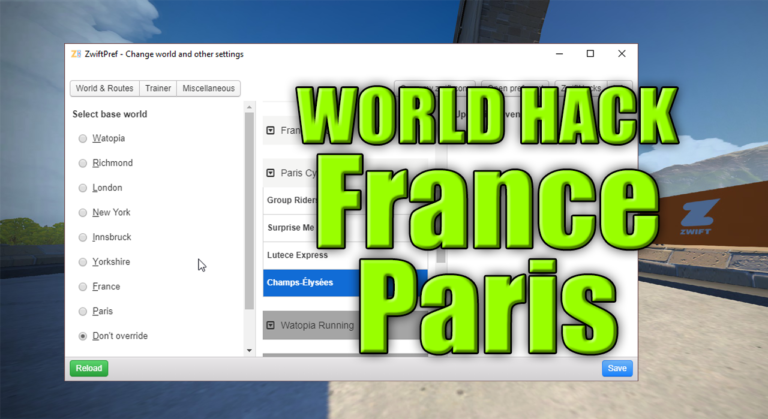
    The latest update of Zwift brings France and Paris into the regular guest world rotation. Even better, you can world hack into both France and Paris with zwift-preferences / ZwiftPref. You don’t even have to update anything – it just works because zwift-preferences and ZwiftPref automatically pull configuration data from the ZwiftHacks server.
    Read More World hack into France and ParisContinue

  • All worlds are supported by ZwiftGPS – and in ZwiftMap
    macOS | Update | Windows | ZwiftMap

    All worlds are supported by ZwiftGPS – and in ZwiftMap

    ByJesper [ZwiftHacks] 2020-08-062021-01-02

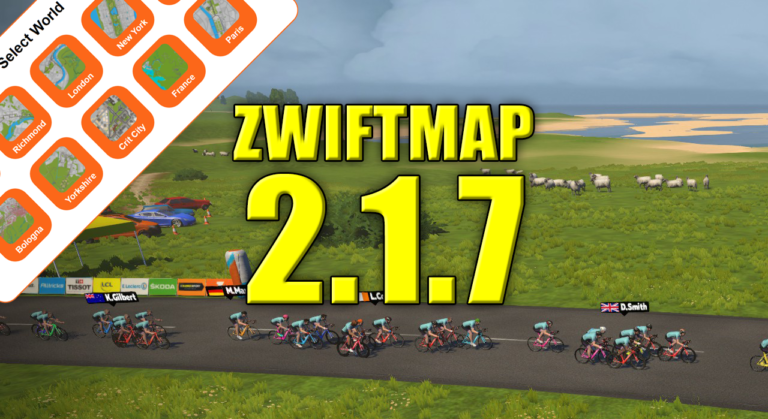
    ZwiftGPS now supports all worlds, also Bologna, Crit City, France, and Paris. That means you can see these worlds in both the classic map and the ZwiftGPS map in ZwiftMap 🙂 ZwiftMap 2.1.7 is just a small bug fix release because it displayed New York instead of Crit City in the ZwiftGPS window. Oops! Where can I get it? Find…

    Read More All worlds are supported by ZwiftGPS – and in ZwiftMapContinue

  • France and Paris are added to the classic map
    macOS | Update | Windows | ZwiftMap

    France and Paris are added to the classic map

    ByJesper [ZwiftHacks] 2020-08-022020-08-07

    The biggest change is that France and Paris maps are now included in the classic map window (6 August: And also in the ZwiftGPS window 🙂 ) Besides that there are important bug fixes regarding the network capture functionality. Bug fixes The network capture functionality didn’t work in macOS in the previous version 2.1.5 which…

    Read More France and Paris are added to the classic mapContinue

  • Always enabled chat log, ride on counts, and hopefully a fix for blinking in ZwiftGPS
    macOS | Update | Windows | ZwiftMap

    Always enabled chat log, ride on counts, and hopefully a fix for blinking in ZwiftGPS

    ByJesper [ZwiftHacks] 2020-04-272020-08-07

    A couple of things are changed. Chat and ride ons The biggest new feature is that the chat window is now always enabled (but you decide whether to show it or not). ZwiftMap monitors the Zwift log file (log.txt) and displays the chat messages and ride ons you are given in the chat window. Ride…

    Read More Always enabled chat log, ride on counts, and hopefully a fix for blinking in ZwiftGPSContinue

  • ZwiftPref shows both guest worlds
    macOS | Update | Windows | ZwiftPref

    ZwiftPref shows both guest worlds

    ByJesper [ZwiftHacks] 2020-04-252021-01-02

    Since Zwift has recently introduced a second guest world on the calendar it would be nice to know what is on the calendar before you world hack with ZwiftPref. In the latest version 0.5.0 you can see information about both guest worlds. The world hack is the same as before: The normal base world is Watopia…

    Read More ZwiftPref shows both guest worldsContinue

  • See both guest worlds in zwift-preferences
    Update | Windows | zwift-preferences

    See both guest worlds in zwift-preferences

    ByJesper [ZwiftHacks] 2020-04-252021-01-02

    Zwift has two guest worlds and a base world: Watopia. The world hack works lets you choose any world other than the event only worlds (Bologna and Crit City) as your base world. It’s nice to know what is on the calendar for the day before you world hack so now zwift-preferences can display both courses/worlds…

    Read More See both guest worlds in zwift-preferencesContinue

  • Resize, zoom, and move your map
    macOS | Tips & Tricks | Windows | ZwiftMap

    Resize, zoom, and move your map

    ByJesper [ZwiftHacks] 2020-04-252020-08-02

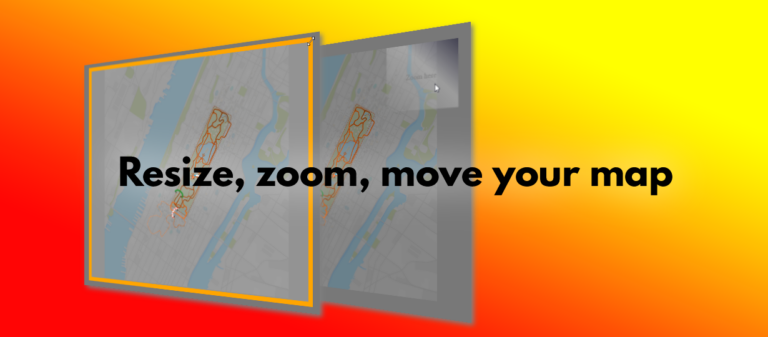
    There are a couple of tricks you have to know to resize, zoom, and move your map around in ZwiftMap. This animation demonstrates it quickly, and below it the details are explained: You can resize the windows in ZwiftMap after pressing Win+Alt+Z in Windows or Cmd+Alt+Z in macOS. Drag the borders or double click inside…

    Read More Resize, zoom, and move your mapContinue

  • zwift-login version 19
    AutoHotkey | Update | Windows | zwift-login

    zwift-login version 19

    ByJesper [ZwiftHacks] 2020-04-222021-01-02

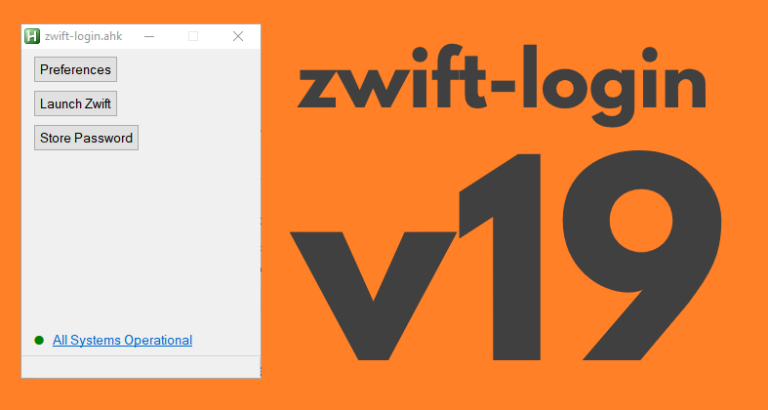
    zwift-login is fixed to launch TR-Z-move together with Zwift if both scripts (zwift-login and TR-Z-move) are located in the same folder. Download the update Get the new version 19 at the zwift-login page.

    Read More zwift-login version 19Continue

  • Bug fix in ZwiftMap – zoom with mouse in ZwiftGPS
    macOS | Update | Windows | ZwiftMap

    Bug fix in ZwiftMap – zoom with mouse in ZwiftGPS

    ByJesper [ZwiftHacks] 2020-04-172020-04-27

    The ability to zoom in and out with the mouse wheel in the ZwiftGPS window was broken in the recent version 2.1.0. It has been fixed now – place your mouse in the top right corner of the ZwiftGPS and wheel away… Where can I get it? Find the downloads and more information at the…

    Read More Bug fix in ZwiftMap – zoom with mouse in ZwiftGPSContinue

  • Update to ZwiftMap with a few new options
    macOS | Update | Windows | ZwiftMap

    Update to ZwiftMap with a few new options

    ByJesper [ZwiftHacks] 2020-04-142020-04-24

    If you want to read more about the features in ZwiftMap read the announcement for version 2.0.0 or some of the other information accessible from the ZwiftMap page. If you just want to download it head over to the ZwiftMap page. What is new? ZwiftMap 2.1.0 is really just a service release with a couple…

    Read More Update to ZwiftMap with a few new optionsContinue

Page navigation

Previous PagePrevious 1 … 3 4 5 6 7 … 15 Next PageNext

Tools from ZwiftHacks

  • zwift-login
  • TR-Z-move
  • zwift-hotkeys

Who runs ZwiftHacks?

This site is run by Jesper Rosenlund Nielsen, a Zwift rider since 2015, and is not affiliated with the Zwift company in any way.

You can find Zwift (the company) at zwift.com

ZwiftHacks is also at various social media:

  • Facebook
  • Twitter
  • Mastodon

Meta

  • Log in
  • Entries feed
  • Comments feed
  • WordPress.org
  • About…
  • Friends of the House
  • Contact…

© Jesper Rosenlund Nielsen © 2016-2026 - WordPress Theme by Kadence WP

Scroll to top
  • Home
  • Desktop Tools
    • Automate and save mouse clicks
      • zwift-login
      • zwift-hotkeys
    • Other tools
      • TR-Z-move
  • Online Tools
    • Events on Zwift
    • Routes
  • Other things
    • Top Tips & Tricks
    • Posts
    • Historic…
      • Settings and route selection
        • zwift-preferences (for Windows)
        • ZwiftPref for macOS & Windows – Change world and other settings
      • Maps and Onscreen Displays
        • ZwiftMap (macOS and Windows)
      • parse-zwift-logs
      • ZwUp – make Zwift topmost and transparent
      • The Whoa! Stopper
      • What is my Zwift ID?
      • MAP and FTP Calculator
      • Online workout editor
        • Simple ZWO Creator
      • Updates
  • About…
  • Contact…
Search