AutoHotkey | Update | Windows | zwift-login
zwift-login version 18
zwift-login now works regardless of which language you have set in the Zwift Launcher. That’s it. Download the update Get the new version 18 at the zwift-login page.

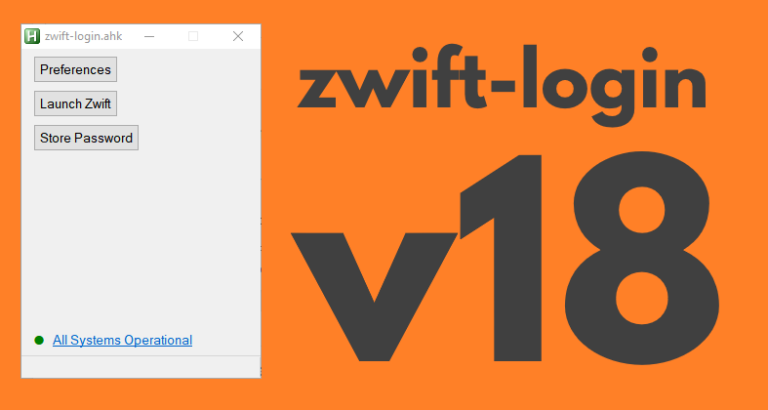
zwift-login now works regardless of which language you have set in the Zwift Launcher. That’s it. Download the update Get the new version 18 at the zwift-login page.
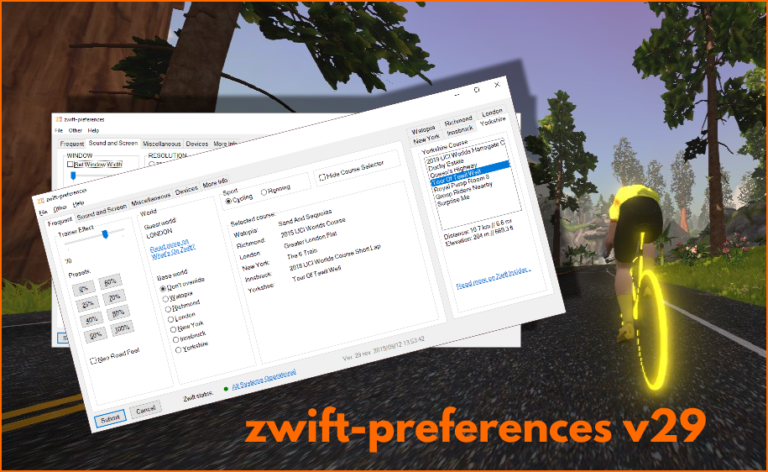
In the most recent versions of Zwift the prefs.xml setting TITLE_MUSIC was changed to TITLEMUSIC. zwift-preferences – here in version 30 – is updated to handle that change. Download the update Get the new version 30 from the zwift-preferences page.
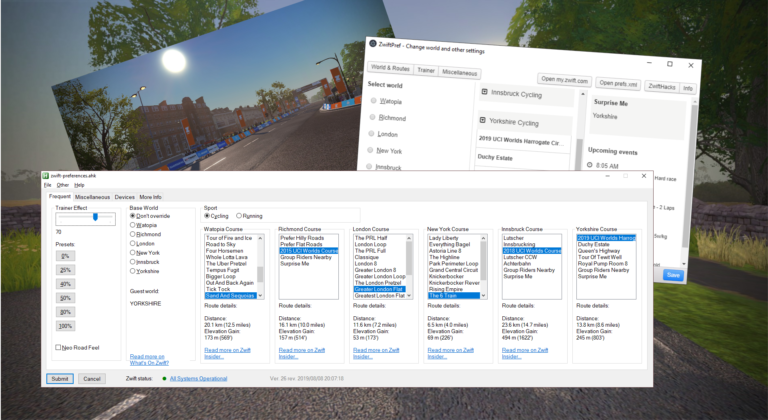
Update 2019-09-12 18:33 CET: Bug alert called off 🙂 It is lovely with the many worlds and courses in Zwift but the old layout of zwift-preferences couldn’t really cope with them all, at least on some screens. zwift-preferences – here in version 29 – now uses a tabbed layout for the course selection. Besides that…

TR-Z-move was just updated to version 5 to fix a bug in how Zwift was resized in some multi display setups. Download it at the TR-Z-move page.
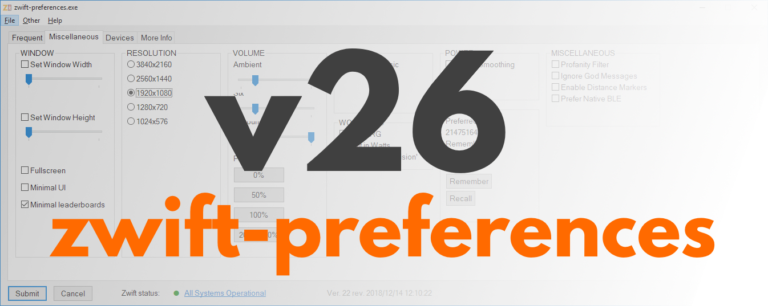
zwift-preferences version 26 is a bug fix version specifically for Windows 7 users. It fixes a problem with download of the route definition files. Besides that it contains cosmetic changes and some under-the-hood changes but not any fancy, new features. Download the update Get the new version 26 over at the zwift-preferences page.
TR-Z-move has been updated to version 4. The big news is that it now supports the new TrainerRoad desktop app (both the beta and the official version). Other than that it works just like before. In previous versions of TrainerRoad the workout instructions could still show on your primary screen and not on the same…
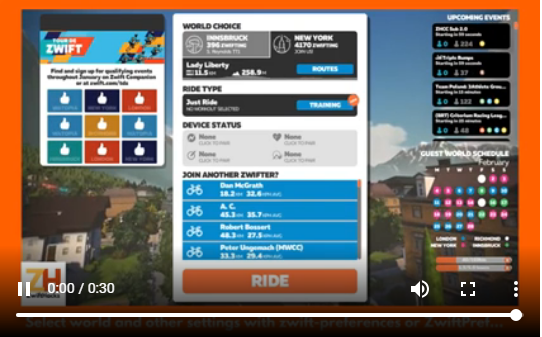
It is really to simple to select a world other than Watopia and the guest world of the day with zwift-preferences and ZwiftPref. Just remember that you must click on the name of that world in the Ride with… screen to choose it before you press ‘Ride’.
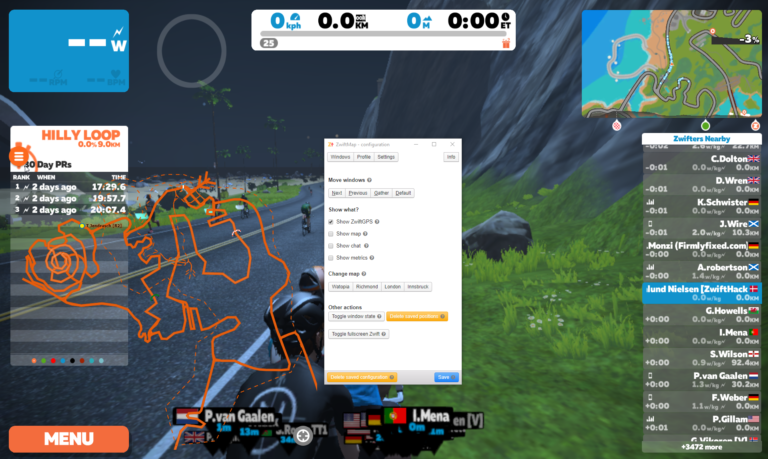
It is worth taking a look at this step by step guide which was made for a preview version of ZwiftMap.
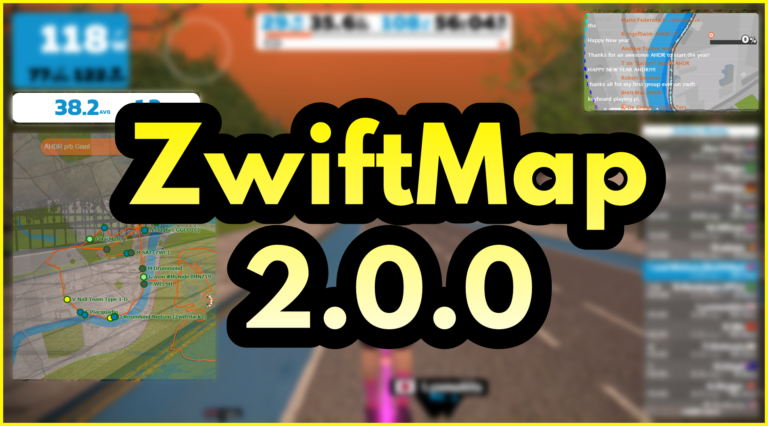
After a long proces of rewriting and testing ZwiftMap (thanks to all who helped!) it is now again possible to see where other riders are in ZwiftMap. Opt in to ZwiftGPS at my.zwift.com, download ZwiftMap, and you are ready to go! What is new? ZwiftMap 2.0.0 is delivers much of the same functionality as ZwiftMap…