Skip to content
  • Events
  • Routes
ZwiftHacks
  • Home
  • Desktop ToolsExpand
    • Automate and save mouse clicksExpand
      • zwift-login
      • zwift-hotkeys
    • Other toolsExpand
      • TR-Z-move
  • Online ToolsExpand
    • Events on Zwift
    • Routes
  • Other thingsExpand
    • Top Tips & Tricks
    • Posts
    • Historic…Expand
      • Settings and route selectionExpand
        • zwift-preferences (for Windows)
        • ZwiftPref for macOS & Windows – Change world and other settings
      • Maps and Onscreen DisplaysExpand
        • ZwiftMap (macOS and Windows)
      • parse-zwift-logs
      • ZwUp – make Zwift topmost and transparent
      • The Whoa! Stopper
      • What is my Zwift ID?
      • MAP and FTP Calculator
      • Online workout editorExpand
        • Simple ZWO Creator
      • Updates
  • About…
  • Contact…
ZwiftHacks
  • zwift-login version 19
    AutoHotkey | Update | Windows | zwift-login

    zwift-login version 19

    ByJesper [ZwiftHacks] 2020-04-222021-01-02

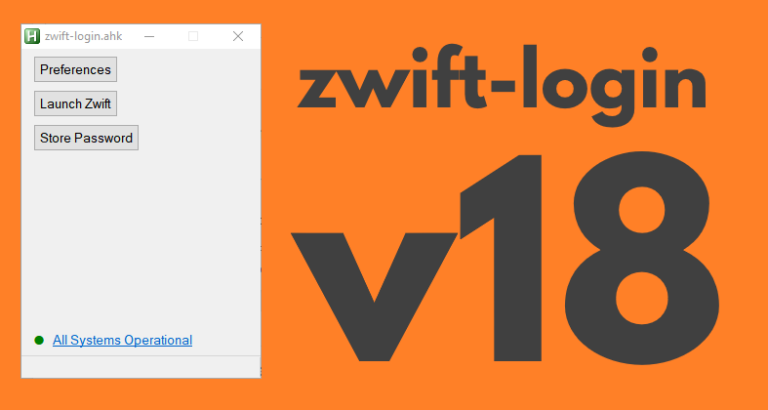
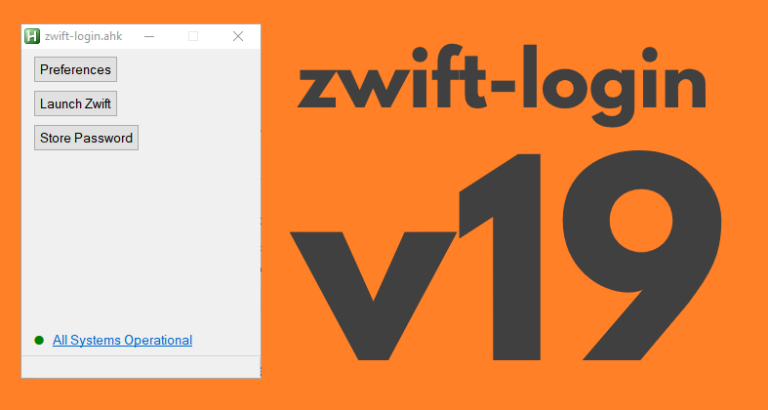
    zwift-login is fixed to launch TR-Z-move together with Zwift if both scripts (zwift-login and TR-Z-move) are located in the same folder. Download the update Get the new version 19 at the zwift-login page.

    Read More zwift-login version 19Continue

  • Bug fix in ZwiftMap – zoom with mouse in ZwiftGPS
    macOS | Update | Windows | ZwiftMap

    Bug fix in ZwiftMap – zoom with mouse in ZwiftGPS

    ByJesper [ZwiftHacks] 2020-04-172020-04-27

    The ability to zoom in and out with the mouse wheel in the ZwiftGPS window was broken in the recent version 2.1.0. It has been fixed now – place your mouse in the top right corner of the ZwiftGPS and wheel away… Where can I get it? Find the downloads and more information at the…

    Read More Bug fix in ZwiftMap – zoom with mouse in ZwiftGPSContinue

  • Update to ZwiftMap with a few new options
    macOS | Update | Windows | ZwiftMap

    Update to ZwiftMap with a few new options

    ByJesper [ZwiftHacks] 2020-04-142020-04-24

    If you want to read more about the features in ZwiftMap read the announcement for version 2.0.0 or some of the other information accessible from the ZwiftMap page. If you just want to download it head over to the ZwiftMap page. What is new? ZwiftMap 2.1.0 is really just a service release with a couple…

    Read More Update to ZwiftMap with a few new optionsContinue

  • What is my Zwift ID? – updated
    Update | Web

    What is my Zwift ID? – updated

    ByJesper [ZwiftHacks] 2019-12-242021-01-02

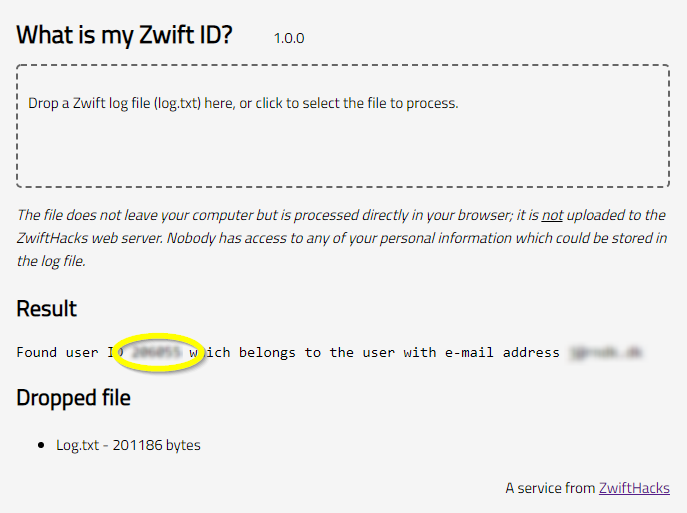
    The log file holds the truth – or at least it contains your Zwift user ID hidden among the many log lines. The log file format changes sometimes so the app at http://staging1792839621.zwifthacks.com/app/id/  has been updated (now at version 1.1.0) work with the most recent format. The app helps finding your Zwift user ID in log.txt,…

    Read More What is my Zwift ID? – updatedContinue

  • zwift-login version 18
    AutoHotkey | Update | Windows | zwift-login

    zwift-login version 18

    ByJesper [ZwiftHacks] 2019-12-232020-04-22

    zwift-login now works regardless of which language you have set in the Zwift Launcher. That’s it. Download the update Get the new version 18 at the zwift-login page.

    Read More zwift-login version 18Continue

  • A minor fix – zwift-preferences v30
    Update | Windows | zwift-preferences

    A minor fix – zwift-preferences v30

    ByJesper [ZwiftHacks] 2019-11-092021-01-02

    In the most recent versions of Zwift the prefs.xml setting TITLE_MUSIC was changed to TITLEMUSIC. zwift-preferences – here in version 30 – is updated to handle that change. Download the update Get the new version 30 from the zwift-preferences page.

    Read More A minor fix – zwift-preferences v30Continue

  • Better support for many worlds – zwift-preferences v29
    Update | Windows | zwift-preferences

    Better support for many worlds – zwift-preferences v29

    ByJesper [ZwiftHacks] 2019-09-122019-12-23

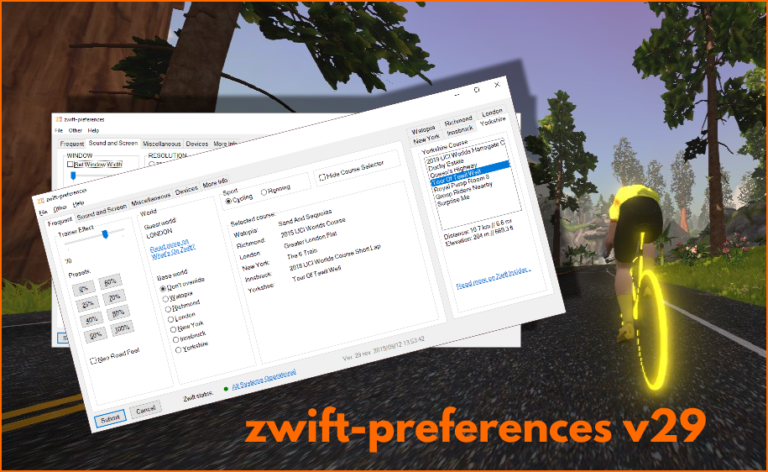
    Update 2019-09-12 18:33 CET: Bug alert called off 🙂 It is lovely with the many worlds and courses in Zwift but the old layout of zwift-preferences couldn’t really cope with them all, at least on some screens. zwift-preferences – here in version 29 – now uses a tabbed layout for the course selection. Besides that…

    Read More Better support for many worlds – zwift-preferences v29Continue

  • Ready for the Yorkshire events!
    Update | Web | Yorkshire

    Ready for the Yorkshire events!

    ByJesper [ZwiftHacks] 2019-09-082019-12-23

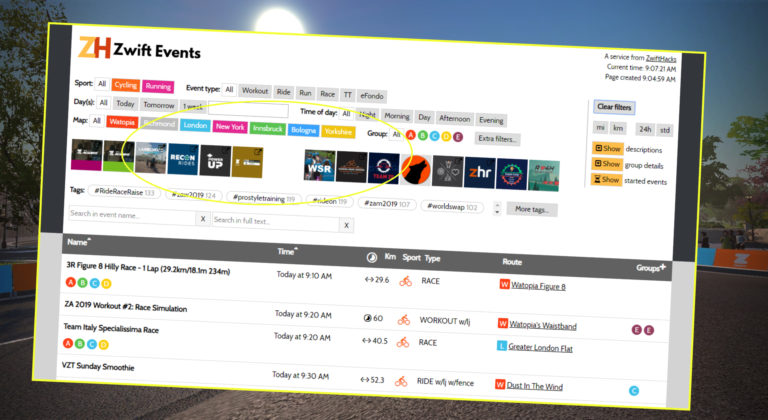
    The events page is ready to show the upcoming Yorkshire events

    Read More Ready for the Yorkshire events!Continue

  • Fix to TR-Z-move for multi display setups
    TR-Z-move | Update | Windows

    Fix to TR-Z-move for multi display setups

    ByJesper [ZwiftHacks] 2019-08-222021-01-02

    TR-Z-move was just updated to version 5 to fix a bug in how Zwift was resized in some multi display setups. Download it at the TR-Z-move page.

    Read More Fix to TR-Z-move for multi display setupsContinue

  • zwift-preferences v26
    Update | Windows | zwift-preferences

    zwift-preferences v26

    ByJesper [ZwiftHacks] 2019-08-192019-12-23

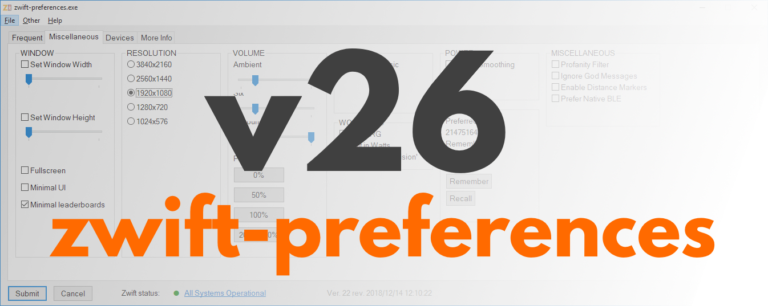
    zwift-preferences version 26 is a bug fix version specifically for Windows 7 users. It fixes a problem with download of the route definition files. Besides that it contains cosmetic changes and some under-the-hood changes but not any fancy, new features. Download the update Get the new version 26 over at the zwift-preferences page.

    Read More zwift-preferences v26Continue

Page navigation

Previous PagePrevious 1 … 5 6 7 8 9 … 14 Next PageNext

Tools from ZwiftHacks

  • zwift-login
  • TR-Z-move
  • zwift-hotkeys

Who runs ZwiftHacks?

This site is run by Jesper Rosenlund Nielsen, a Zwift rider since 2015, and is not affiliated with the Zwift company in any way.

You can find Zwift (the company) at zwift.com

ZwiftHacks is also at various social media:

  • Facebook
  • Twitter
  • Mastodon

Meta

  • Log in
  • Entries feed
  • Comments feed
  • WordPress.org
  • About…
  • Friends of the House
  • Contact…

© Jesper Rosenlund Nielsen © 2016-2026 - WordPress Theme by Kadence WP

Scroll to top
  • Home
  • Desktop Tools
    • Automate and save mouse clicks
      • zwift-login
      • zwift-hotkeys
    • Other tools
      • TR-Z-move
  • Online Tools
    • Events on Zwift
    • Routes
  • Other things
    • Top Tips & Tricks
    • Posts
    • Historic…
      • Settings and route selection
        • zwift-preferences (for Windows)
        • ZwiftPref for macOS & Windows – Change world and other settings
      • Maps and Onscreen Displays
        • ZwiftMap (macOS and Windows)
      • parse-zwift-logs
      • ZwUp – make Zwift topmost and transparent
      • The Whoa! Stopper
      • What is my Zwift ID?
      • MAP and FTP Calculator
      • Online workout editor
        • Simple ZWO Creator
      • Updates
  • About…
  • Contact…
Search