macOS | Makuri Islands | Update | Windows | ZwiftMap
ZwiftMap fixed after Zwift log.txt changes
ZwiftMap 2.2.1 is a small update needed after Zwift modified its log.txt format slightly (in September)

ZwiftMap 2.2.1 is a small update needed after Zwift modified its log.txt format slightly (in September)
ZwiftMap 2.2.0 is finally there with support for Makuri Islands. Under the hood there has been some other technology updates. Unfortunately it has been necessary to remove the automatic retrieval of rider ID and weight – you now have to enter these profile details manually. Where can I get it? Find the downloads and more…
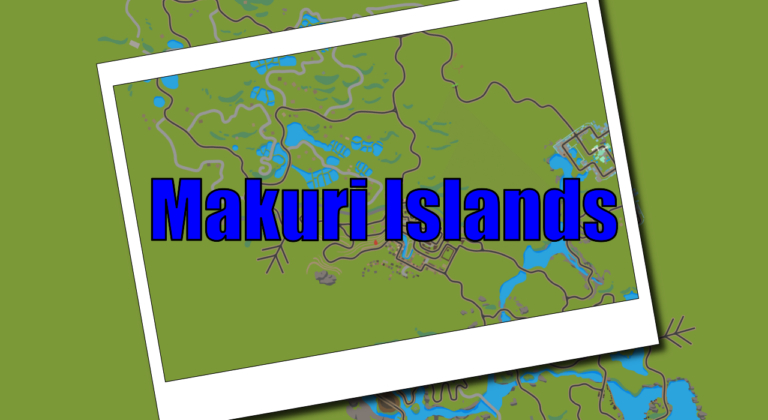
The new Makuri Islands world is supported by all of these ZwiftHacks tools: Events Routes zwift-preferences ZwiftPref An update for ZwiftMap may still be needed but it will be done server-side and does not require that you download anything. It will follow soon.
v21 is a bug fix for the Exit button shortcut – update if you already installed v20
zwift-hotkeys v20 gives you a new keyboard shortcut for the Exit button and some other improvements
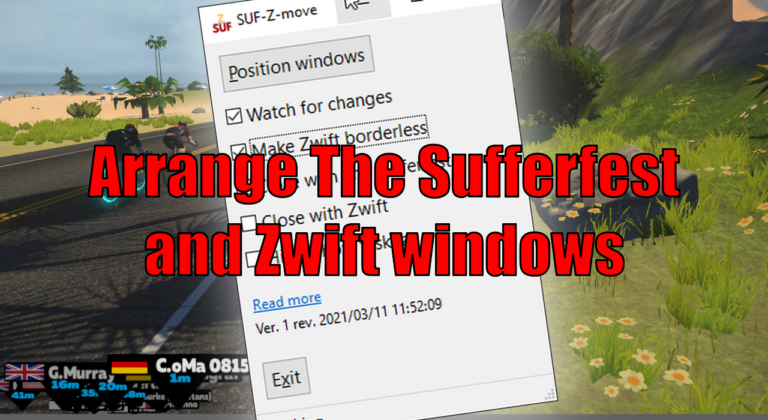
SUF-Z-move lets you arrange the Zwift window to fill the rest of the screen above a The Sufferfest window. SUF-Z-move resizes and moves both windows – The Sufferfest and Zwift – to do so. If you already know TR-Z-move, this is the same – just for The Sufferfest. Download and instructions Go to the SUF-Z-move…
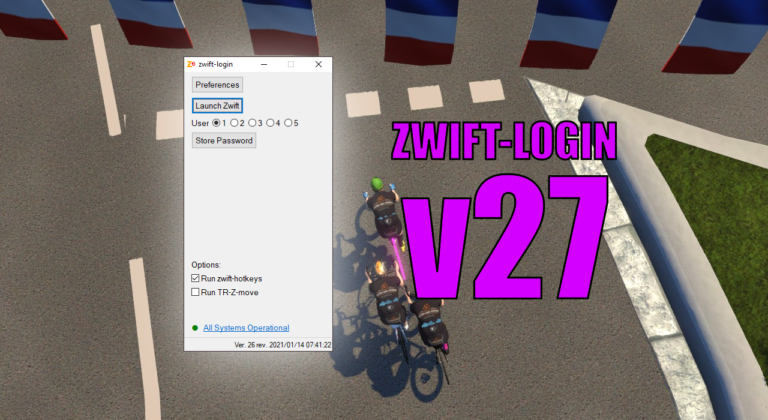
It is only a small update but it does make it easier to toggle options with new Alt+<key> shortcuts for some of the GUI elements. The possible shortcut keys are underlined when you press the Alt key. Download the update Get the new version 27 at the zwift-login page.
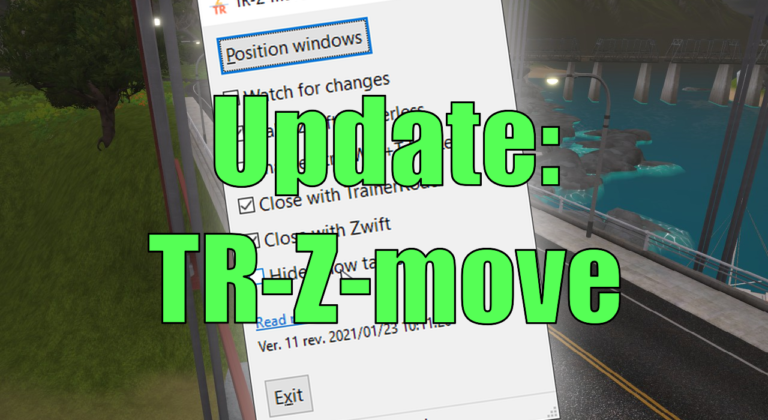
TR-Z-move is updated to version 12 with improved multi-monitor support: Fix move to next monitor for vertically stacked monitors.
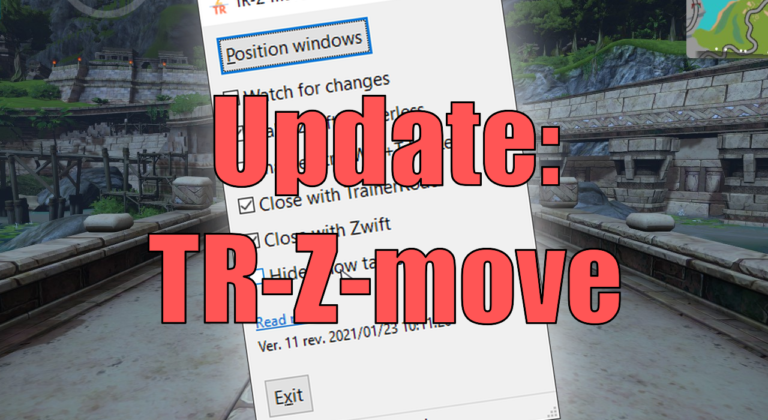
TR-Z-move is updated to version 11 with taskbar related features: Hide and show the taskbar.
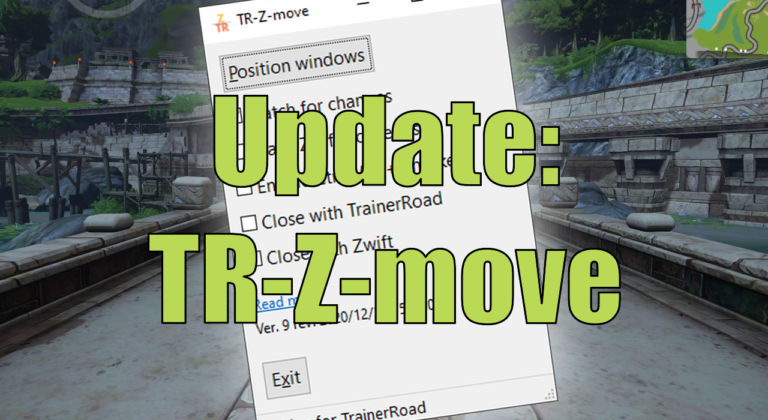
TR-Z-move is updated to version 10. Change of hotkey and a better borderless mode